AI Workflow Builder: How to Choose the Best One for Your Work

By Nathan Cole
MyClaw Editorial
MyClaw
Run Best-in-Class AI Agents Now
Run OpenClaw or Hermes Agent on managed MyClaw hosting, so your AI agent stays online, updated, and ready for real work.
AI Takeaway
- What is an AI workflow builder? A tool that combines triggers, data, rules, AI reasoning, and actions into a repeatable process.
- Which type is best? Choose app automation for predictable handoffs, a visual AI pipeline for model-heavy logic, or an agent workspace for ongoing work that changes with context.
- Can I use an AI workflow builder for free? Usually, yes—for a prototype. Production may still require workflow credits, model usage, premium connectors, hosting, and maintenance.
- How should I test one? Run one real process end to end, including a bad input, a human approval, and the final system update.
What Does an AI Workflow Builder Actually Do?
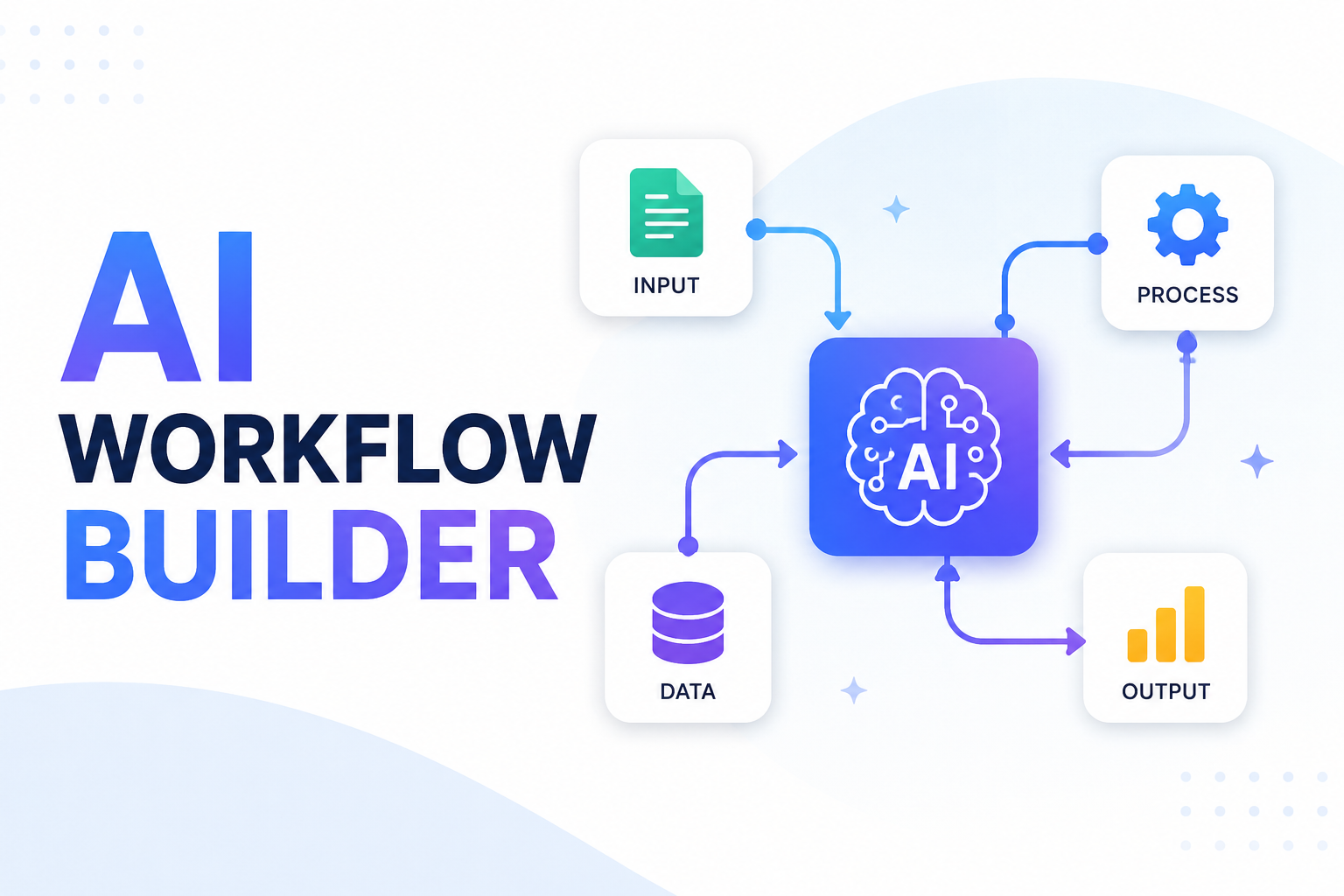
An AI workflow builder turns a multi-part task into a process that software can run repeatedly. Most useful workflows contain five elements: a trigger, the context needed to do the job, a decision, an action, and a record or approval step. AI belongs inside that loop when the decision cannot be reduced to a simple rule.
Consider an inbound support email. A traditional rule can detect the mailbox and copy the message into a queue. AI can classify the request, identify urgency, extract an order number, and draft a response. A human can approve sensitive replies before the workflow creates a task and updates the customer record. The value comes from combining predictable automation with judgment—not from adding a model to every step.
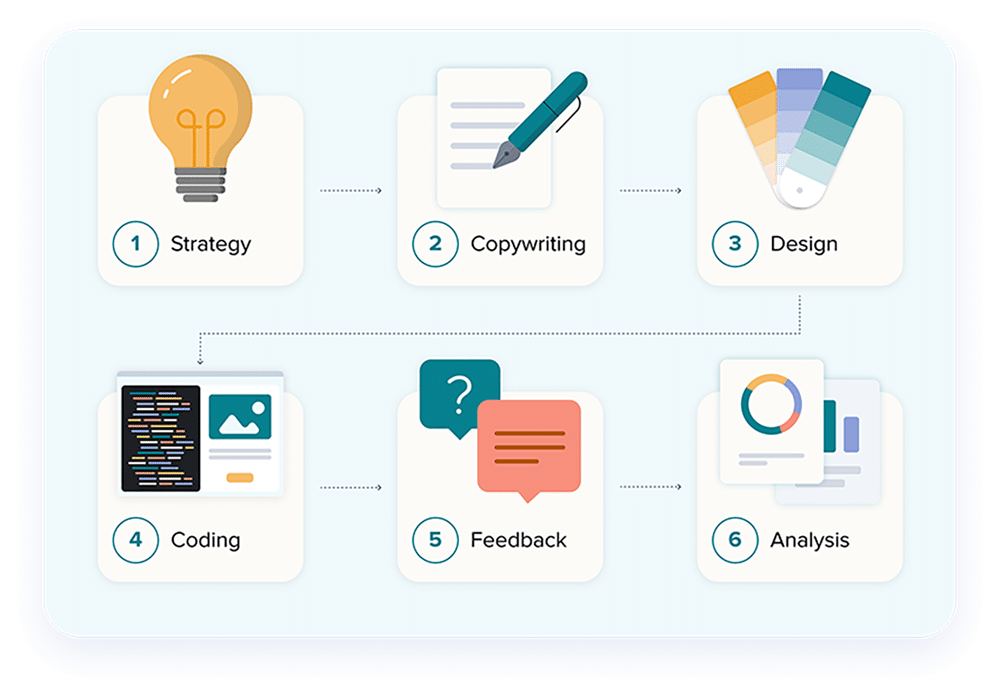
This distinction matters. Dates, IDs, thresholds, required fields, and permission checks should usually remain deterministic. Classification, summarization, extraction from messy text, and draft generation are better candidates for AI. A robust email automation workflow keeps those roles clear, making errors easier to trace and risky actions easier to control.
Best AI Workflow Builders by Type of Job
There is no single best AI workflow builder because the category includes tools that solve different problems. Start by matching the builder to the shape of the work.
| Type | Representative tools | Best fit | Main trade-off |
|---|---|---|---|
| App-to-app automation | Zapier, Make | Predictable business processes across SaaS apps | Long branches can become hard to maintain |
| Visual AI pipelines | Gumloop, BuildShip, n8n | Prompt chains, APIs, model calls, and custom transformations | Flexibility demands careful testing |
| Persistent agent workspaces | OpenClaw-based agents | Ongoing assignments using tools, files, schedules, and changing context | Less predictable than a fixed node graph |
App-to-App Automation for Predictable Business Processes
Zapier is approachable when the workflow is mainly “when this happens, do that” across business apps. Make offers a visual canvas with branching, filters, and data transformation for processes that need more visible logic. Both are strongest when the route is known in advance: a form arrives, a record is created, a message is sent, and a status changes.
Choose this category for lead routing, notifications, approvals, record synchronization, and similar operations. It is usually the fastest path when AI is one component of the process rather than the process itself.
Visual AI Pipelines for Prompts, Models, and Data
Gumloop emphasizes AI-native, no-code flows. BuildShip combines a visual workflow with backend and API logic. n8n offers a more technical automation environment with code and self-hosting options. These tools suit workflows where prompts, model outputs, data transformations, and API calls need to be inspected as connected stages.
The best interface is not necessarily the one with the fewest controls. If a workflow will power a customer-facing product or business-critical operation, execution history, error handling, versioning, and testability matter more than how quickly the first diagram appears. The same applies to code automation workflows, where logs and review gates often matter as much as generation speed.
Persistent Agent Workspaces for Ongoing, Context-Rich Work
A fixed workflow is ideal when every step can be mapped. An agent workspace is more useful when the route changes with the evidence it finds. The agent may inspect files, use a browser, compare results, ask for clarification, and later resume with relevant workspace context.
This model fits research, inbox operations, content monitoring, coding tasks, and team coordination. For example, a team AI assistant may answer from shared knowledge, prepare status updates, and route follow-up work without forcing every request through one identical sequence. It still needs limits and approvals, but its behavior is task-led rather than node-led.
Can You Use an AI Workflow Builder for Free?
What Free Plans Are Good For
A free AI workflow builder is most useful for answering specific questions. Can it authenticate with your required tools? Does it preserve the data structure you need? Can you inspect a failed run? Does the model produce reliable output from real inputs rather than a polished demo?
A free SaaS plan often provides a limited allowance of tasks, operations, or credits. An open-source edition may remove the subscription fee while leaving you responsible for deployment, updates, backups, and availability. Neither option is automatically cheaper once the workflow becomes important.
The Costs a “Free” Builder May Not Cover
Estimate the complete operating cost before committing to a platform:
- AI model calls, tokens, or provider credits
- Workflow runs, actions, or platform credits
- Premium connectors, shared credentials, and team controls
- Cloud hosting, logs, backups, and monitoring
- Time spent debugging, updating, and restoring failed workflows
Use a successful prototype to estimate one normal month. A workflow that runs every five minutes has a different cost profile from a weekly report, even if both diagrams contain the same number of nodes. If you are comparing managed agent hosting, review the actual inclusions and separate infrastructure from model usage on the MyClaw pricing page.
How to Choose the Best AI Workflow Builder
Start With the Workflow, Not the Feature List
Write the process in plain language before opening a builder. Identify the trigger, required context, decision points, actions, approval gates, and final output. Then label each decision as rule-based or judgment-based.
This prevents a common design mistake: asking AI to handle a condition that a simple filter could enforce perfectly. It also exposes missing requirements. “Handle new leads” is vague. “Classify inbound forms, reject incomplete submissions, draft a personalized reply, request approval for enterprise leads, and update the CRM” is testable.
Test Reliability With One Real Scenario
Build the same narrow workflow in each serious candidate. Use representative data, not a toy prompt. Include one missing field, one malformed response, and one action that requires approval.
Then evaluate the result:
- Can you see what happened at every stage?
- Can you retry safely without duplicating actions?
- Are credentials and permissions scoped appropriately?
- Can a person review or stop a risky action?
- Could a teammate understand and maintain the workflow?
A builder that produces an impressive first run but hides failures can become expensive in production. Clear logs and recovery behavior are core product capabilities, not optional technical details.
Estimate the Cost of a Successful Month
Calculate volume only after the workflow works. Count expected triggers, actions, model calls, data transfers, storage, and human reviews. Add the time required to monitor failures and update integrations.
The lowest-cost prototype may not be the lowest-cost production setup. A managed product can cost more upfront but remove infrastructure work. A self-hosted tool may offer greater control while requiring someone to own uptime, security, and upgrades. Choose based on the operating model you can sustain, not the most generous signup offer.
Run an Always-On AI Workflow With MyClaw
MyClaw is relevant when the job needs a private, always-on OpenClaw agent that stays available beyond a local session. Its managed OpenClaw hosting provides an agent workspace for files, connected tools, skills, and scheduled work. It is not a substitute for every drag-and-drop builder; it is an alternative operating model for workflows that depend on context, tool use, and ongoing execution.
1. Start a Private OpenClaw Workspace
Choose the compute and storage level that matches the workload, then start the managed instance. Begin with one narrow workflow so permissions, outputs, and resource needs remain easy to evaluate.
2. Connect Tools and Add the Right Skills
Connect only the channels and work apps required for the task. Add focused capabilities from the MyClaw Skills Hub instead of installing a broad collection that increases complexity without improving the outcome.
3. Define the Task, Schedule, and Approval Rules
Give the agent a clear objective, trusted inputs, an output format, and a schedule. Specify which actions require confirmation—especially messages, purchases, publishing, deletion, or changes to production systems. Test the complete run before adding more tools or responsibilities.
Make the Final Decision With Evidence
Choose the builder that completes your real test with understandable logic, recoverable failures, appropriate controls, and a monthly cost you can defend. Feature counts matter only after those requirements are met.
Start with one workflow that removes a measurable piece of manual work. Run it long enough to observe edge cases, fix the weak points, and document ownership. Expand only when the first workflow is reliable. That is how an AI workflow builder becomes operational infrastructure instead of another promising demo.
Skip the Setup, Run Best-in-Class AI Agents Now
Launch a managed OpenClaw or Hermes Agent workspace in minutes, with always-on hosting, updates, and support handled by MyClaw.