Best AI Models for Hermes Agent: What to Use in 2026

By Nathan Cole
MyClaw Editorial
MyClaw
Run Best-in-Class AI Agents Now
Run OpenClaw or Hermes Agent on managed MyClaw hosting, so your AI agent stays online, updated, and ready for real work.
AI Takeaway:
- What should you try first? Start with a strong reasoning model such as Claude Opus/Sonnet or a GPT-5-class model, then test it on your own workflows.
- What matters most for Hermes? Tool use, long-horizon reliability, recovery after failed actions, and cost over repeated runs matter more than a generic chatbot score.
- Should you use local models? Yes for private, low-risk, or high-volume work, but keep a stronger cloud model available for planning and review.
- What is the safest setup? Use a model stack: one strong planner, one cheaper worker, clear permissions, and one real workflow before expanding.
Quick Answer: The Best Models for Hermes Agent
There is no single perfect Hermes model. The best choice depends on the job. A model that is excellent for code may be wasteful for daily inbox summaries. A cheap local model may be fine for private notes, but frustrating when the agent has to reason across tools, files, and web pages.
This guide is about Hermes Agent as an agent workflow, not the Nous Hermes model family. The question here is which model should power the agent while it plans, calls tools, and keeps work moving.
| Hermes Agent task | Best model type | Why it works |
|---|---|---|
| General planning and complex tasks | Claude Opus/Sonnet or GPT-5-class reasoning models | Strong instruction following, planning, and recovery |
| Coding and repo work | Claude, GPT Codex-class, Qwen Coder, DeepSeek coding models | Better at file edits, terminal loops, tests, and debugging |
| Research and long documents | Gemini Pro/Flash, Claude, MiniMax, DeepSeek long-context models | Handles large inputs, comparisons, and evidence review |
| Recurring low-cost automation | DeepSeek, Qwen, GLM, Kimi, MiniMax, smaller Flash-tier models | Good enough for repeatable work where cost matters |
| Local/private experiments | Ollama with Qwen, DeepSeek, Llama, Gemma, or Mistral models | Keeps data local, but may need fallback support |
The AI models for MyClaw agents page is useful if you want a broader view of model families by agent use case.
What Makes a Model Good for Hermes Agent?
Hermes Agent is not just a chat window. It can sit inside a workflow, remember context, call tools, write files, trigger actions, and repeat tasks over time.
Tool Use Matters More Than Chat Polish
A polished answer is nice, but a Hermes model needs to choose the right tool, inspect the result, revise the plan, and avoid risky assumptions. Browser pages change. Commands fail. APIs return unexpected shapes. A good agent model notices the mess and adjusts instead of pretending everything worked.
Long-Horizon Reliability Beats One-Prompt Brilliance
 Hermes needs consistency across a chain of actions. The model has to remember the goal, preserve constraints, avoid repeating failed steps, and know when to ask for approval.
That is why a coding-first comparison like Hermes Agent vs. Claude Code is helpful: the right choice changes if you want a repo specialist, a persistent agent, or both.
Cost Is Part of Quality
Always-on agents can run daily reports, inbox checks, page monitors, and scheduled research. If every small task uses the most expensive model, the setup becomes hard to justify. Start strong, then route routine work to cheaper models once the workflow is predictable.
Best Models for Hermes Agent by Task
Start with the job, not the brand name. Debugging, research, browser work, and customer follow-up all need different behavior.
Coding, Debugging, and Terminal Work
 For coding, start with Claude Sonnet/Opus, GPT Codex-class models, Qwen Coder, or DeepSeek coding models. The model should read files, edit safely, run checks, interpret errors, and leave a clear trail of what changed.
If coding is a major workflow, pair the model with a focused skill surface. The Coding Agent skill shows how model choice, instructions, tools, and review loops work together.
Research, Reports, and Long Context
For research, use models that handle long context well: Gemini, Claude, MiniMax, DeepSeek, and similar options. The model should keep sources separated, compare claims, preserve citations, and avoid vague summaries.
A research agent can collect sources, update evidence tables, and keep monitoring the topic after the first report is done.
Browser Automation and Web Tasks
Browser work needs patience. The model has to handle popups, missing buttons, logins, changed layouts, and slow pages. A strong model helps, but reliability comes from checking what happened before moving on.
Repetitive Business Workflows
For predictable routines, cheaper models often make more sense: email labels, first-pass replies, ticket summaries, daily reports, page monitors, and simple data checks.
Inbox automation is a good example. Not every classification needs the strongest model. Save it for sensitive replies, escalations, or final review.
Cloud vs. Local Models for Hermes
Local models can reduce cost, keep private data closer to you, and make experiments easier. They are useful, but they are not automatically a direct replacement for frontier cloud models.
Use Cloud Models When Accuracy Matters
Use cloud frontier models for coding, high-stakes research, cross-tool workflows, complex planning, customer-facing output, and anything where a bad action costs more than the model call itself.
Use Local Models When Privacy or Cost Comes First
Use local models for private notes, low-risk summaries, offline experiments, drafts, and high-volume tasks where "good enough" is actually enough.
Use a Hybrid Setup for Serious Agents
The strongest Hermes setup is often hybrid:
- Strong cloud model for planning, debugging, and final review
- Cheaper cloud or open model for repeatable worker tasks
- Local model for private drafts and low-risk processing
- Manual approval for anything involving money, credentials, publishing, or customer impact
How to Pick the Right Model for Your Hermes Workflow
Run the Same Task Five Times
Pick one real task and run it repeatedly: summarize an inbox, fix a small bug, compare three documents, monitor a page, or draft a weekly report. Track whether the model finishes, where it gets stuck, how much it costs, latency, and how often you intervene.
If inbox work is your first test, an email automation agent gives the workflow a concrete shape: classify, summarize, draft, route, and review.
Measure Tool Failures, Not Just Output Quality
For Hermes, output quality is only one signal. Check whether the model:
- chose the right tool
- checked the result before continuing
- retried intelligently after failure
- preserved your constraints
- stopped before taking a risky action
Keep Model Routing Simple
Use a simple routing rule:
- Hard or risky task: strongest model
- Repetitive task: cheaper model
- Private low-risk task: local model
- Failed task: retry once with a stronger model
Do not overcomplicate routing too early. A predictable setup is easier to trust than a clever setup nobody understands.
Running Hermes-Style Agents Without the Setup Drag
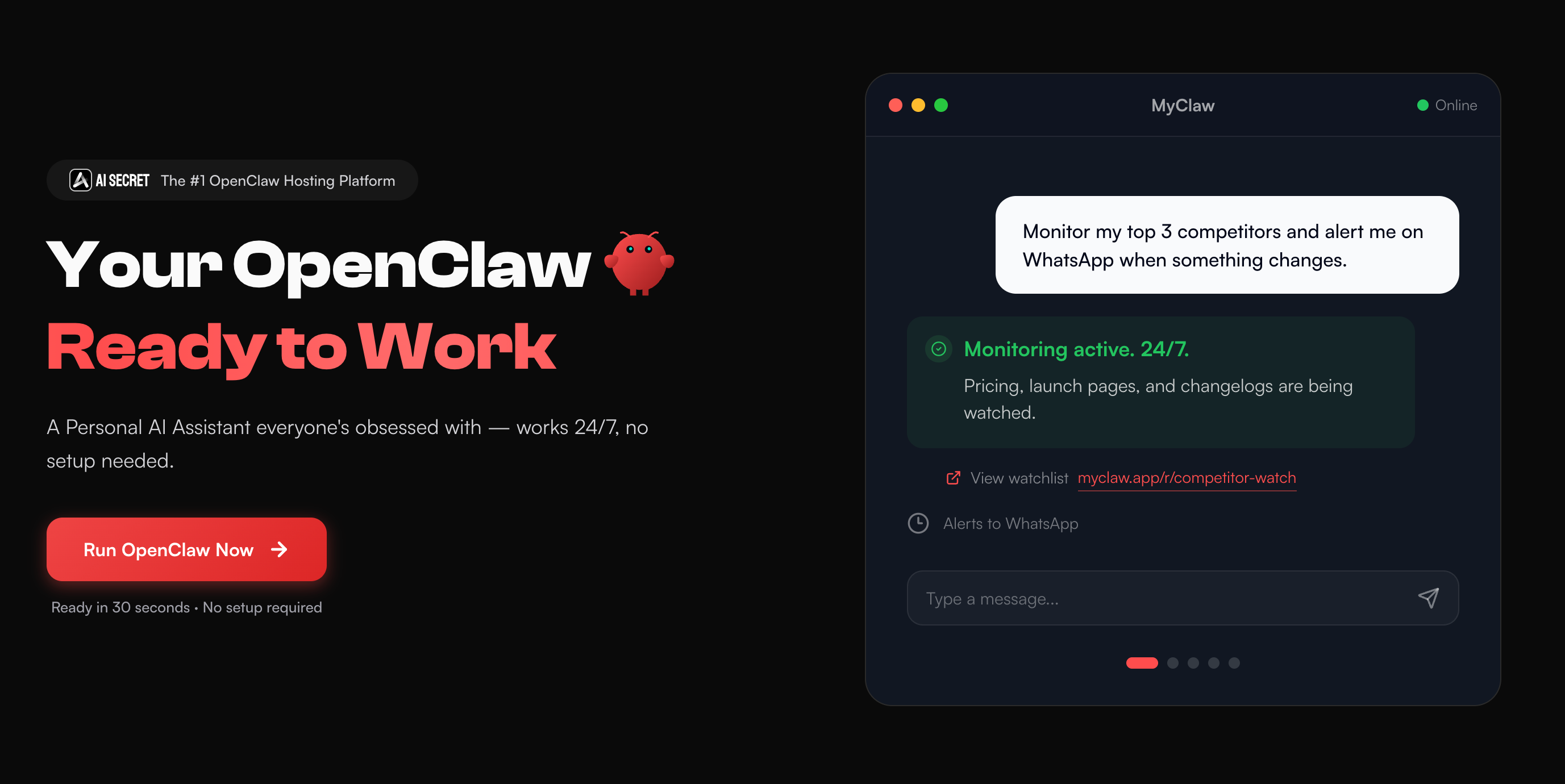 Picking the model is only half the job. The agent still needs a stable runtime, model access, connected tools, safe permissions, and uptime.
MyClaw is built for that part of the workflow: running always-on AI agents such as OpenClaw and Hermes-style setups with hosted uptime, model access, integrations, and less infrastructure work. The point is to spend less time keeping the agent alive and more time giving it useful work.
Step 1: Launch Your Agent Workspace
Start with a hosted workspace so the runtime is already available. The first win is getting the agent online and ready to test.
Step 2: Choose the Model for the Job
Use a strong model for planning and complex work. Add a cheaper model for repeatable reports, monitoring, support drafts, or lightweight research. Keep the setup boring at first.
Step 3: Give the Agent One Real Workflow
Do not connect everything on day one. Give the agent one job: summarize an inbox, watch a page, draft a report, review a small code change, or organize research notes. Once it works reliably, expand.
Common Hermes Model Setups That Work Well
The Practical Solo Builder Setup
Use a strong model for planning, coding, and review. Use a cheaper model for drafts, summaries, and routine checks. Use a local model for private notes or experiments.
The Low-Cost Automation Setup
Use DeepSeek, Qwen, GLM, Kimi, MiniMax, or Flash-tier models for repeated work. Keep a stronger model as fallback when the workflow fails or the task needs judgment.
The Team Workflow Setup
Use admin-controlled model access, spend limits, and a short approved model list. A few clear defaults are easier to audit and cheaper to run.
The Part That Usually Gets Missed
The common mistake is treating Hermes like a model selector. It is closer to an operating environment. Model quality depends on runtime, tools, memory, permissions, and task design.
The best Hermes model is usually a small system:
- one strong planner
- one cheaper worker
- one private/local option when needed
- clear approval gates
- real task testing before expanding access
The model gets attention because it is visible. The workflow around it decides whether the agent becomes useful.
Conclusion
The best AI models for Hermes are the ones that complete your real workflow with the right balance of reasoning, tool use, latency, privacy, and cost. Start with a strong frontier model, test it against one real task, then add cheaper or local models where the work is repeatable.
If the agent needs to stay online and useful every day, treat the runtime as part of the model decision. A powerful model is good. A reliable model inside a stable agent workflow is much better.
Skip the Setup, Run Best-in-Class AI Agents Now
Launch a managed OpenClaw or Hermes Agent workspace in minutes, with always-on hosting, updates, and support handled by MyClaw.