Best LLM for Writing in 2026: ChatGPT, Claude, Gemini, and More

By Emma Reed
MyClaw Editorial
MyClaw
Run Best-in-Class AI Agents Now
Run OpenClaw or Hermes Agent on managed MyClaw hosting, so your AI agent stays online, updated, and ready for real work.
AI Takeaway
- Best LLM for writing overall: ChatGPT is the easiest default for everyday drafts, rewrites, outlines, and formatting.
- Best LLM for polished long-form writing: Claude is often stronger when tone, structure, restraint, and editorial judgment matter.
- Best LLM for resume writing: ChatGPT or Claude can help, but only when you provide real achievements, metrics, role context, and the target job description.
- Best LLM for story writing: Gemini and ChatGPT are useful for scenes and ideas. Claude is better as a critique partner and continuity checker.
- When an LLM is not enough: If the work needs research, source tracking, files, recurring updates, or many drafts, an AI writing agent can be more useful than a single chat window.
Quick Answer: The Best LLM for Writing Depends on the Job
The best LLM for writing is not one universal model. It depends on the kind of writing, how much context the model must hold, and whether the output needs speed, polish, originality, or accuracy.
For everyday writing, ChatGPT is the best starting point. It is strong at brainstorming, outlines, rewriting, emails, short articles, social posts, and quick formatting. Claude is usually better when the writing needs more judgment: long-form editing, thoughtful essays, strategy docs, and feedback on drafts that sound too generic. Gemini is useful when the task connects to Google Workspace, long context, or structured notes.
If you are comparing models for agent workflows rather than one-off writing, choose by task: speed for drafts, judgment for edits, context for research, and reliability for recurring work.
| Writing task | Best pick | Why |
|---|---|---|
| Everyday writing | ChatGPT | Fast, flexible, easy to iterate |
| Long-form editing | Claude | Strong tone, structure, and critique |
| Resume writing | ChatGPT or Claude | Good at tailoring when grounded in facts |
| Story writing | Gemini or ChatGPT | Useful for ideas, scenes, and variations |
| Creative feedback | Claude | Better at careful revision notes |
| Research-backed writing | Gemini, Perplexity, or an agent workflow | Better when sources matter |
How to Choose the Best LLM for Writing
Look for Voice, Not Just Grammar
Most frontier models can produce clean grammar. The real difference is whether the model can preserve your intent, avoid generic polished language, and adjust to a specific audience.
 A simple test: give each model the same rough paragraph and ask for a clearer version, a more direct version, a warmer version, and a version for a skeptical buyer. Pick the model that gives useful options without weakening the point.
Test Revision Before Drafting
First drafts are easy. Revision is where writing quality shows up. Before choosing a model, ask it to cut a paragraph by 30 percent, rewrite a bland section with more detail, identify weak logic, and explain which sentences sound generic.
A writing assistant should help you think, not just fill a page. If the model cannot diagnose why a draft is flat, it will probably produce more flat writing. If the work starts with content planning, SEO AEO Keyword Research can help turn a broad idea into a clearer topic map.
Best LLM for Resume Writing
Start With Real Evidence
The best LLM for resume writing is usually ChatGPT or Claude, but the model is only as good as the material you provide. A resume built from vague input will sound like every other AI-assisted resume: polished, broad, and forgettable.
Start with real evidence: projects, tools, metrics, business outcomes, team size, constraints, deadlines, tradeoffs, and the job description you are targeting.
A good prompt is not "write my resume." A better prompt is: "Turn these project notes into four resume bullets for a product marketing role. Keep every claim grounded in the notes. Do not invent metrics. If a number is missing, ask me for it."
Use AI to Tailor, Not Invent
AI is useful for tailoring a resume to a role. It can compare your current resume against a job description, identify missing keywords, rewrite bullets with clearer impact, and flag vague claims.
It should not invent experience, inflate seniority, or add tools you have never used. The final pass should still sound like you. Add the detail that proves the work happened: the messy migration, difficult stakeholder, weird constraint, exact system, or measurable before-and-after.
Which LLM Is Best for Story Writing?
Use LLMs for Ideas, Scenes, and Variations
For story writing, ChatGPT and Gemini are strong for premises, scene options, dialogue variations, and alternate endings. They help when you know the emotional beat but not the shape of the scene.
Claude is often better as an editor. It can point out when a character changes too quickly, when a scene explains too much, or when the ending turns into a message instead of an event.
Watch for Predictable AI Fiction
AI-generated fiction has familiar tells: metaphors arrive too neatly, characters say exactly what they feel, scenes rush toward closure, and the prose sounds dramatic before the story has earned it.
LLMs work better when given friction. Ask for restraint, subtext, delayed reveals, and versions where the character hides the real emotion. Longer projects also need memory. A searchable history tool like the session-logs skill can help an agent recover older decisions, character notes, and prior conversations across many sessions.
Best LLM for Creative Writing
Creative Writing Needs Taste, Not Just Output
 The best LLM for creative writing is the one that helps you make better choices. That may mean generating ten openings, but it may also mean rejecting nine of them.
Creative work benefits from uncertainty, surprise, and resistance. Default AI writing often explains the theme, resolves the moment, and makes the language smooth when the scene needs a rough edge.
Use the model as a collaborator, not the final author. Ask why a paragraph feels ordinary, request three directions with different risks, or ask for a scene with less explanation and more physical action. Then choose what actually fits your taste.
Compare Models With the Same Prompt
The fastest way to choose is to run the same creative prompt through multiple models:
- Ask each model to write the same 500-word scene.
- Ask each model to critique its own scene.
- Ask each model to revise with stricter constraints.
- Compare the revision, not the first draft.
A flashy first draft can hide weak judgment. The better writing partner is usually the model that can revise with discipline.
When a Writing Project Needs More Than One LLM
The Real Problem Is Usually Workflow
A single chat is fine for a paragraph. Bigger writing projects behave differently. A blog needs research, examples, structure, links, and updates. A resume campaign needs job descriptions, tailored versions, and tracking. A story needs continuity. A marketing workflow needs brand voice, approvals, and repurposing.
That is where the question changes from "which model writes best?" to "what system helps me keep writing?"
For research-heavy work, a persistent research agent workflow can keep sources, evidence, notes, and reports together instead of scattering them across tabs.
Use Different Models for Different Stages
A practical writing stack might look like this:
- Research: Gemini, Perplexity, or a browser-enabled agent.
- Outline: ChatGPT or Claude.
- First draft: ChatGPT for speed, Claude for tone.
- Critique: Claude.
- Variants: ChatGPT.
- Ongoing updates: An agent workflow with files, browser access, and memory.
For deeper model routing examples, see the recent guide to Best AI Models for Hermes Agent. The pattern is the same: collect, shape, draft, revise, verify, and publish.
Build a Writing System That Keeps Moving
Run the Workflow, Not Just the Prompt
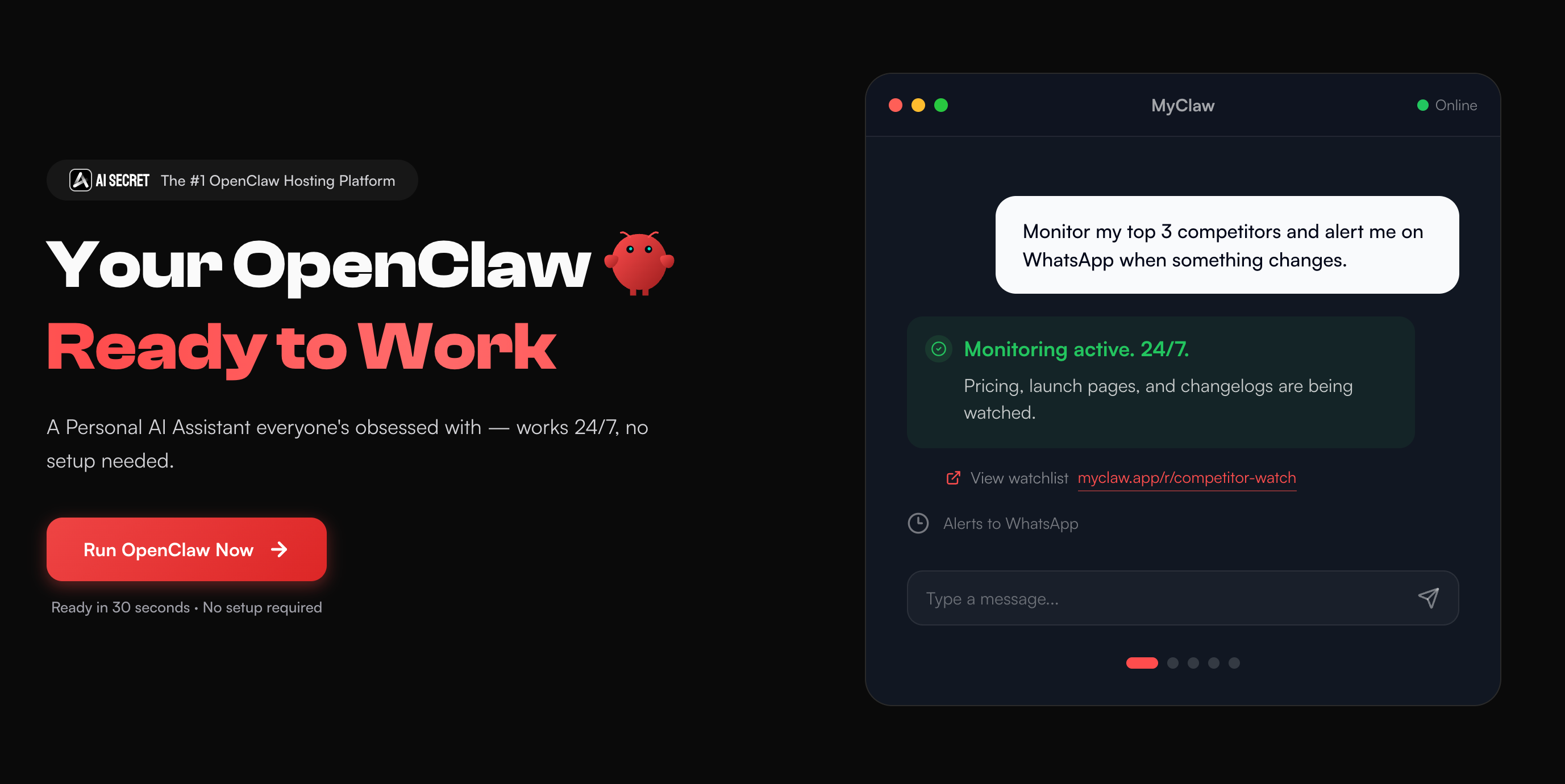 Choosing the best LLM for writing helps with one draft. But if your writing involves research, repeated revisions, files, browser tasks, scheduled updates, or multiple models, it can be easier to run an AI writing agent.
MyClaw gives you a managed, always-on workspace for agents like OpenClaw and Hermes Agent. The workflow can keep moving without local setup, server maintenance, or leaving your laptop awake. The useful part is not that the agent writes instead of you. It is that the project stays organized while you control taste, accuracy, and final decisions.
Step 1: Give the Agent a Real Writing Goal
Do not start with "write an article." Start with the job: "Create a weekly article draft comparing new AI models for writers. Use our style guide, check recent sources, include internal links, and prepare an outline before drafting."
Step 2: Connect the Materials It Needs
Give it the working context: notes, previous articles, brand voice, job descriptions, research links, resume history, or a story bible. The more grounded the workspace is, the less generic the writing becomes.
Step 3: Review, Approve, and Improve
The agent can collect sources, prepare drafts, organize files, and suggest revisions. You still review the claims, choose the voice, approve the final version, and ask for stronger examples where needed.
Final Recommendation
If you want one default writing model, start with ChatGPT. If you care most about long-form polish, critique, and tone, use Claude. If your writing lives in Google docs, notes, and structured context, try Gemini. If you are writing fiction, test ChatGPT, Gemini, and Claude side by side, then keep the one that revises best.
For resumes, the model matters less than the evidence. Give the AI real achievements and make it ask questions before it writes. For creative work, use AI for options and feedback, but protect your own taste. For serious writing operations, think beyond the single prompt.
The best LLM for writing is not always the one that produces the prettiest paragraph. It is the model, or workflow, that helps you produce specific, accurate, useful writing with less friction.
Skip the Setup, Run Best-in-Class AI Agents Now
Launch a managed OpenClaw or Hermes Agent workspace in minutes, with always-on hosting, updates, and support handled by MyClaw.