6 Best Design Arena AI Alternatives for Free Model Testing and UI Creation

By Nathan Cole
MyClaw Editorial
MyClaw
Run Best-in-Class AI Agents Now
Run OpenClaw or Hermes Agent on managed MyClaw hosting, so your AI agent stays online, updated, and ready for real work.
AI Takeaway
- What is the closest free alternative? Arena is the closest match for free, rate-limited model testing: use Side-by-Side for named models or Battle for a blinded vote.
- Which option produces editable UI? Shuffle compares several website concepts before visual editing. v0, Lovable, and Bolt offer limited free access for building a usable interface or app.
- When does MyClaw make more sense? Choose MyClaw for a private, always-on agent that can repeat design research, work with files and repositories, and continue the workflow over time.
- What should decide your choice? Decide whether you need model comparison, visual editing, production code, or an ongoing agent before comparing free limits and privacy.
Why Look for a Design Arena AI Alternative?
Design Arena combines a creative playground with crowdsourced benchmarking. You can explore how AI models handle websites, UI components, mobile apps, games, images, video, slides, data visualization, and other formats, then use its leaderboards to see which outputs people prefer.
That may not be the job you need done. You may need private project context, editable source code, a visual refinement workflow, or an agent that can revisit the same project. You may also want to score outputs against your own brand, accessibility, and implementation requirements. A focused Frontend Design skill can help an agent produce more intentional UI work, but generation quality is only one part of the decision.
No single product replaces every Design Arena category. Compare these options by the outcome you need, whether models are tested fairly, what you can edit or export, how private the workflow is, and what “free” actually includes.
Design Arena AI Alternatives at a Glance
| Option | Best for | Side-by-side models | Free access | Editable output | Main tradeoff |
|---|---|---|---|---|---|
| MyClaw | Recurring private agent workflows | No public battle | Paid | Code and files | Not a direct benchmark |
| Arena | Named or blind model tests | Yes | Yes, rate-limited | Depends on task | Avoid sensitive prompts |
| Shuffle | Comparing website concepts | Yes | Limited demo | Visual editor and code | Continued use and export are paid |
| v0 | React UI and app generation | No public battle | Free credits | Visual editing and code | Daily and monthly limits |
| Lovable | No-code full-stack prototypes | No | Free credits | App and code | Not built for blind comparison |
| Bolt | Browser-based app building | No | Free tokens | App and code | Branding and tighter limits |
The key category difference is persistence. An arena compares outputs; a builder produces a project; an OpenClaw agent runtime can keep context, use tools, and return to the workflow later.
1. MyClaw — Best for a Private, Always-On Design Agent
Best fit: MyClaw suits a developer, founder, or design team that wants an agent to research references, inspect a repository, review screenshots, create files, and repeat front-end work without maintaining a server.
Strengths: MyClaw provides a managed OpenClaw workspace with always-on hosting, model choice, browser-ready workflows, automatic updates, backups, and an isolated environment. Instead of judging one public battle, you can keep project files, evaluation rules, implementation work, and approval checkpoints in the same workspace.
Limitation: MyClaw is paid managed hosting, and the chosen model provider’s data policy still applies. It does not recreate anonymous voting, instant public rankings, or Design Arena’s breadth of creative categories. It is an adjacent workflow replacement for ongoing work, not a like-for-like arena.
How to Run a Repeatable Design Workflow
- Launch the workspace. Choose an agent model suited to visual understanding, coding, or front-end work.
- Add the minimum tools. Connect the repository and install Agent Browser when the agent needs screenshots or UI checks.
- Use a fixed design scorecard. Request comparable variants, code, screenshots, and approval before the agent changes or publishes anything.
This approach earns its keep when you need to rerun the same evaluation after a model change, design revision, or product update.
2. Arena — Best Free for Side-by-Side and Blind Model Tests
Best fit: Arena is the closest direct option if you want to test the same prompt across models and contribute to public preference rankings.
Strengths: The service is currently free. Side-by-Side mode lets you choose two models, while Battle mode hides their identities until you vote. That distinction lets you run either a controlled comparison or a less brand-biased test.
Limitation: Usage is rate-limited, and Arena currently offers no paid plan that removes those limits. Its terms also allow prompts to be shared with third-party model providers and used to improve services. Keep client data, unpublished assets, credentials, and other sensitive material out of your tests.
3. Shuffle AI Design Arena — Best for Comparing and Editing Website Concepts
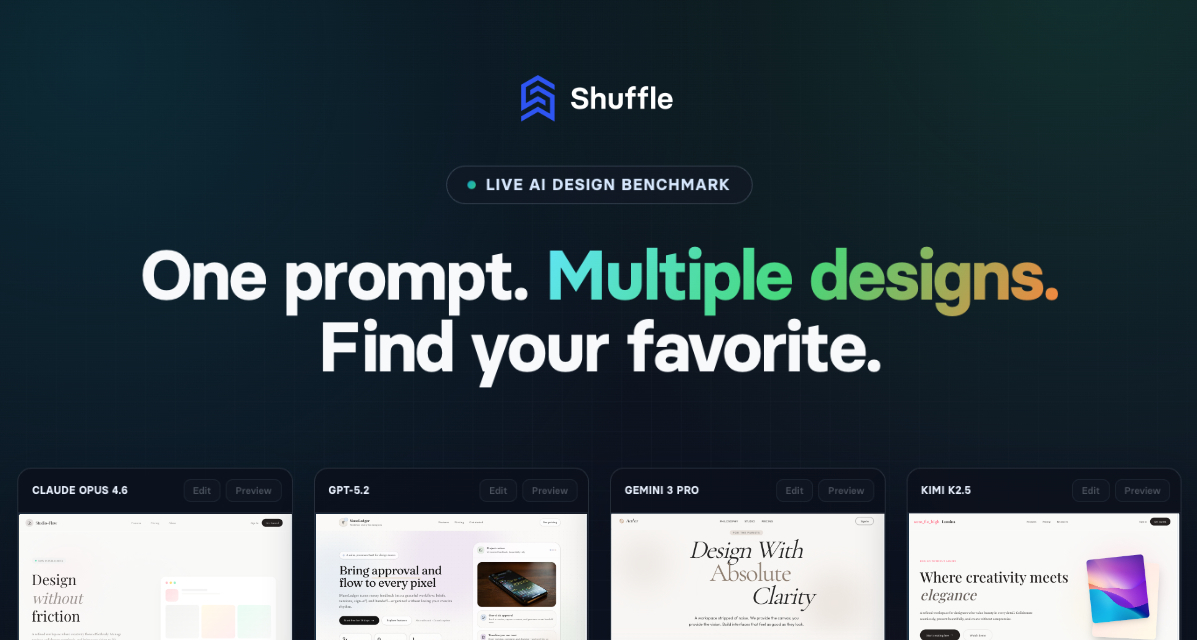
Best fit: Shuffle is the most direct choice when you want multiple AI models to interpret one website brief and then continue working on the preferred result.
Strengths: Models generate independent concepts in parallel for comparison in a live preview grid. The preferred result can move into Shuffle’s visual editor for layout, components, typography, and content changes. Paid access supports exports including Next.js, WordPress, Laravel, HTML, and DESIGN.md.
Limitation: Free access is a small demonstration rather than a durable free plan. Keeping projects, downloading source files, and generating at useful volume require an account and paid access. Choose Shuffle for its edit-and-export path, not because it is unlimited or fully free.
4. v0 — Best Free Starting Point for Editable React UI

Best fit: v0 suits React and Next.js users who care more about reaching a usable interface than comparing model brands.
Strengths: Its free plan currently includes $5 in monthly credits, visual Design Mode, GitHub sync, and Vercel deployment, with a seven-message daily limit. It is a practical way to test a focused component or small page before paying.
Limitation: v0 is a builder, not a crowdsourced benchmark. The free allowance is tight for large apps or repeated redesigns, and access to all models belongs to paid plans. If the project later needs scheduled repository work or repeated review, compare that one-shot builder flow with MyClaw’s always-on developer use cases.
5. Lovable — Best for No-Code Full-Stack Prototypes
Best fit: Lovable works well for founders, product managers, and designers who want to turn a conversation into a functioning web app without beginning in a code editor.
Strengths: It builds websites and web apps through chat, includes hosting, and states that users own their projects and code. The free plan currently grants five daily build credits, capped at 30 per month, plus limited cloud and in-app AI allowances.
Limitation: Lovable does not provide anonymous, simultaneous model battles. Its free credits are useful for validating an idea or producing a small prototype, but sustained iteration will consume the allowance quickly. Choose it when the product itself matters more than learning which model won.
6. Bolt — Best for Building and Hosting in the Browser
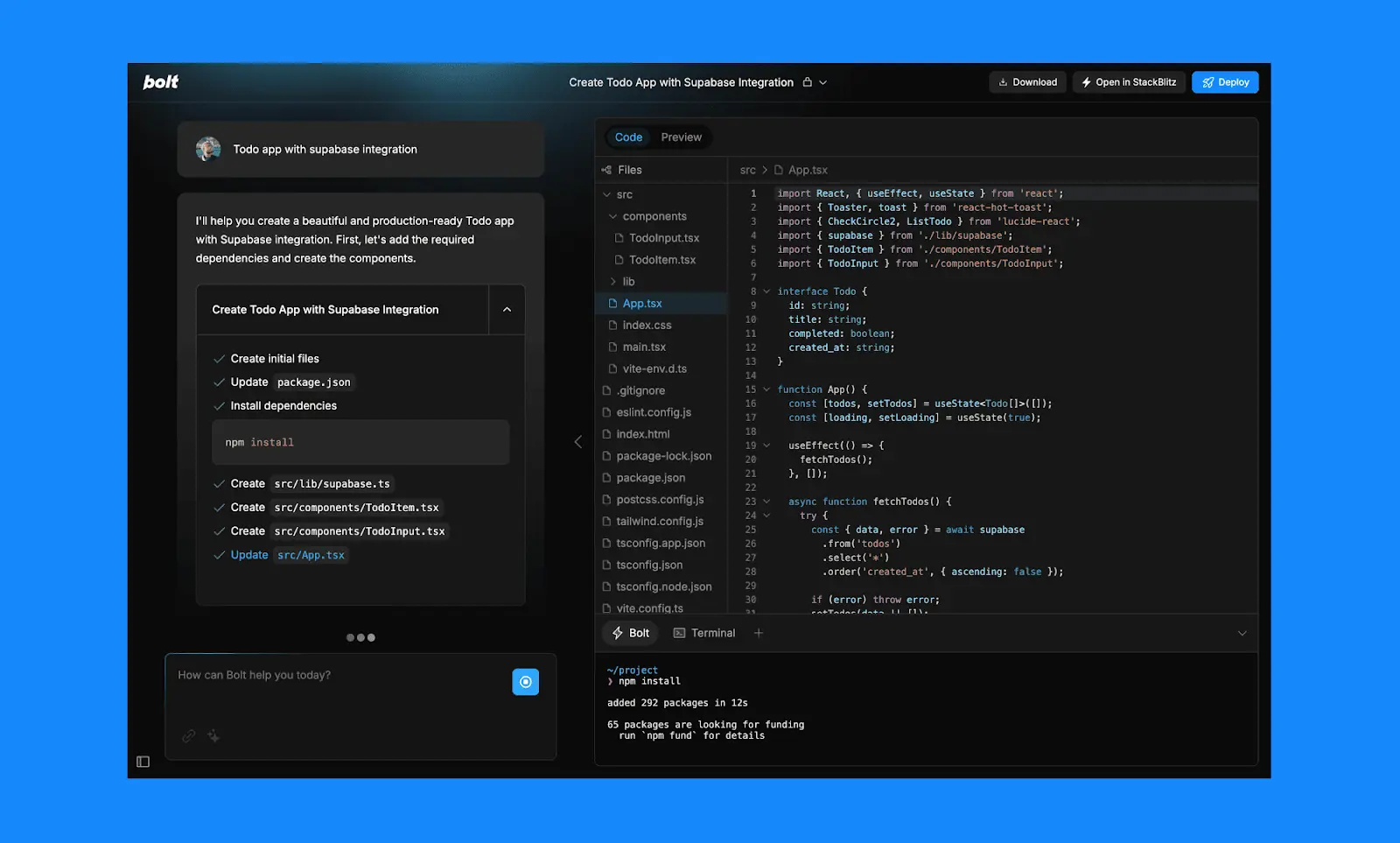
Best fit: Bolt is a practical option when you want to create, edit, and host an app from a browser-based workspace with a usable free allowance.
Strengths: The free tier currently includes public and private projects, website hosting, unlimited databases, a 300,000-token daily limit, and one million tokens per month. This gives a small project more room than a short demo.
Limitation: Free sites retain Bolt branding, uploads are limited, and larger projects use tokens faster because more project context must be sent with each request. Bolt also lacks the blind voting and public preference data that define an arena.
Which Design Arena AI Alternative Should You Choose?
Choose by the Job You Need Done
Pick Arena for the closest free side-by-side model comparison. Pick Shuffle when you want several website directions followed by visual refinement. Choose v0 for React UI, Lovable for a no-code full-stack prototype, or Bolt for a browser-based build-and-host workflow.
Choose MyClaw when the lasting workflow matters more than a single generation: private project context, recurring design research, repository access, files, tools, and an agent that stays available between sessions. Check the current MyClaw pricing against the time and infrastructure you would otherwise spend operating OpenClaw yourself.
Run the Same Brief Before You Pay
Create one test brief with the target audience, required screens or sections, brand rules, viewport, framework, accessibility threshold, and expected deliverable. Run it unchanged in each candidate, then record how quickly you reach a usable result, how much manual correction it needs, whether the export is workable, and how much of the free allowance one pass consumes. Repeat the test once to check consistency.
If a free Design Arena AI alternative is the priority, start with Arena for comparison and use a limited builder plan when you need editable output. Choose paid Shuffle for a visual multi-model workflow, or MyClaw when research, implementation, review, and follow-up need to become one private, repeatable process.
Skip the Setup, Run Best-in-Class AI Agents Now
Launch a managed OpenClaw or Hermes Agent workspace in minutes, with always-on hosting, updates, and support handled by MyClaw.