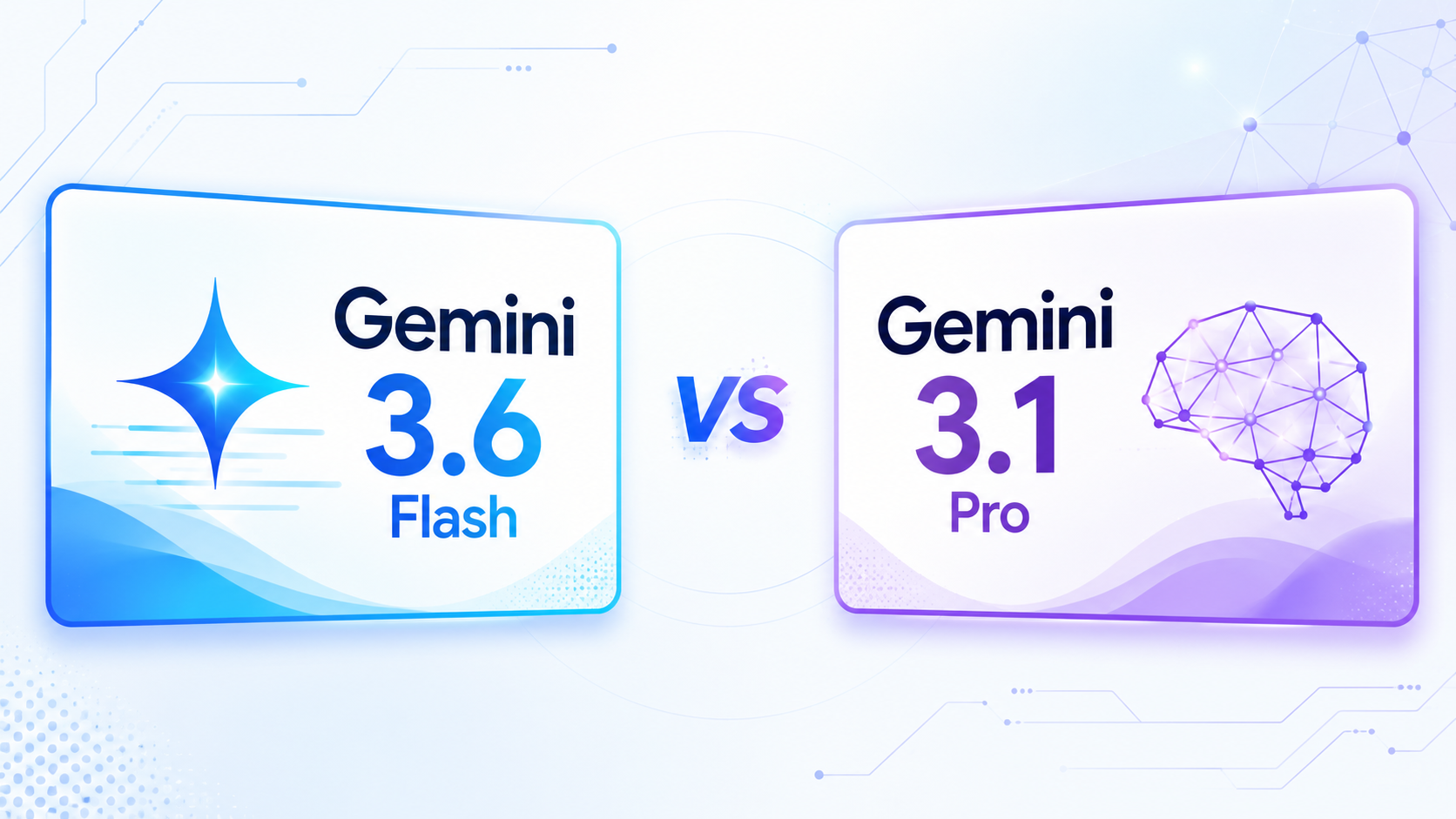
Gemini 3.6 Flash vs 3.1 Pro: Coding, Price & Benchmarks

By Emma Reed
MyClaw Editorial
MyClaw
Run Best-in-Class AI Agents Now
Run OpenClaw or Hermes Agent on managed MyClaw hosting, so your AI agent stays online, updated, and ready for real work.
Start HostingAI Takeaway
- Which model is the better default? Gemini 3.6 Flash is the stronger starting point for most new coding and agent workflows. It is generally available, costs less, and leads Gemini 3.1 Pro in Google’s current direct coding, terminal, computer-use, and long-context comparisons.
- Which is better for coding? Start with 3.6 Flash for implementation, debugging loops, repository edits, terminal work, and repeated tool calls. Keep 3.1 Pro for tasks where your own tests show an advantage, particularly complex planning or custom-tool behavior.
- Is Flash actually cheaper? Yes on standard API rates, but the useful metric is cost per accepted result. Retries, unwanted edits, failed tools, and manual cleanup can change the winner.
- Does 3.6 Flash replace 3.1 Pro? Not completely. Gemini 3.1 Pro remains available in Preview, and early hands-on reports are mixed on difficult logic and large codebases.
- How should you decide? Run the same task in clean sessions with identical files, tools, limits, and pass conditions.
Gemini 3.6 Flash vs 3.1 Pro at a Glance
Gemini 3.6 Flash is not simply the lightweight option in this comparison. Google positions it as a production workhorse for code generation, full-stack refactoring, multimodal reasoning, and multi-step agents. Gemini 3.1 Pro remains the Preview model aimed at difficult reasoning, algorithmic work, and complex tasks.
| Category | Gemini 3.6 Flash | Gemini 3.1 Pro |
|---|---|---|
| Best fit | Coding loops, terminal work, tool use, production agents | Complex reasoning and custom-tool workflows already validated on Pro |
| Status | GA / stable | Preview |
| Context / maximum output | 1M / 64K tokens | 1M / 64K tokens |
| Inputs | Text, code, image, video, audio, PDF | Text, code, image, video, audio, PDF |
| Standard API price per 1M tokens | $1.50 input / $7.50 output | $2 / $12 up to 200K; $4 / $18 above 200K |
| Model ID | gemini-3.6-flash | gemini-3.1-pro-preview |
The Gemini 3.1 Pro model overview gives more detail on its 1M context window, multimodal inputs, and original evaluation results.
Gemini 3.6 Flash vs 3.1 Pro for Coding
The Direct Coding Benchmarks Favor 3.6 Flash
Google’s latest direct comparison puts 3.6 Flash ahead across every coding and execution benchmark shown below.
| Benchmark | Gemini 3.6 Flash | Gemini 3.1 Pro | What It Tests |
|---|---|---|---|
| SWE-Bench Pro (Public) | 58.7% | 54.2% | Diverse software-engineering tasks |
| DeepSWE v1.1 | 49% | 12% | Long-horizon software engineering |
| Terminal-Bench 2.1 | 78.0% | 73.8% | Agentic terminal coding |
| MLE-Bench | 63.9% | 42.6% | Machine-learning engineering |
| OSWorld-Verified | 83.0% | 76.2% | Computer use and UI execution |
Taken together, those results make 3.6 Flash the first model to test for a new coding agent. The advantage is especially relevant when the job requires several rounds of inspecting files, running commands, reading errors, and revising a patch.
Benchmark Names Matter
Gemini 3.1 Pro previously scored 80.6% on SWE-Bench Verified. That does not conflict with the 54.2% figure above, which comes from SWE-Bench Pro. They are different evaluations with different task sets. Reasoning effort, tools, scaffolding, time limits, and the agent harness also affect the outcome.
This is why a benchmark lead should guide the first test, not end the decision. The earlier Gemini 3.1 Pro vs 3.5 Flash comparison shows how quickly the old “Flash for speed, Pro for quality” rule was already becoming less reliable.
What Changes in Real Coding Work?
Flash Is Built for Edit-Test-Fix Loops
Gemini 3.6 Flash is designed to keep moving through a coding cycle. Google reports fewer compile failures, fewer unwanted code changes, and shorter revision loops than its previous Flash model. It also shows less “action bias,” meaning it is more likely to diagnose a read-only problem without changing files that were never part of the request.
That behavior matters for a coding agent. A good patch is not enough if the model edits unrelated modules, runs the wrong command, or needs repeated correction before the tests pass.
Pro Still Deserves a Test on Hard Problems
The first hands-on reports are less one-sided than Google’s table. Some developers still prefer 3.1 Pro for architecture, difficult logic, and final review. It also has a gemini-3.1-pro-preview-customtools endpoint designed to prioritize bash and custom tools.
That is a reason to run a controlled test, not proof that a Pro label guarantees better judgment. For frontend work, the distinction becomes even less tidy: Google reports stronger functional code from 3.6 Flash, while human evaluators sometimes preferred earlier models for visual layout and styling. Clear design rules, screenshots, and visual acceptance criteria still matter.
Speed and Price per Token Are Not the Final Cost
Gemini 3.6 Flash costs $1.50 per million input tokens and $7.50 per million output tokens. Gemini 3.1 Pro costs $2 and $12 for prompts up to 200K tokens, rising to $4 and $18 above that threshold.
Both accept up to 1M tokens, but capacity is not the same as reliable recall. In Google’s current long-context test, 3.6 Flash scores 91.8% versus 84.9% at a 128K average, and 54.0% versus 26.3% at the 1M point.
For actual development work, use a wider calculation:
(Model spend + retries + review time + repair cost) ÷ accepted tasks
Track the time to an accepted patch, failed commands, unnecessary edits, tool calls, total tokens, and manual cleanup. A model that is cheaper per token can still be expensive if it sends the workflow through several avoidable loops.
Which Gemini Model Should You Use?
Choose Gemini 3.6 Flash for Daily Coding
Use 3.6 Flash first for repository edits, terminal tasks, migrations, debugging, computer use, and frequent agent loops. It has the better combination of current coding scores, production status, speed, and price.
Keep Gemini 3.1 Pro for Proven Edge Cases
Keep 3.1 Pro when an existing evaluation shows that it handles architectural planning, difficult logic, or a custom-tool setup more reliably. Its Preview status makes monitoring and a fallback sensible for important workflows.
Use Both Only When the Rule Is Clear
A simple split can work: 3.1 Pro prepares or reviews a high-risk plan, then 3.6 Flash executes bounded implementation steps. Avoid building an elaborate router before the results justify one. The broader best model for OpenClaw guide uses the same principle: match the model to the work instead of forcing one model into every task.
Test Both Models on a Real Coding Task
A fair comparison needs more than two browser tabs. MyClaw provides a private, always-on OpenClaw workspace where the repository, tools, permissions, and runtime can stay consistent while the model changes. You can connect a preferred provider or use the models supported in the workspace; confirm current 3.6 Flash availability before starting the comparison.
Step 1: Pick One Job That Can Actually Fail
Use a contained branch and choose a concrete task: fix a failing test, refactor one module, or reproduce and patch a bug. Define three pass conditions and a spending or time limit. “The answer looks good” is not a useful finish line.
Step 2: Run Two Clean Sessions
Give both models the same prompt, files, tools, permissions, thinking level, and definition of done. Start a new session for each run so conversation history does not tilt the result. Compare the patch and test outcome, not the confidence of the explanation.
Step 3: Keep the Winner Working
Record completion, tool errors, retries, elapsed time, token cost, and cleanup. Set the better model as the default for that workflow, keep the other as a reviewer or fallback when it adds value, and save the successful instructions for the next run.
Migrating from Gemini 3.1 Pro to 3.6 Flash
Changing the model ID is only the first step. Google’s current migration guide documents API behavior that can break an older request even when the prompt itself is unchanged.
Before switching production traffic:
- Change the target model to
gemini-3.6-flash. - Remove deprecated
temperature,top_p, andtop_ksettings. - Replace
thinking_budgetwiththinking_levelwhere required. - Remove prefilled model turns.
- Recheck structured output and function-call payloads.
- Test stop behavior, patch size, retries, and fallback handling.
Move one workflow at a time and keep 3.1 Pro available until 3.6 Flash matches or beats the accepted-result rate. This is particularly important in a live OpenClaw environment, where a model change can affect tools, scheduled work, and long-running sessions as well as normal chat responses.
Conclusion
In the Gemini 3.6 Flash vs 3.1 Pro decision, 3.6 Flash is the stronger default for most coding and agent workflows. It is cheaper, generally available, and ahead in Google’s current direct evaluations. Keep 3.1 Pro where controlled tests prove it handles a complex or custom-tool task better. Hold the runtime and task constant, then choose the model that produces the most accepted work with the least cleanup.
Skip the Setup, Run Best-in-Class AI Agents Now
Launch a managed OpenClaw or Hermes Agent workspace in minutes, with always-on hosting, updates, and support handled by MyClaw.
Get Started