Gemini 3 Pro vs 3.1 Pro: Pricing, Performance, and Preview

By Nathan Cole
MyClaw Editorial
MyClaw
Run Best-in-Class AI Agents Now
Run OpenClaw or Hermes Agent on managed MyClaw hosting, so your AI agent stays online, updated, and ready for real work.
Start HostingAI Takeaway
- Is Gemini 3.1 Pro better than Gemini 3 Pro? Yes, especially for difficult reasoning, coding, search, tool use, and tasks with several interacting constraints.
- Did the price increase? The current Vertex AI standard rates for 3.1 Pro Preview match the earlier 3 Pro rates: $2 input and $12 output per million tokens for prompts up to 200K tokens. Longer prompts use higher rates.
- Can you still choose Gemini 3 Pro? Availability depends on the service. GitHub Copilot deprecated it on March 26, 2026 and recommends 3.1 Pro, while other platforms may follow different timelines.
- Is 3.1 Pro safe for production? It can do serious work, but Preview status means reliability checks, monitoring, and a fallback are still important.
- Should every task use 3.1 Pro? No. It makes the most sense when stronger reasoning prevents retries, mistakes, or expensive human correction.
Gemini 3 Pro vs Gemini 3.1 Pro Preview at a Glance
Gemini 3.1 Pro is a much more substantial upgrade than its decimal-point name suggests. It keeps the multimodal input and large context window of Gemini 3 Pro, while doing a better job of maintaining a sound plan through difficult, multi-step work.
Availability now depends on where you use Gemini. GitHub Copilot deprecated Gemini 3 Pro on March 26, 2026 and recommends Gemini 3.1 Pro, while other platforms may use different lifecycle dates. Before migrating, check the service that actually handles your requests.
| Area | Gemini 3 Pro | Gemini 3.1 Pro Preview |
|---|---|---|
| Main role | Earlier Gemini 3 reasoning model | Successor for harder reasoning and agent work |
| Input context | Up to 1M tokens | Up to 1M tokens |
| Maximum text output | Up to 64K tokens | Up to 64K tokens |
| Best use | General multimodal tasks | Coding, tools, research, and complex workflows |
| ARC-AGI-2 | 31.1% | 77.1% |
| Status | Availability depends on platform | Preview |
| Main concern | Availability and migration | Reliability, latency, and changing behavior |
If you are also choosing between a deep reasoning model and a faster model for repeated agent loops, the comparison between Gemini 3.1 Pro and Gemini 3.5 Flash covers that tradeoff in more detail.
What Actually Improved in Gemini 3.1 Pro?
Both models can summarize a document, explain code, or produce a polished answer. The gap becomes visible when a task contains conflicting requirements, several tools, or a long sequence of decisions.
What the Gemini 3.1 Pro Benchmarks Show
Google reports that Gemini 3.1 Pro scored 77.1% on ARC-AGI-2, compared with 31.1% for Gemini 3 Pro. That benchmark tests whether a model can solve unfamiliar logic problems rather than recall common patterns.
In everyday work, stronger reasoning means the model is more likely to respect a budget, preserve an API contract, account for edge cases, and explain its decision without quietly dropping a requirement. The upgrade matters most when the first plausible answer is not good enough.
Gemini 3.1 Pro Coding and Tool Use Improved More Than Chat
 Gemini 3.1 Pro also improves across benchmarks tied to terminal work, software engineering, search, and tool use, including Terminal-Bench 2.0, SWE-Bench Verified, MCP Atlas, and BrowseComp. An agent must inspect files, choose tools, read results, revise its plan, and recover from failures. Strong code generation alone is not enough.
For a realistic evaluation, use a coding agent workflow with a real repository, tests, and terminal access. That reveals far more than asking both models to write the same isolated function.
The Gemini 3.1 Pro Context Window Is Not Perfect Memory
Both models support up to 1M input tokens, so context size alone is not a reason to upgrade. Large context works best when the material is relevant and organized. Passing every available file can increase cost while making the answer less focused, so evaluate retrieval with the amount of context your workflow will actually use.
Gemini 3 Pro vs 3.1 Pro Price: What Changed?
The short answer in the Gemini 3 Pro vs 3.1 Pro price comparison is that the current Vertex AI standard rates for Gemini 3.1 Pro Preview match the headline rates Google listed for Gemini 3 Pro Preview. Some comparison pages show OpenRouter or reseller rates instead, while others mix standard and Batch pricing. Check that the provider and usage tier match your setup before comparing numbers.
| Usage tier | Input per 1M tokens | Output per 1M tokens |
|---|---|---|
| Up to 200K input tokens | $2 | $12 |
| Above 200K input tokens | $4 | $18 |
| Batch, up to 200K input tokens | $1 | $6 |
| Batch, above 200K input tokens | $2 | $9 |
| Cached input | $0.20-$0.40 | — |
Longer Context Can Raise the Whole Request Price
Once a request goes above 200K input tokens, higher long-context rates apply. Large repositories, transcripts, or tool histories can therefore cost much more than the headline rate suggests. Batch helps when results are not urgent, while caching helps when the same large reference material appears repeatedly.
That makes Gemini 3.1 Pro pricing manageable for focused tasks, but potentially expensive when every request carries an oversized context window.
Measure Cost per Completed Task
 Output pricing includes the model's reasoning tokens, and difficult tasks can generate substantial hidden thinking before the visible answer appears. Retries, failed tool calls, and human corrections add more cost.
If a faster model costs less per call but needs three attempts to fix a bug, Gemini 3.1 Pro may still be cheaper by finishing correctly the first time. Measure cost per completed task:
- Total input, output, and reasoning tokens
- Number of retries and tool calls
- Time spent waiting for the result
- Human work needed to review or repair it
- Whether the final task was actually completed
Is Gemini 3.1 Pro Preview Safe for Production?
Preview does not mean the model is only suitable for experiments. It means Google may still change its behavior, limits, pricing, capacity, or identifiers before general availability. The short lifecycle of models on some services is a reason to avoid tightly coupling a critical workflow to one Preview model ID.
Reliability Matters as Much as Intelligence
Excellent output is not enough if latency or failures make a workflow impractical. Check the operational behavior that matters:
- Latency during normal and peak usage
- 429, 503, timeout, and capacity failures
- Function-call arguments and structured-output validity
- Completion of long responses
- Consistency across repeated runs
- Recovery after a tool or API fails
Community reports describe latency spikes, rate limits, and inconsistent behavior. Treat them as reasons to test carefully, not proof that every deployment behaves the same way.
Build a Fallback Before You Need It
A production workflow should fail safely. Set token and retry limits, require approval for destructive actions, and define what happens when the model is unavailable. A second model can review sensitive decisions.
The Oracle skill is one way to bring a second opinion into an agent task. More broadly, the important idea is to avoid making one Preview model the only path through a critical process.
Which Model Should You Use?
For most new work, Gemini 3.1 Pro is the stronger starting point. Gemini 3 Pro is more useful as a migration baseline than as the default for a new integration, especially on services where it is already deprecated.
Use Gemini 3.1 Pro for Difficult, Multi-Step Work
Use Gemini 3.1 Pro when careful reasoning can prevent expensive mistakes:
- Reviewing a large repository before planning a change
- Debugging an issue across code, logs, and documentation
- Researching a topic across many sources
- Comparing complex options with several constraints
- Using browser, terminal, or MCP tools across multiple steps
- Analyzing mixed text, image, audio, video, or PDF inputs
Do Not Use a Pro Model for Every Request
Simple summaries, classification, extraction, routine drafting, and high-volume background tasks rarely need the deepest reasoning. Route routine work to a faster model and escalate difficult cases to 3.1 Pro. This also protects the workflow when the Preview model is slow or unavailable.
Gemini 3 Pro to 3.1 Pro Migration Needs Real Tests
Before replacing Gemini 3 Pro everywhere, compare final quality, tool calls, JSON schemas, output length, latency, and downstream behavior. A more capable model can still break an integration that expects a specific format.
Evaluate Gemini 3.1 Pro on Real Work Before You Commit
Build a small evaluation set from tasks you understand well enough to judge:
- Ask the model to review a real repository and propose a focused, safe change.
- Give it a research question and require a cited, structured brief.
- Run a multi-step tool workflow that includes a failed action and requires recovery.
For the research test, a persistent research agent workspace can keep sources, files, notes, and follow-up work together instead of reducing the comparison to one chat response.
Keep the Environment Fixed
Run each model with the same files, tools, permissions, instructions, and limits. Otherwise, you may be comparing environments rather than models.
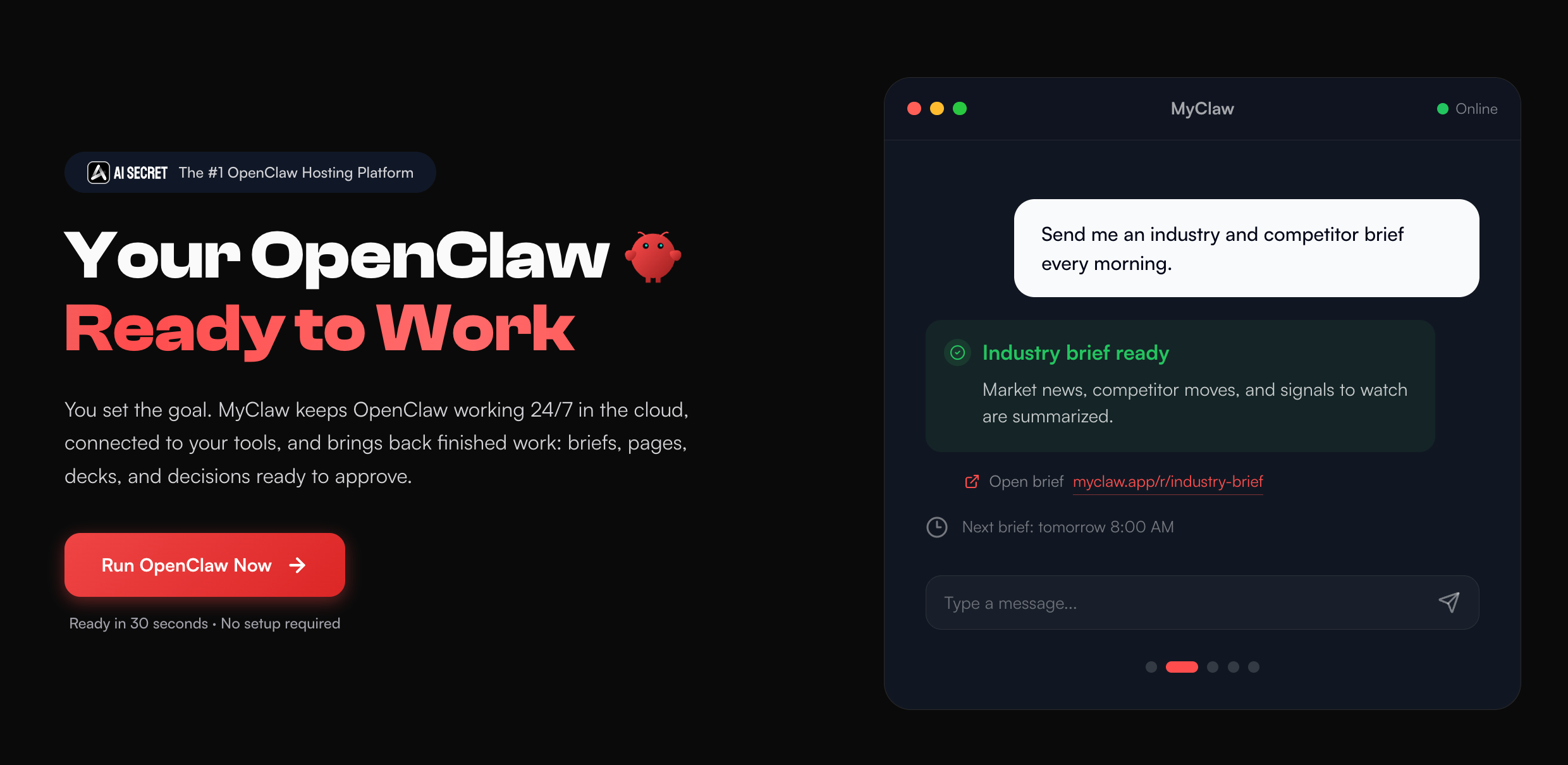 MyClaw provides a private, managed OpenClaw workspace where supported models can use files, browser access, tools, memory, usage tracking, and a 24/7 runtime. That keeps the evaluation focused on model behavior instead of server setup and maintenance.
Track Results That Affect the Final Decision
| Metric | What It Reveals |
|---|---|
| Completion rate | Whether the model reliably finishes |
| Retry count | How often it gets stuck or needs correction |
| Tool accuracy | Whether it chooses and uses tools correctly |
| Total cost | The real cost of a successful run |
| Latency | Whether the workflow feels practical |
| Human intervention | How much work remains after the model stops |
Choose the model that finishes reliably at an acceptable total cost. Even if 3.1 Pro wins, keep a fallback while it remains in Preview.
Conclusion
The Gemini 3 Pro vs 3.1 Pro comparison has a clear capability winner: Gemini 3.1 Pro is stronger for complex reasoning, coding, search, tools, and agent workflows. Availability of the older model now depends on the service, while 3.1 Pro remains a Preview model with operational risks to manage.
Token pricing is only the starting point. Long context, reasoning tokens, retries, failed tools, latency, and human correction determine the real cost. Test 3.1 Pro on the work that matters, measure completed tasks, and adopt it where the improvement is clear.
Skip the Setup, Run Best-in-Class AI Agents Now
Launch a managed OpenClaw or Hermes Agent workspace in minutes, with always-on hosting, updates, and support handled by MyClaw.
Get Started