Gemma 4 vs Llama 3: Which Open Model Should You Use?

By Julian Brooks
MyClaw Editorial
MyClaw
Run Best-in-Class AI Agents Now
Run OpenClaw or Hermes Agent on managed MyClaw hosting, so your AI agent stays online, updated, and ready for real work.
AI Takeaway
- Gemma 4 is the better fresh-start choice for many coding and agent workflows because it is newer, multimodal, and designed around longer context, tool use, and efficient deployment.
- Llama 3 is still worth keeping when your current stack works. It has mature tooling, broad community support, and fewer migration surprises.
- Llama 4 Scout changes the context-window conversation. Its biggest advantage is extreme long context, but that only helps when the workflow can organize and use that much information.
- Llama 4 Maverick is the stronger Llama 4 option for general quality, especially multimodal assistant work, coding, and reasoning, though public benchmarks should still be tested against your own tasks.
- For AI agents, the model is only one layer. Browser access, memory, logs, scheduling, and uptime often decide whether the system is useful day to day.
Quick Answer: Pick the Model Around the Job
Gemma 4 vs Llama 3 is not a simple winner-takes-all comparison. Gemma 4 is the more modern option, while Llama 3 is the safer baseline. If you are choosing a model today, Llama 4 Scout and Maverick also belong in the shortlist.
If you want the shortest possible answer:
| Use case | Better starting point |
|---|---|
| New coding assistant | Gemma 4 or Llama 4 Maverick |
| Existing Llama stack | Llama 3 or Llama 3.3 |
| Huge documents or repositories | Llama 4 Scout |
| General multimodal assistant | Llama 4 Maverick |
| Efficient local or workstation use | Gemma 4 |
| Agent workflow with tools | Test Gemma 4 and Llama 4 Maverick side by side |
A model can score well on benchmarks and still feel wrong inside a real workflow if it is slow, expensive, hard to host, or unreliable with tools.
Gemma 4 vs Llama 3: What Actually Changed
Gemma 4 is a newer Google open model family built for multimodal input, stronger reasoning, coding, longer context, and agent-friendly behavior. It spans edge-focused models and workstation-class variants, with context windows up to 256K tokens.
Llama 3, including Llama 3.1 and 3.3 variants, is older but still practical. It is widely supported across local inference tools, API providers, app templates, evaluation scripts, and quantized builds. That maturity matters when it is already part of a working product.
Reasoning and Coding
For new coding work, Gemma 4 deserves a serious test. It is better aligned with current expectations: code editing, structured output, function calling, multimodal reasoning, and longer task context. Llama 3 can still be strong, but it often feels like a stable default rather than the sharpest new option.
 Compare them with real tasks:
- Fix a failing unit test in your own repository.
- Explain a confusing stack trace and suggest a patch.
- Convert a product spec into implementation steps.
- Return valid JSON from messy source material.
- Work across several files without losing the goal.
If coding agents are the main use case, compare output inside a real workflow rather than a chat box. A hosted AI coding agent setup is closer to the work these models are expected to handle.
Context Window
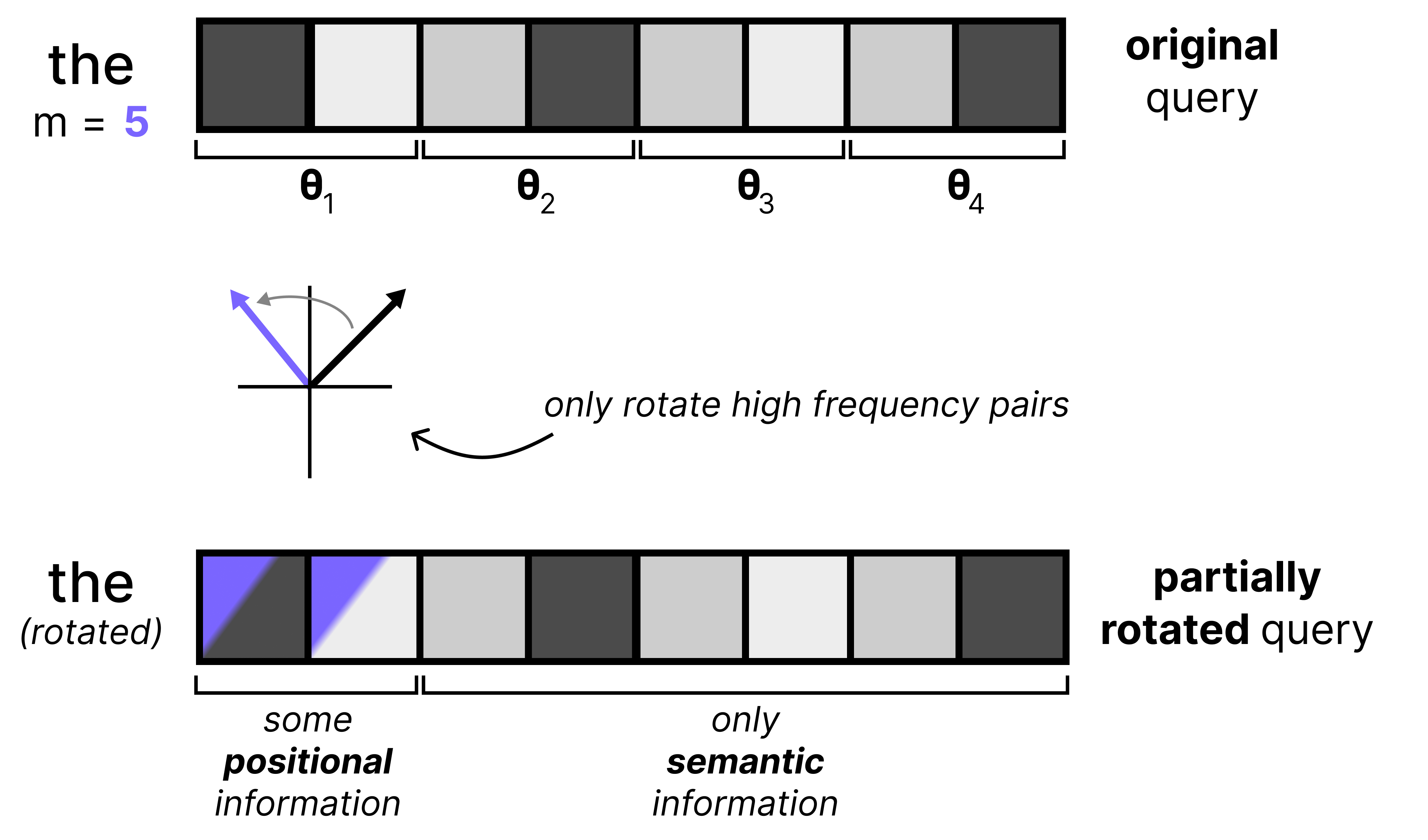 Gemma 4 has enough context for many practical workloads: large documents, code files, logs, and research notes. Llama 3.1 brought Llama into the 128K-context era, which is still enough for many applications.
But context length is not magic. A 200K-token prompt can still fail when the model cannot prioritize details. A smaller context window with better retrieval, chunking, and task framing can beat a larger one that is stuffed with everything.
Multimodal Work
Gemma 4 is more natural for multimodal tasks than older Llama 3 setups. If the workflow includes screenshots, charts, browser pages, image-heavy documents, or UI inspection, that matters. Llama 4 also improves this area, so the more useful comparison for brand-new multimodal work may be Gemma 4 vs Llama 4 Maverick rather than Gemma 4 vs Llama 3.
Gemma 3 vs Llama 4 Scout: When Long Context Is the Point
Llama 4 Scout is built around one headline advantage: extreme context. Its 10M-token context window changes how teams imagine research, codebase analysis, and long-running memory.
 Scout makes the most sense when the task genuinely needs a huge amount of material in play:
- analyzing a very large repository;
- reviewing large documentation sets;
- comparing logs across many incidents;
- processing long research archives;
- maintaining long-running project memory.
Gemma 3 still has a role when the job is smaller and more controlled. It can be the better operational choice when you do not need extreme context and want lower latency, cost, and deployment complexity.
The Hidden Cost of Huge Context
Very large context creates new problems: what goes in, what stays out, how the model navigates the material, and how old information is kept from overpowering the current task.
For deep research, model choice is only part of the system. A useful research agent also needs source capture, citations, repeatable prompts, memory, and a way to refresh the work later.
Gemma 3 vs Llama 4 Maverick: Quality, Cost, and Trust
Llama 4 Maverick is the more general high-quality Llama 4 option, built for multimodal assistant work, coding, reasoning, and agent-style tasks. If Scout is the long-context specialist, Maverick is the model to test first for broad day-to-day performance.
Gemma 3 can still compete when the deployment target is lighter or the task does not justify a larger MoE model. The best model is sometimes the one that is fast, affordable, and predictable.
Do Not Treat Benchmarks as the Final Answer
Benchmarks are useful, but they are not a deployment plan. Model providers use different settings, public versions can behave differently from tested versions, and small prompt changes can swing results.
For Maverick in particular, test the public version on the exact tasks that matter: coding, screenshots, extraction, browsing, summaries, and tool calls. If the model wins there, the benchmark debate becomes less important.
The Real Test: Can the Model Run Your Workflow?
A model that writes a great answer may still fail as an agent. Agents need to act, remember, recover, and keep moving across tools.
A practical agent stack needs:
- model access through one or more providers;
- files and workspace state;
- browser control for pages, forms, screenshots, and web data;
- tool calls and API access;
- memory across sessions;
- logs for debugging;
- scheduled jobs;
- a place to keep running after your laptop sleeps.
A plain model comparison stops being enough once the model is expected to monitor websites, update docs, run code, or check sources every morning. At that point, uptime and workflow state matter as much as raw answer quality.
If you self-host OpenClaw or are considering it, this OpenClaw hosting guide explains the tradeoff between running your own server and using a managed environment.
A Practical Way to Test Gemma, Llama, and Agent Models
Instead of asking which model is best in general, build a small test set from your own work. Ten to twenty tasks is enough.
Use Tasks That Resemble Real Work
Try a mix like this:
| Test | What it reveals |
|---|---|
| Fix a real bug | coding accuracy and file reasoning |
| Summarize a long PDF | context handling |
| Extract structured data from a page | browser and JSON reliability |
| Compare two screenshots | multimodal judgment |
| Review a PR | instruction following and tradeoff reasoning |
| Monitor a topic for a week | memory and scheduling fit |
Score each model on accuracy, speed, cost, formatting reliability, tool-call behavior, and how often you need to intervene.
Track Agent Memory and Logs
For long-running workflows, memory and logs become part of the evaluation. If a model forgets decisions, repeats work, or cannot explain what happened, it will be hard to trust. A skill such as Session Logs helps because it makes prior runs searchable instead of leaving every agent session disconnected.
Keep the Runtime Stable While Models Change
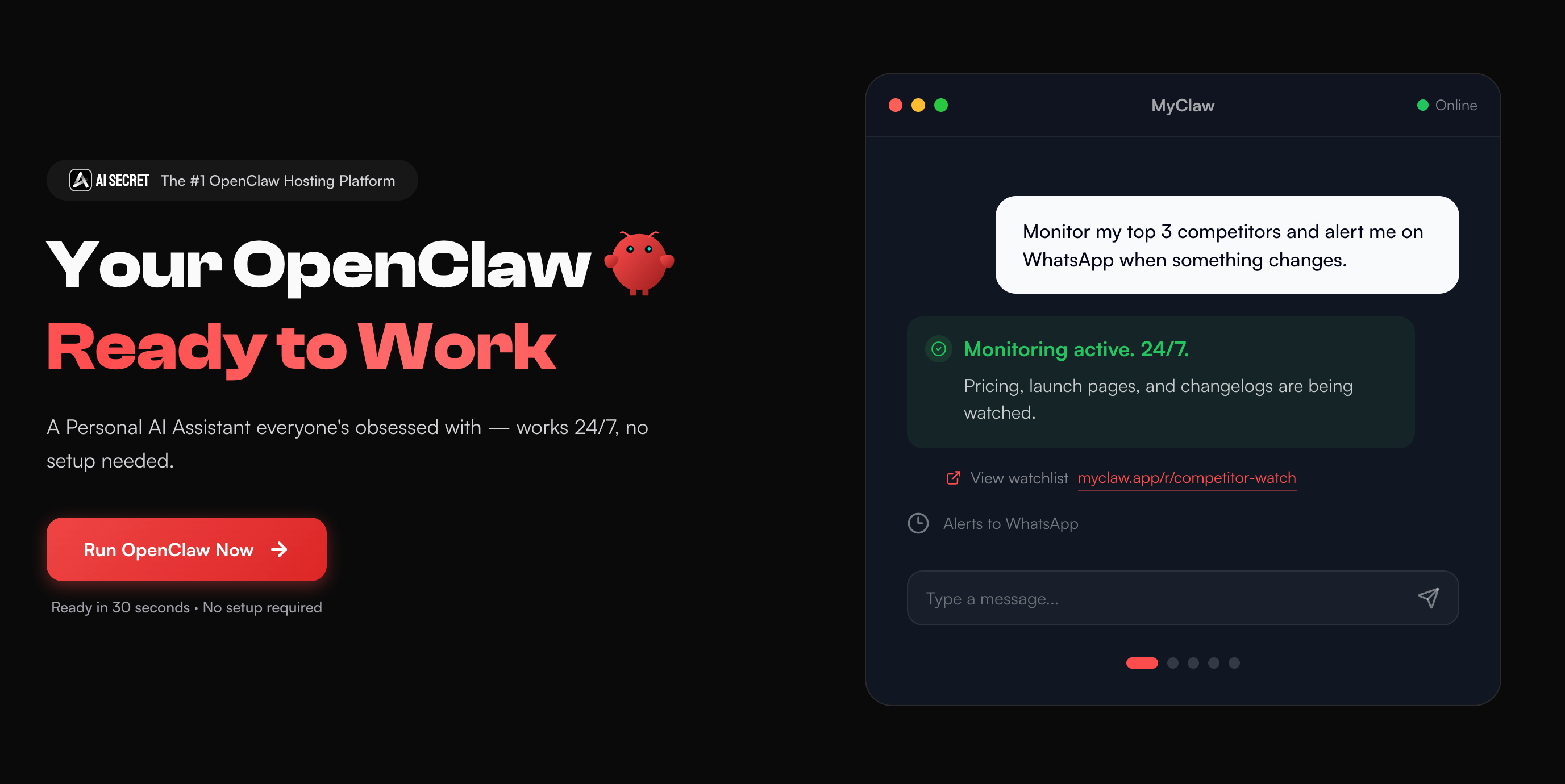 For this kind of setup, MyClaw gives OpenClaw a hosted, always-on workspace with isolated instances, browser automation, files, integrations, scheduled workflows, and multiple model providers. It is not another leaderboard; it is the runtime around the model.
How to Use MyClaw for Model Testing
- Start with one agent workspace. Deploy OpenClaw, connect the tools you need, and keep files, browser access, logs, and integrations in one place.
- Run the same tasks across models. Test Gemma 4, Llama 4 Scout, and Llama 4 Maverick on coding, research, extraction, and browser workflows.
- Keep the best setup running. Use the model that performs best, then schedule recurring work without rebuilding the environment.
That matters because model choices keep changing. You might test Gemma 4 for coding, Llama 4 Scout for long-context research, and Llama 4 Maverick for multimodal work. A useful setup keeps the agent environment stable while the model changes underneath it.
Final Recommendation
For Gemma 4 vs Llama 3, choose Gemma 4 if you are starting fresh and want a modern open model for coding, reasoning, multimodal work, and efficient deployment. Stay with Llama 3 if your stack is stable and there is no clear bottleneck. Test Llama 4 Scout for huge context, and Llama 4 Maverick for stronger general-purpose assistant and agent workflows.
The best choice is not the model with the most impressive spec sheet. It is the model that performs reliably with your files, tools, browser tasks, memory, and uptime requirements. For serious agent work, the full system matters more than the model name alone.
Skip the Setup, Run Best-in-Class AI Agents Now
Launch a managed OpenClaw or Hermes Agent workspace in minutes, with always-on hosting, updates, and support handled by MyClaw.