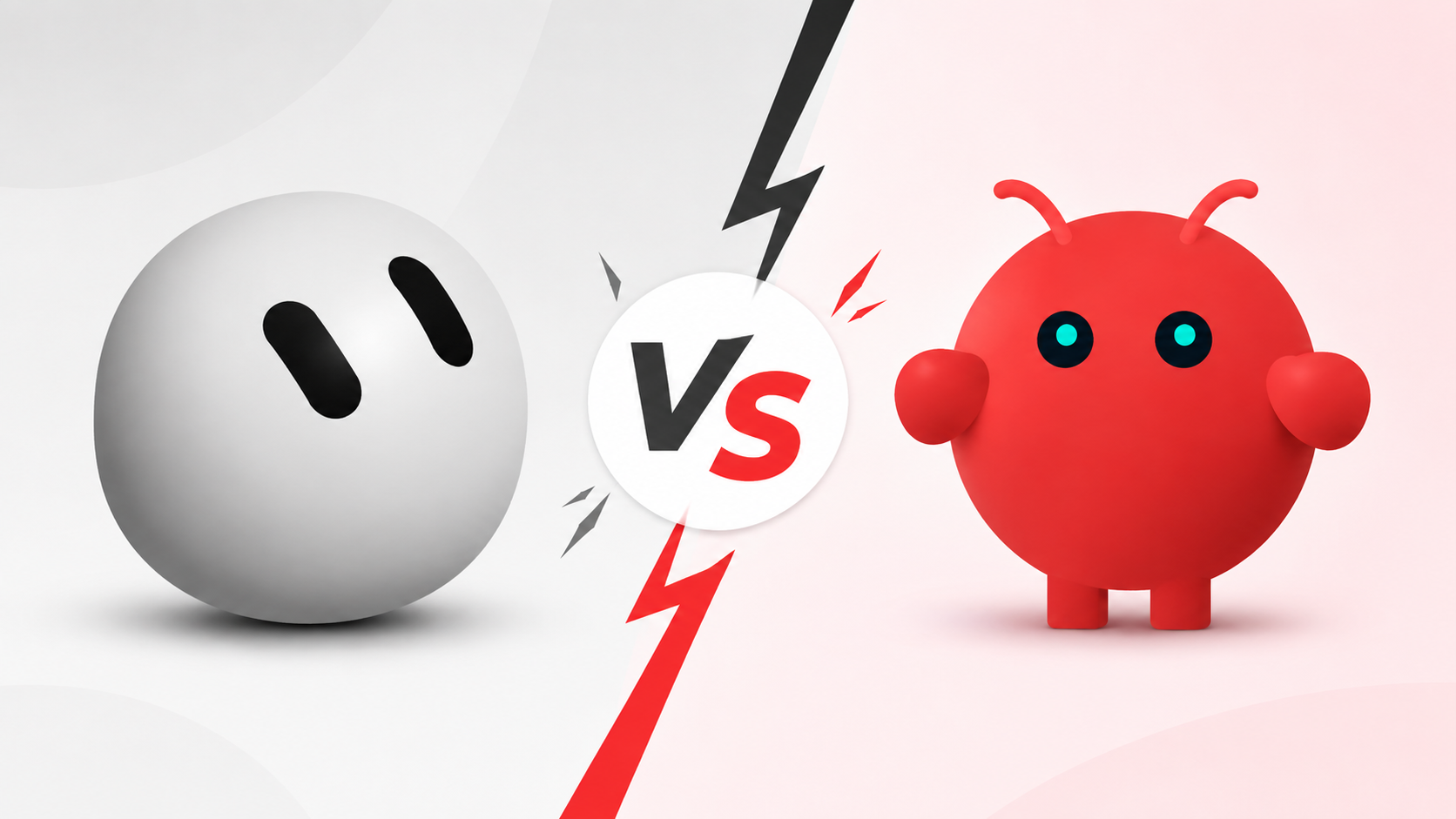
Grok Bot vs OpenClaw: Which AI Agent Is Right for You?

By Emma Reed
MyClaw Editorial
MyClaw
Run Best-in-Class AI Agents Now
Run OpenClaw or Hermes Agent on managed MyClaw hosting, so your AI agent stays online, updated, and ready for real work.
AI Takeaway
- Are Grok Bot and OpenClaw the same kind of tool? They overlap as persistent AI agents that can use a computer and complete multi-step work. Grok Bot is a managed product with a vendor-operated cloud computer, while OpenClaw is an open-source runtime you can deploy and configure.
- When should you choose Grok Bot? Choose it for fast onboarding, a built-in cloud computer, teach-by-demonstration workflows, and simple collaboration between named Bots—provided its eligible plans, supported apps, and shared-computer boundary suit you.
- When should you choose OpenClaw? Choose it for control over hosting, models, messaging channels, skills, workspaces, and security policies.
- Can Grok run inside OpenClaw? Yes. OpenClaw supports xAI authentication and Grok models, so you can combine Grok’s reasoning with OpenClaw’s memory, channels, tools, and deployment flexibility.
Grok Bot and OpenClaw Take Different Routes to the Same Goal
What Grok Bot Is
Grok Bot is not the familiar Grok chat interface with a new name. It is an early-beta AI teammate on a persistent cloud computer with a browser, filesystem, and terminal. A Bot can sign in to apps, gather context, change files, and return finished work.
Named Bots handle focused jobs, retain context, pass work to one another, and turn successful processes into skills or scheduled routines. Approval controls cover consequential actions such as sending, publishing, purchasing, deleting, or changing production systems. You use supported apps while the vendor operates the cloud computer.
What OpenClaw Is
OpenClaw is an open-source agent runtime, not an AI model. It connects a chosen model to memory, files, browsers, system tools, skills, plugins, and messaging channels. You can run it on your own computer, a server, a VPS, or a managed OpenClaw environment.
You decide where the agent runs, which model it uses, which tools it can access, and how sessions are isolated. Channels such as Telegram, WhatsApp, Slack, Discord, and Signal keep it reachable beyond one desktop interface.
Self-hosting requires installation, updates, credentials, backups, monitoring, and security policies. Managed hosting can remove much of that work without changing the runtime.
Grok the Model Is a Third Layer
The comparison separates three layers: Grok Bot is a finished agent product, Grok chat is a conversational app, and Grok models provide intelligence that other software can call.
OpenClaw has a bundled xAI provider and can authenticate through eligible xAI OAuth access or an API key. That means a current model such as Grok 4.5 can act as OpenClaw’s reasoning engine. You are not forced to choose between Grok intelligence and the OpenClaw runtime.
The hybrid suits Grok users who want different channels, portable configuration, broader model routing, or deployment control.
Grok Bot vs OpenClaw at a Glance
| Area | Grok Bot | OpenClaw |
|---|---|---|
| Product model | Managed xAI agent product | Open-source agent runtime |
| Runtime | Persistent vendor-operated cloud computer | Your computer, server, VPS, or managed host |
| Setup | Install an app, create a Bot, grant access | Install and configure it, or select managed hosting |
| Model strategy | Integrated Grok product experience | Multiple hosted, subscription-backed, gateway, and local models |
| Access | macOS, Windows, and iOS experiences | Web controls plus many messaging channels and supported nodes |
| Automation | Skills, routines, events, and teaching by demonstration | Skills, plugins, schedules, heartbeats, hooks, and custom tools |
| Multi-agent work | Named Bots collaborate on one user-scoped computer | Agents, sessions, workspaces, and policies are configurable |
| Security boundary | Approvals on a shared cloud computer; cloud storage required | Operator-defined access, tool policies, credentials, and optional sandboxing |
| Cost structure | Eligible Grok Bot plan with usage allowances | Free software; infrastructure, model usage, and maintenance are separate |
| Best fit | Turnkey managed AI teammate | Greater control, portability, and extensibility |
The Differences That Matter in Daily Work
Managed Convenience vs Deployment Control
Grok Bot gives every Bot access to the cloud computer assigned to your account. You do not choose the server, maintain the operating system, or assemble the agent interface, so useful work starts sooner.
OpenClaw begins with deployment choice. Local operation offers direct control but ties availability to your machine. A VPS keeps it online but adds server work; managed hosting supplies persistence without that maintenance. Ask whether infrastructure control helps the workflow or merely delays it.
Model Choice and the Real Cost Difference
Grok Bot bundles its cloud computer, app, skills, routines, approvals, and Grok intelligence into one experience. Access currently requires SuperGrok Heavy, Cursor Ultra, Cursor Premium Teams, or an eligible trial. As of August 2026, xAI lists Cursor Ultra at $200 per month and Cursor Premium Teams at $120 per seat per month, with usage allowances.
OpenClaw treats the model as replaceable. You can use Grok for one workload, another provider for a different cost or capability profile, and pin a model when consistency matters. The software is free and open-source, but the deployed cost includes hardware or hosting, model subscriptions or API charges, and maintenance.
OpenClaw’s xAI integration can use OAuth from an eligible SuperGrok or X Premium account, or a separately billed API key. Compare the total cost and current quotas, not just subscription prices: recurring agent loops make repeated model and tool calls, so chat allowances may behave differently under automation.
Shared Context vs Configurable Isolation
All Grok Bots under one user share the same cloud computer. Files, browser sessions, app logins, and command-line credentials can be available across the roster. This enables smooth handoffs, but Bot names are not security boundaries.
OpenClaw supports different agents, workspaces, session scopes, tool allowlists, and sandbox policies. A public agent can have no filesystem access while a private agent works in one narrow directory. These controls require correct configuration; broad credentials and unsandboxed tools increase the blast radius.
Either way, begin read-only, connect only necessary tools, and require approval for consequential actions.
Desktop Teammates vs Multi-Channel Agents
Grok Bot centers named teammates in desktop and iOS apps. You can demonstrate a browser task, review the generated skill, and schedule it as a routine.
OpenClaw is the more natural fit when work should follow you across chat tools or use a composable library of agent skills. An assistant might accept a WhatsApp request, use browser and file tools, and return there. This pattern also suits monitoring, coding, inbox triage, and team operations.
Which One Should You Choose?
If both remain plausible, test the same bounded task in each: identical inputs, required output, approval boundary, and deadline. Compare completion quality, interventions, usage, and time spent maintaining the setup.
Choose Grok Bot for a Turnkey AI Teammate
Choose Grok Bot for the shortest route to a computer-using agent, especially when work lives in browser apps and teach-by-demonstration or coordinated Bots matter more than provider choice.
Confirm that your plan and operating system are eligible and that the shared-computer boundary is acceptable.
Choose OpenClaw for Control and Extensibility
Choose OpenClaw for an open-source runtime, multiple model providers, messaging-first access, custom skills, portable workflows, and explicit hosting or security control. It is particularly useful for persistent personal AI assistant workflows that must stay available across channels.
Review third-party skills, narrow credentials, use approval gates, and test with safe inputs before running unattended.
Use Grok Inside OpenClaw for the Hybrid Option
Use the hybrid when your real preference is “Grok as the brain, OpenClaw as the operating environment.” You keep Grok’s current model capabilities while gaining OpenClaw’s channels, memory, skills, and hosting choice.
Budget for three separate layers: the OpenClaw runtime, infrastructure or managed hosting, and model usage or an eligible subscription. Compare those layers against the latest MyClaw hosting plans rather than treating the open-source download as the full operating cost.
Run Grok in an Always-On OpenClaw Agent With MyClaw
MyClaw offers a practical middle path: a private, always-on OpenClaw instance without the server setup and maintenance of self-hosting. The managed agent platform keeps the runtime online while you choose the model, channels, tools, and skills needed for the job.
Step 1: Launch Your Managed OpenClaw Instance
Choose the compute level that matches your workload and start a dedicated OpenClaw environment. Keep the first project narrow, such as a daily research brief or read-only inbox summary.
Step 2: Connect Grok and Only the Tools You Need
Select or authenticate a supported Grok model, then add the minimum required channels, files, apps, and skills. Keep sensitive actions behind approval instead of granting broad access for convenience.
Step 3: Test One Bounded Routine Before Expanding
Run the task manually, verify its sources and output, review usage, and test its failure path. Schedule it only after the agent stops at the right approval points and reports incomplete work clearly.
Skip the Setup, Run Best-in-Class AI Agents Now
Launch a managed OpenClaw or Hermes Agent workspace in minutes, with always-on hosting, updates, and support handled by MyClaw.