NotebookLM vs Copilot: Which Microsoft AI Tool Should You Use?

By Alex Morgan
MyClaw Editorial
MyClaw
Run Best-in-Class AI Agents Now
Run OpenClaw or Hermes Agent on managed MyClaw hosting, so your AI agent stays online, updated, and ready for real work.
AI Takeaway
- What is Microsoft’s closest equivalent to NotebookLM? Copilot Notebooks is the closest match. NotebookLM favors citation-led research and learning; Copilot Notebooks suits Microsoft 365 projects.
- How is a Copilot agent different? A notebook explains selected information. An agent adds reusable instructions, knowledge, and tools for a defined job.
- When does Copilot Studio make sense? Choose it for connectors, triggers, multi-step flows, deployment, and governance—not simple document Q&A.
- Which option is best for research? NotebookLM is the easier default for grounded analysis, Audio Overviews, study material, and mixed sources.
- What if research must continue automatically? MyClaw can run an always-on agent that checks changing sources, prepares reports, and delivers scheduled updates.
Google renamed NotebookLM to Gemini Notebook in July 2026. Both names refer to the same product.
NotebookLM vs Copilot: The Short Answer
NotebookLM begins with selected sources. Microsoft 365 Copilot begins with work across Microsoft apps. Copilot Notebooks narrows that context into a project; agents and Copilot Studio add tools and workflows.
| Product | Best At | Can Take Actions? | Choose It When |
|---|---|---|---|
| NotebookLM / Gemini Notebook | Grounded research, citations, and learning formats | Limited and plan-dependent | Understanding the evidence comes first |
| Microsoft 365 Copilot | Drafting and assistance across Microsoft 365 | Light app-level actions | Daily work already lives in Microsoft apps |
| Copilot Notebooks | Focused Q&A and drafting from project sources | Limited | The project lives in OneDrive, SharePoint, or Office files |
| Copilot Agent | Reusable assistance for a defined job | Yes, within configured capabilities | The same task should be handled consistently |
| Copilot Studio | Building and operating business agents | Yes | A process spans systems, users, or channels |
“Copilot” Can Mean Four Different Products
Microsoft 365 Copilot and Copilot Notebooks
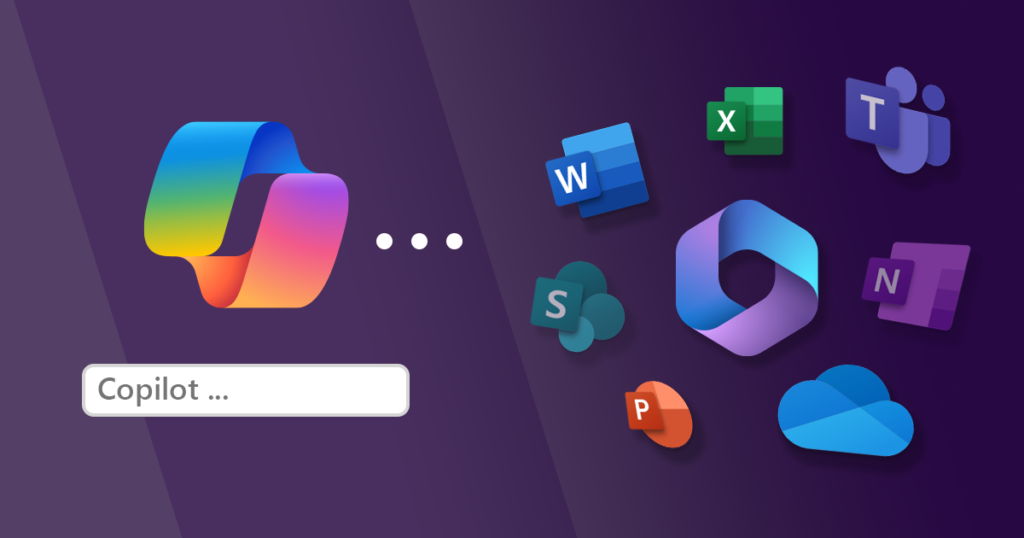
Microsoft 365 Copilot works broadly across Word, Excel, PowerPoint, Outlook, Teams, and Copilot Chat. Copilot Notebooks narrows that context to selected project references, with grounding from up to 300 files. It does not automatically treat an entire mailbox, every Teams conversation, or the web as notebook knowledge.
That makes Copilot Notebooks Microsoft’s closest answer to NotebookLM. It is also different from OneNote: OneNote stores notes; a Copilot Notebook turns chosen material into AI context.
Copilot Agent Builder and Copilot Studio
Agent Builder creates a reusable specialist with instructions, knowledge, supported capabilities, testing, and sharing. Copilot Studio adds connectors, triggers, APIs, flows, deployment channels, analytics, and administration.
In short: Copilot Notebooks organizes context, Agent Builder defines behavior, and Copilot Studio operates a process.
NotebookLM vs Copilot Notebooks for Research
Sources, Citations, and Fresh Information
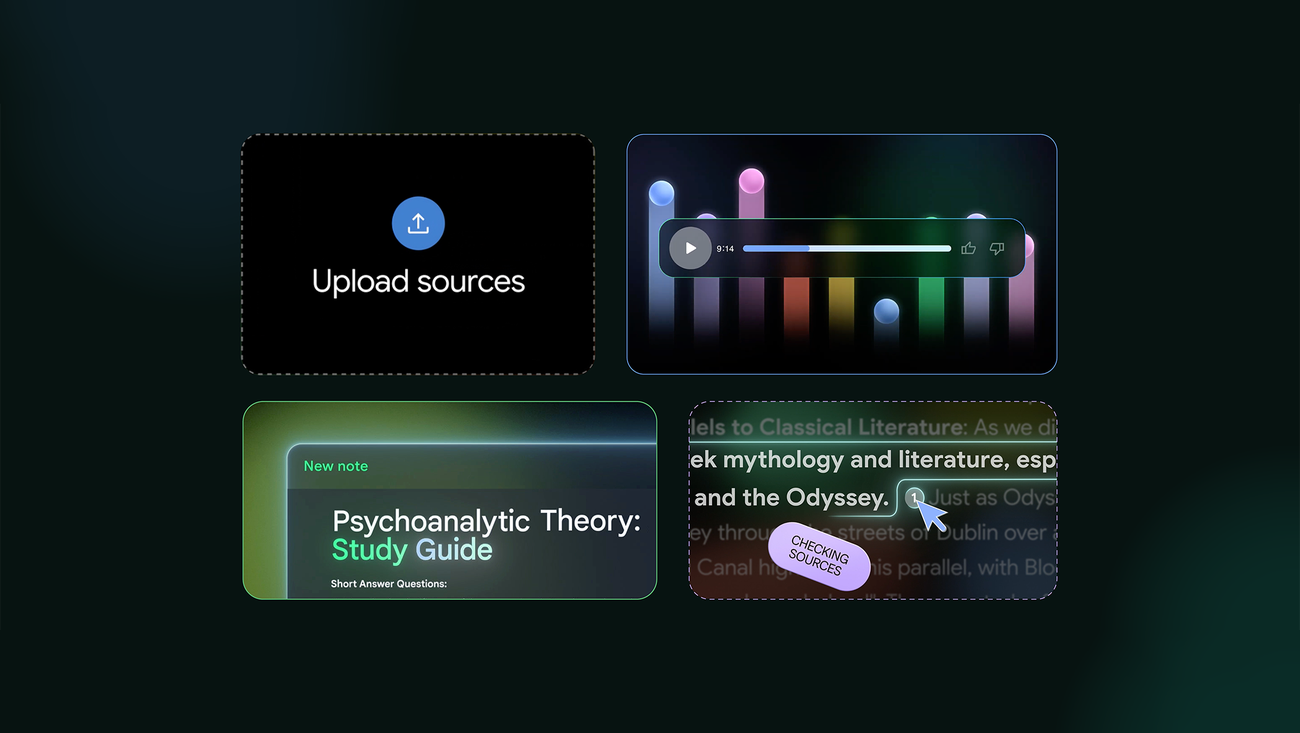
NotebookLM accepts PDFs, Office and Google files, web pages, audio, images, Markdown, spreadsheets, and public YouTube videos. Sources can be selected for each question, and answers point back to supporting passages.
Copilot Notebooks favors Word, PowerPoint, Excel, PDFs, Copilot Pages, Loop, and OneNote. References can remain connected to changing files, which suits live project plans and recurring reports.
Neither product is an unrestricted live-web agent. NotebookLM can import pages and discover sources, but saved pages may not follow future changes. Copilot Notebooks does not add general web grounding. Gemini Notebook is also gaining plan-dependent analysis and code execution, so it is no longer only a summarizer.
Citations make checking easier, but they are not a guarantee. Open important claims in context. The same principle applies across AI note-taking apps: a summary matters only when the evidence remains accessible.
Outputs, Collaboration, and Everyday Use
NotebookLM offers richer research and learning outputs, including Audio and Video Overviews, reports, slide decks, mind maps, flashcards, quizzes, and infographics.
Copilot Notebooks has a smoother path into Microsoft work. A team can analyze a deck, notes, and an Excel model, then continue in Word or PowerPoint under existing permissions.
Choose NotebookLM for mixed-source research and learning. Choose Copilot Notebooks when the material, collaborators, and final documents already live in Microsoft 365.
NotebookLM vs Copilot Agent for Reusable Work
NotebookLM is a research workspace; a Copilot agent is a reusable specialist.
A Notebook Holds Context; an Agent Has a Job
With company support policies, a notebook can answer questions and compare versions. An agent can also ask for missing details, follow escalation rules, format replies, and call an available tool.
Persistent instructions, selected knowledge, testing, and sharing make Agent Builder useful for onboarding, internal help, coaching, and repeated work.
For a literature review, exam topic, or one-off project, a notebook is simpler. Use an agent when the job should behave consistently next week or for another teammate. The difference between an AI agent and an LLM follows the same principle: autonomy comes from instructions, tools, memory, permissions, and runtime.
NotebookLM vs Copilot Studio for Automation
NotebookLM investigates information; Copilot Studio builds and runs agents inside business processes.
Research Workspace vs Business Process Platform
NotebookLM can turn documentation, interviews, and reports into an evidence-backed summary. Copilot Studio can put approved knowledge inside an employee or customer agent, connect it to business systems, trigger flows, request approval, and update records.
Copilot Studio supports scheduled or event-based flows, connectors, APIs, human review, deployment channels, analytics, and administration. That matters in operations but is excessive for understanding a few reports.
The choice resembles an AI workspace versus no-code automation tools. Even a polished builder needs clear triggers, permissions, exception handling, and ownership.
Cost, Setup, and Governance
There is no honest single-price comparison. NotebookLM has free access and higher paid limits. Copilot Notebooks depends on eligible Microsoft 365 access. Copilot Studio adds metered usage or capacity, plus setup and governance work.
NotebookLM is easier for individual research. Copilot Studio makes sense when actions, deployment, compliance, and operational ownership justify the work. For grounded Q&A alone, it is unnecessary.
One Research Task, Four Different Results
Consider a weekly competitor brief: check five companies, compare pricing and product changes, summarize what matters, and send the result to a team.
- NotebookLM compares collected evidence, highlights disagreements, cites sources, and creates a briefing.
- Copilot Notebooks keeps evidence and reports inside SharePoint, OneDrive, and Office files.
- Copilot Agent makes the analysis method reusable without rebuilding instructions.
- Copilot Studio connects the specialist to enterprise systems, approvals, flows, and delivery channels.
The first two help interpret evidence; the latter two make the process reusable or operational. A focused customer research workflow follows the same logic: preserve evidence, define the method, and choose the output before automating.
Which One Should You Use?
- Choose NotebookLM for mixed-source research, citations, study material, and audio or visual overviews.
- Choose Copilot Notebooks for a focused project built from Microsoft 365 files.
- Choose Microsoft 365 Copilot for everyday help across Office apps rather than a dedicated source library.
- Choose a Copilot agent when a specialist should follow the same instructions for repeated work.
- Choose Copilot Studio when the agent needs business-system connections, triggers, deployment, governance, and monitoring.
Before choosing the most complex option, define the outcome and systems involved. Choosing an AI agent platform requires a different standard from choosing an individual assistant because production workflows need security, testing, and long-term ownership.
How to Automate Ongoing Research With MyClaw
Some research jobs span changing websites, files, GitHub, APIs, messaging channels, and recurring reports.
MyClaw provides managed, always-on hosting for OpenClaw and Hermes Agent. It does not replace NotebookLM’s citation workflow or Copilot Studio’s governance. It is designed for private agents that must browse, work with files, and deliver results even when your laptop is offline.
Step 1: Give the Agent a Mission Worth Repeating
Start with a finish line: “Every Friday, check these five pricing pages and release notes. Report only what changed, include the source URL, and explain why it matters.” Define the format and approval points.
Step 2: Connect the Evidence and the Destination
Add only the browser, file, Drive, GitHub, email, Slack, Telegram, or API tools required. Start with narrow permissions and separate facts from interpretation.
Step 3: Put the Brief on a Schedule
Choose a schedule and delivery channel, then inspect the first runs. Tighten vague instructions, remove noisy sources, and save the process as a skill. The goal is a finished brief waiting for review—not another empty chat box waiting for the same prompt.
Conclusion: Choose Based on What Happens After the Research
The NotebookLM vs Copilot decision becomes simpler once the next step is clear. NotebookLM is the strongest choice for evidence-led understanding. Copilot Notebooks keeps project knowledge close to Microsoft 365. Copilot agents make a specialist reusable, while Copilot Studio turns that specialist into a governed business workflow.
When work must continue across websites, files, tools, and channels on a schedule, an always-on agent is usually the better fit. Choose the smallest system that can complete the job reliably, and add complexity only when the workflow truly needs it.
Skip the Setup, Run Best-in-Class AI Agents Now
Launch a managed OpenClaw or Hermes Agent workspace in minutes, with always-on hosting, updates, and support handled by MyClaw.