OpenClaw vs Clawbot: Are They the Same AI Agent?

By Emma Reed
MyClaw Editorial
MyClaw
Run Best-in-Class AI Agents Now
Run OpenClaw or Hermes Agent on managed MyClaw hosting, so your AI agent stays online, updated, and ready for real work.
AI Takeaway
- Are OpenClaw and Clawbot the same thing? Usually, yes. “Clawbot” is commonly used as an informal label for an OpenClaw-powered assistant, not a separate competing platform.
- Was Clawbot the official old product name? Not exactly. The official earlier name was Clawdbot, followed briefly by Moltbot before the project became OpenClaw.
- Which name should you use now? Use OpenClaw for the maintained software, package, commands, documentation, and new installations.
- Do Clawbot tutorials still work? The workflow may still be useful, but first confirm whether the guide means current OpenClaw or an older Clawdbot build. Commands and security settings can differ.
- What should an existing user do? Identify the installed package and version, back up the workspace and configuration, then update through the documented path instead of starting with deletion.
OpenClaw vs Clawbot at a Glance
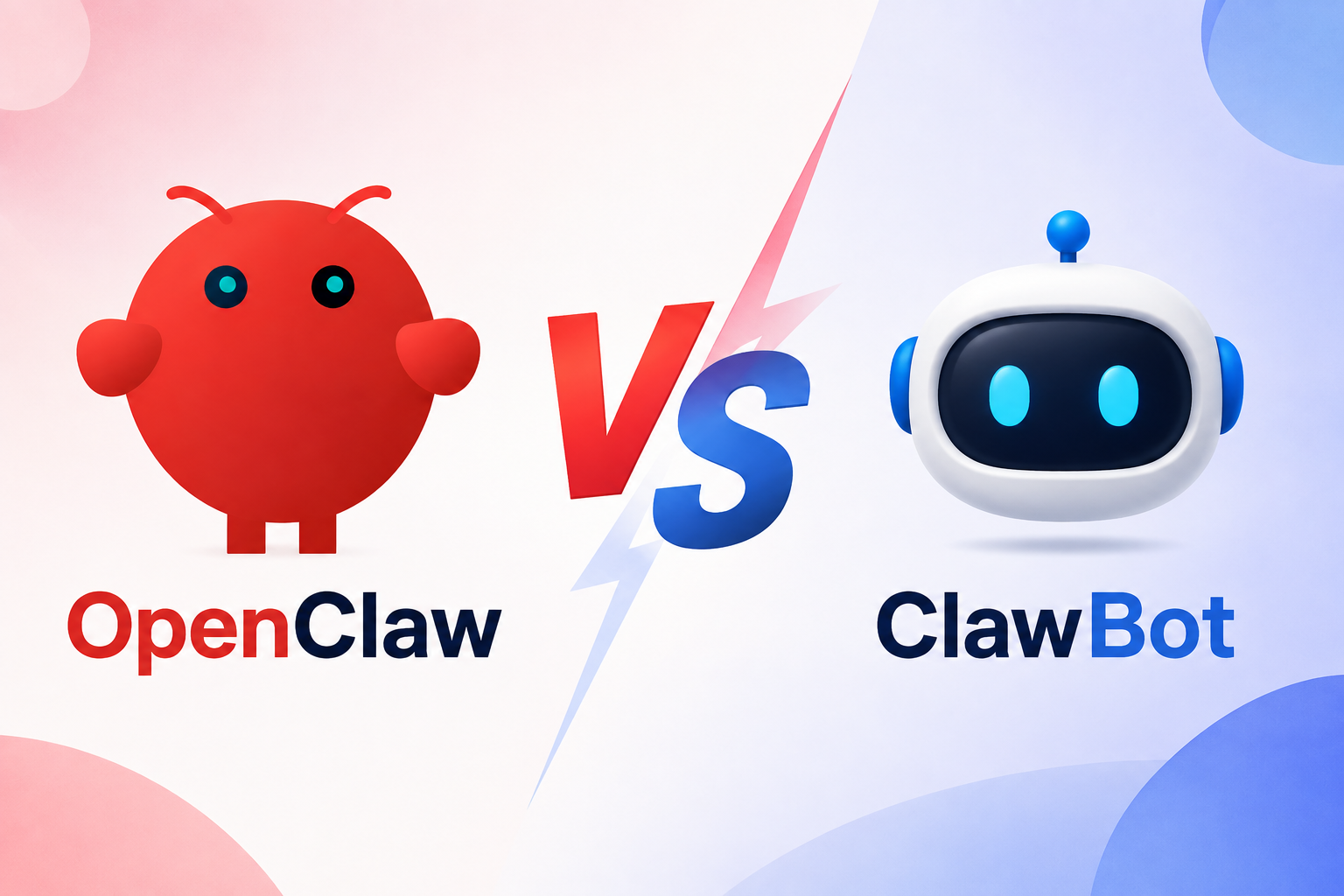
These are usually not rival AI agents. OpenClaw is the official project name. Clawbot is often a casual name for a bot powered by OpenClaw, or a shortened reference to the project’s former name, Clawdbot. Context matters because a third-party product can also use a similar name.
| Category | Clawbot | OpenClaw |
|---|---|---|
| Meaning | Informal shorthand, nickname, or bot label | Current official project name |
| Separate platform? | Usually no; verify the specific context | The maintained open-source AI agent |
| Official package | No general current clawbot package | Current openclaw package |
| Documentation | May refer to OpenClaw or older Clawdbot material | Current installation and security guidance |
| Best action | Check the link, package, and version being discussed | Use for all new installations |
Use “Clawbot” when describing your own bot if you like, but use OpenClaw when installing, configuring, updating, or troubleshooting the software. If the software itself is unfamiliar, start with a practical explanation of what OpenClaw is.
Why Do People Call OpenClaw “Clawbot”?

The confusion comes from two places. First, “Clawbot” is a natural shorthand for a bot built with OpenClaw. Someone may say “my clawbot” in the same way they would say “my Telegram bot,” without naming a different product.
Second, it is easy to drop the letter “d” from Clawdbot, the project’s official earlier name. The project began as Warelay, a WhatsApp gateway, and became Clawdbot in late 2025. After trademark concerns, it briefly changed to Moltbot before settling on OpenClaw on January 30, 2026.
The repository, codebase, and community continued through the official name changes. OpenClaw was not a fork or a replacement built by another team. It was the same project moving under a more durable name.
That history explains why search results mix OpenClaw, Clawbot, Clawdbot, and Moltbot. A post about memory, messaging channels, or agent workflows may still describe a useful concept, even when its terminology or commands are outdated.
What Does “Clawbot” Mean in Practice?
Before following a guide or installing anything, identify how the term is being used. It usually falls into one of three categories.
A Personal Bot Powered by OpenClaw
Many users call their configured OpenClaw assistant a clawbot. In this context, Clawbot describes the assistant they message, while OpenClaw names the software running it. There is no platform migration to perform because both terms point to the same current setup.
Install the openclaw package and follow current documentation. A clean setup should use a current OpenClaw installation guide, not an unverified package simply because its name includes “clawbot.”
A Shortened Reference to Old Clawdbot Material
Some posts use Clawbot when they actually mean Clawdbot, the former project name. The main idea stayed intact through the rebrand: an open-source personal AI assistant with a Gateway, workspace, memory, tools, skills, models, schedules, and messaging channels.
Workflow plans and prompt ideas may transfer because they describe what the agent should do. An old routine such as “check these pages every morning and send a Telegram summary” is still useful, but the installation command, channel setup, permissions, and scheduler configuration around it may have changed.
A Separate Service Using a Similar Name
Clawbot is a generic-sounding name, so it can also appear in unrelated domains, repositories, hosted services, or chatbots. Do not assume every result is part of the official OpenClaw project. Check who maintains it, which package it asks you to install, where credentials are stored, and whether the documentation links back to OpenClaw.
This distinction prevents two common mistakes: treating a nickname as a separate product, or trusting an unrelated service because it uses a familiar name. The exact URL, package, and version tell you more than the word “Clawbot” alone.
Can You Still Use Clawbot Tutorials and Old Installs?
Yes, but use them as historical guidance rather than current operating instructions.
If You Found a Clawbot Tutorial
The most reusable parts are usually:
- Workflow ideas and prompt patterns
- Explanations of messaging channels
- Skill concepts and automation logic
- Examples of memory and scheduled work
Recheck anything that changes the machine:
- Package and install commands
- Configuration directories and environment variables
- Gateway service names and ports
- Channel authentication steps
- Tool permissions, sandboxing, and network exposure
- Update, uninstall, and deletion commands
For a fresh setup, use current installation instructions instead of translating an old guide line by line. It is faster than debugging a mixture of new packages and legacy paths.
If You Already Run an Older Clawdbot Build
A working legacy setup does not automatically need a clean reinstall. Treat it like a software upgrade with valuable state attached. If the old host is also becoming a burden, review the best OpenClaw hosting options after securing a backup, not before.
- Identify the exact version and install method. npm, a source checkout, Docker, and hosted images follow different paths.
- Back up what matters. Preserve the workspace, configuration, credentials, schedules, channel state, and any custom skills.
- Check the releases between your version and the current one. Look for renamed variables, removed aliases, configuration migrations, and security changes.
- Update before cleaning up. Run
openclaw doctor,openclaw gateway status, andopenclaw security audit --deep. Confirm channels and scheduled jobs before removing old files.
Avoid any migration guide that starts by deleting ~/.clawdbot. A backup taken after deletion is not a backup.
If You Are Starting Today
Install the current release, then decide where it should live. A local computer is convenient for testing, but scheduled work stops when the machine sleeps. A VPS stays online and gives you control, while also making updates, backups, monitoring, and recovery your responsibility.
Existing hardware, a VPS, and a managed environment divide that responsibility differently. The right host is the one you can keep secure and running after the first successful chat.
Run the Current OpenClaw Without Maintaining the Server
 The former name is now part of the project's history. The remaining choice is whether you want to operate the current software's host yourself.
MyClaw runs the software in a private, isolated, always-on environment and handles deployment, supported updates, health monitoring, and daily backups. You still choose the model, connect your accounts and channels, set permissions, and pay separately for AI usage. The runtime simply has a maintained place to work.
Step 1: Launch a Fresh Instance
Choose the capacity you need and start a prepared instance. There is no need to rebuild a legacy tutorial around Node versions, Docker, process managers, public ports, or backup jobs. You begin with the current release in a clean environment.
Step 2: Give It a Brain and a Doorway
Choose a supported AI model or bring your own key, then connect one channel such as Telegram, WhatsApp, Discord, email, or the web dashboard. Start with one model, one channel, and minimum permissions. A small setup is easier to verify and safer to expand.
Step 3: Give It One Job Worth Keeping Online
Pick a task with a result you can inspect. For example:
Every weekday at 8 AM, check these five competitors, cite what changed, and send me a five-line Telegram brief. Ask before publishing or sending anything externally.
Review the first few runs. Tighten the instructions, remove access the task does not need, and require approval for sensitive actions. Once the result is reliable, the same instance can stay online after your laptop closes.
Conclusion: Use OpenClaw for Every New Setup
OpenClaw vs Clawbot is usually a comparison between an official project name and an informal name for a bot powered by it, not two competing agents. The spelling Clawdbot still matters when tracing older tutorials, packages, and migration notes. OpenClaw is the maintained name for software, documentation, updates, and security guidance today.
Start new installations with OpenClaw. If someone recommends “Clawbot,” confirm the exact link and package before installing it. If an old Clawdbot setup is still running, back it up and verify the upgrade path for that version. Then compare local, VPS, and managed hosting based on how much maintenance you want to own.
Skip the Setup, Run Best-in-Class AI Agents Now
Launch a managed OpenClaw or Hermes Agent workspace in minutes, with always-on hosting, updates, and support handled by MyClaw.