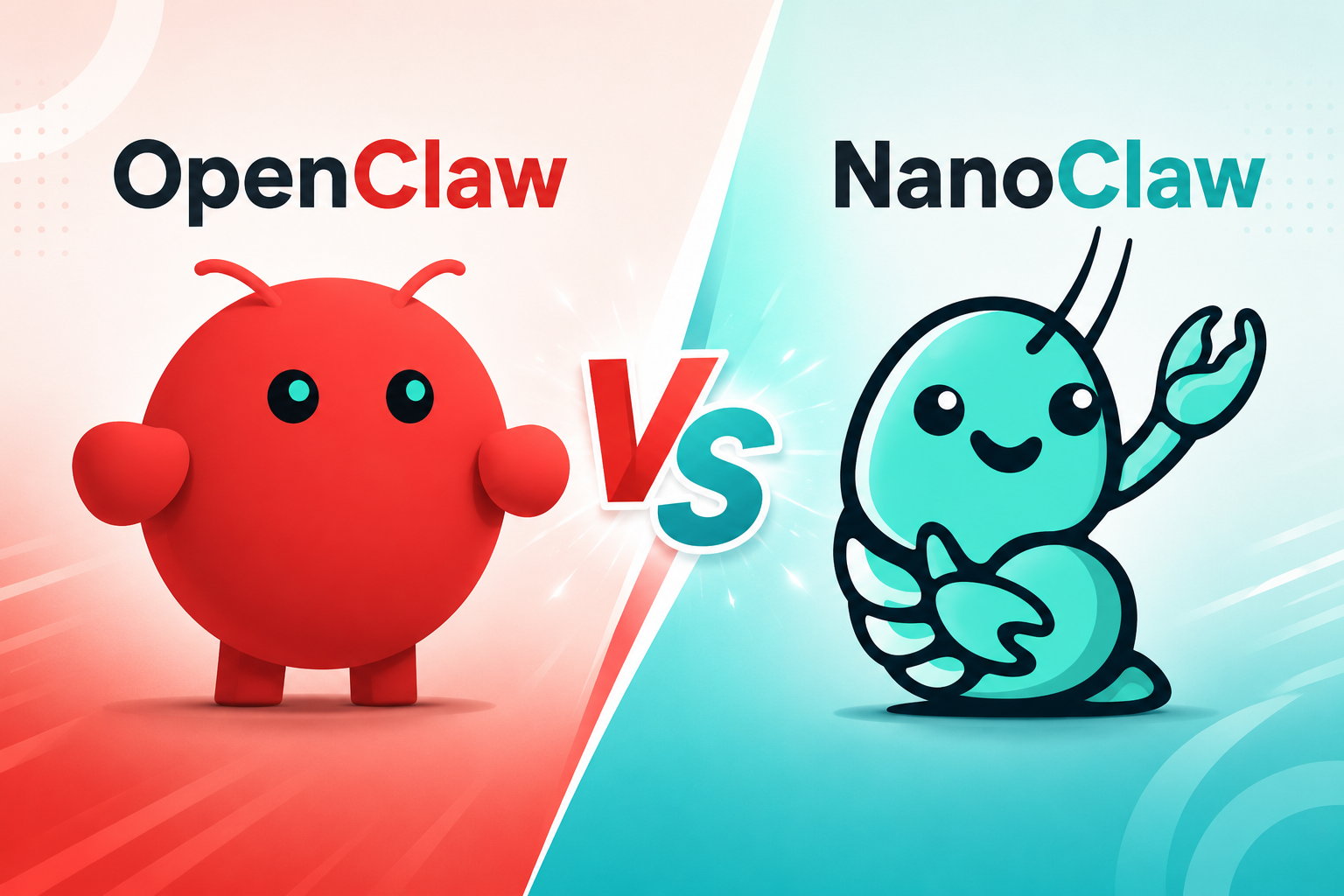
OpenClaw vs NanoClaw: Which AI Agent Should You Use in 2026?

By Olivia Hart
MyClaw Editorial
MyClaw
Run Best-in-Class AI Agents Now
Run OpenClaw or Hermes Agent on managed MyClaw hosting, so your AI agent stays online, updated, and ready for real work.
AI Takeaway
- What is the main difference? OpenClaw is a broad agent platform with a mature interface, channel ecosystem, tools, and operational controls. NanoClaw is a smaller, fork-and-customize system that puts agents inside containers from the start.
- Which is more secure by default? NanoClaw has the clearer default isolation story. OpenClaw supports Docker, SSH, and OpenShell sandboxes, but you must enable and configure them.
- Which has more features? OpenClaw still provides the more complete experience. NanoClaw now supports many channels and AI providers too, although most are added through install-on-demand skills.
- Which is easier to maintain? OpenClaw has more built-in visibility and management tools. NanoClaw keeps the base smaller, but expects you to use Claude Code and modify your own fork.
- Which should you choose? Pick NanoClaw when auditability and strict boundaries come first. Pick OpenClaw when you want broader capabilities and a smoother daily workflow. If OpenClaw fits but self-hosting does not, managed hosting removes most of the server work.
The Core Difference Is Scope
OpenClaw and NanoClaw can both receive messages, remember context, use tools, and run scheduled jobs. The difference is how much of the platform is already assembled before you begin customizing.
OpenClaw aims to be a complete personal assistant platform, connecting models, channels, tools, files, skills, sessions, and multiple agents. NanoClaw starts with a smaller host process and runs agent work inside containers. You add channels and providers to your fork as needed.
This is a choice between a broad platform and a controlled core. As the recent OpenClaw vs ZeroClaw comparison also shows, a smaller runtime can be attractive without replacing the depth of a larger ecosystem.
OpenClaw vs NanoClaw at a Glance
Details checked against current project documentation in July 2026.
| Category | OpenClaw | NanoClaw |
|---|---|---|
| Product style | Full agent platform | Small, customizable runtime |
| Default execution | Host by default; sandbox optional | Agents run in containers |
| Channels | Broad built-in and plugin ecosystem | Installed through channel skills |
| AI models | Wide provider support | Claude-native, with other providers added through skills |
| Interface | Web Control UI, CLI, apps, logs, sessions | Code- and chat-driven management |
| Best fit | Broad workflows and a richer daily interface | Custom forks and security-conscious setups |
The deciding factors are your trust model, desired integrations, and how much maintenance you want to own—not which project has the longer feature list.
Security: Strong Defaults or Flexible Sandboxing?
Both projects can be deployed carefully, but they begin from different assumptions.
NanoClaw Starts With Containers
NanoClaw runs agent work in isolated containers and scopes workspaces and memory to each agent group. A container sees only explicitly mounted directories and runs as a non-root user.
NanoClaw routes supported outbound requests through OneCLI Agent Vault, which injects credentials at the proxy instead of placing raw keys inside the container.
Strict outbound egress lockdown is available but opt-in, and mounting a sensitive folder can weaken an otherwise good boundary. Containerized does not mean consequence-free.
OpenClaw Offers More Security Choices
OpenClaw treats the main operator and host as trusted. Sandbox mode is off by default, so tools may run on the host until you change that policy. Once enabled, execution can move into Docker, an SSH host, or OpenShell, with shared, per-agent, or per-session scope.
The Gateway itself stays on the host, and elevated tools can intentionally bypass the sandbox. That flexibility is useful when an assistant needs real system access, but every exception widens the possible blast radius.
NanoClaw has the simpler story for secure defaults. OpenClaw can be hardened substantially, but the result depends on deliberate sandbox, tool, network, and credential choices.
Features, Channels, and Model Choice
OpenClaw Brings More Into One Place
OpenClaw combines a Web Control UI with messaging plugins, browser and file tools, sessions, memory, multi-agent routing, skills, scheduled tasks, and mobile nodes. You can inspect sessions, review usage, manage cron jobs, and troubleshoot the Gateway without rebuilding the product around each workflow.
Model choice is broad as well. A strong reasoning model such as Claude Sonnet 5 may suit coding and multi-step tool use, while a cheaper model can handle heartbeats, classification, or routine summaries. That division can keep routine work from consuming premium-model tokens.
This breadth matters when one assistant moves between chat, browser work, files, integrations, and scheduled jobs. A competitor-monitoring agent, for example, can visit pages, compare changes, save findings, and send scheduled alerts.
NanoClaw Adds Only What You Ask For
Early descriptions of NanoClaw as WhatsApp-only or Claude-only are no longer accurate. Current channel skills can add Telegram, WhatsApp, Slack, Discord, Teams, iMessage, GitHub, email, and other services. Provider skills can add Codex, OpenCode-compatible providers, and local models through Ollama.
The distinction is packaging. OpenClaw supplies a broad platform to configure. NanoClaw copies selected modules into your fork, reducing inherited surface area while making Claude Code and your codebase part of normal management.
Setup Is Only the First Hour
Getting the Agent Online
OpenClaw provides guided onboarding, a mature CLI, and a browser control surface. You still choose a model, connect channels, define permissions, and decide where tools run.
NanoClaw v2 uses nanoclaw.sh to install prerequisites, build the agent container, register credentials, and pair the first channel. When a step needs diagnosis or judgment, the process hands off to Claude Code. The flow is direct if you are comfortable treating code as the configuration layer.
Living With It After Setup
A week later, OpenClaw's documented health checks, updates, backups, rollback, sandbox inspection, logs, and session management become valuable. Its automatic updater is optional, so maintenance still needs a policy.
NanoClaw intentionally avoids a full monitoring or debugging dashboard. You describe the problem to Claude Code, inspect the resulting changes, and keep your fork understandable. NanoClaw v2 also includes a migration path for v1 state, groups, scheduled tasks, and selected channel data, but customizations still require review.
The Software Is Free; Running It Is Not
Neither license tells you the real cost. A useful calculation is:
Total running cost = infrastructure + model usage + maintenance time + failed-task cleanup
NanoClaw may fit a smaller deployment, but customization and maintenance are not free. OpenClaw may need more host resources while saving time when its channels, UI, and operational tools already match the job.
If cost is the deciding factor, compare the same workflow on the same model and hardware. Include failed-task cleanup and your maintenance time. The local, VPS, and managed hosting comparison shows why the cheapest monthly server is not always the lowest-cost way to keep an agent useful.
Want OpenClaw Without the Server Work?
 Choosing OpenClaw does not require keeping a laptop awake or making a VPS a second project. MyClaw runs it in a private, always-on environment and handles deployment, supported updates, health monitoring, backups, and recovery.
It does not turn OpenClaw into NanoClaw or replace its permission model. You still choose models, channels, tools, and sensible access boundaries; the underlying environment simply stays online and maintained.
Step 1: Launch Your Private OpenClaw
Choose the capacity you need and launch a dedicated instance. Instead of beginning with Node versions, ports, process managers, and Gateway exposure, you begin with an agent that is already online.
Step 2: Connect One Model and One Channel
Choose a model or bring your own API key, then connect the channel you actually plan to use. One model and one channel are enough for the first workflow. A narrow setup is easier to test, understand, and trust.
Step 3: Give It a Job That Keeps Running
Start with a result you can verify: a morning brief, inbox triage, weekly report, price alert, or competitor check. Review the first runs, tighten approvals, and expand only after the job works reliably. Then close the laptop; the hosted agent keeps the schedule.
OpenClaw or NanoClaw: Choose by What You Want to Own
Choose NanoClaw for container isolation from the start, credential separation, an auditable system, and a fork you are willing to own. It works well for focused jobs where every mounted directory deserves scrutiny.
Choose OpenClaw for a broader ecosystem, richer controls, model flexibility, and an assistant that can grow across channels and workflows. It asks you to make more security and operating decisions, but gives you more finished product to start with.
If OpenClaw is the right framework and server maintenance is the wrong use of your time, a managed OpenClaw hosting environment is the practical middle path. There is no universal winner: the better choice is the one whose boundaries, capabilities, and maintenance model match the work you want the agent to do.
Skip the Setup, Run Best-in-Class AI Agents Now
Launch a managed OpenClaw or Hermes Agent workspace in minutes, with always-on hosting, updates, and support handled by MyClaw.