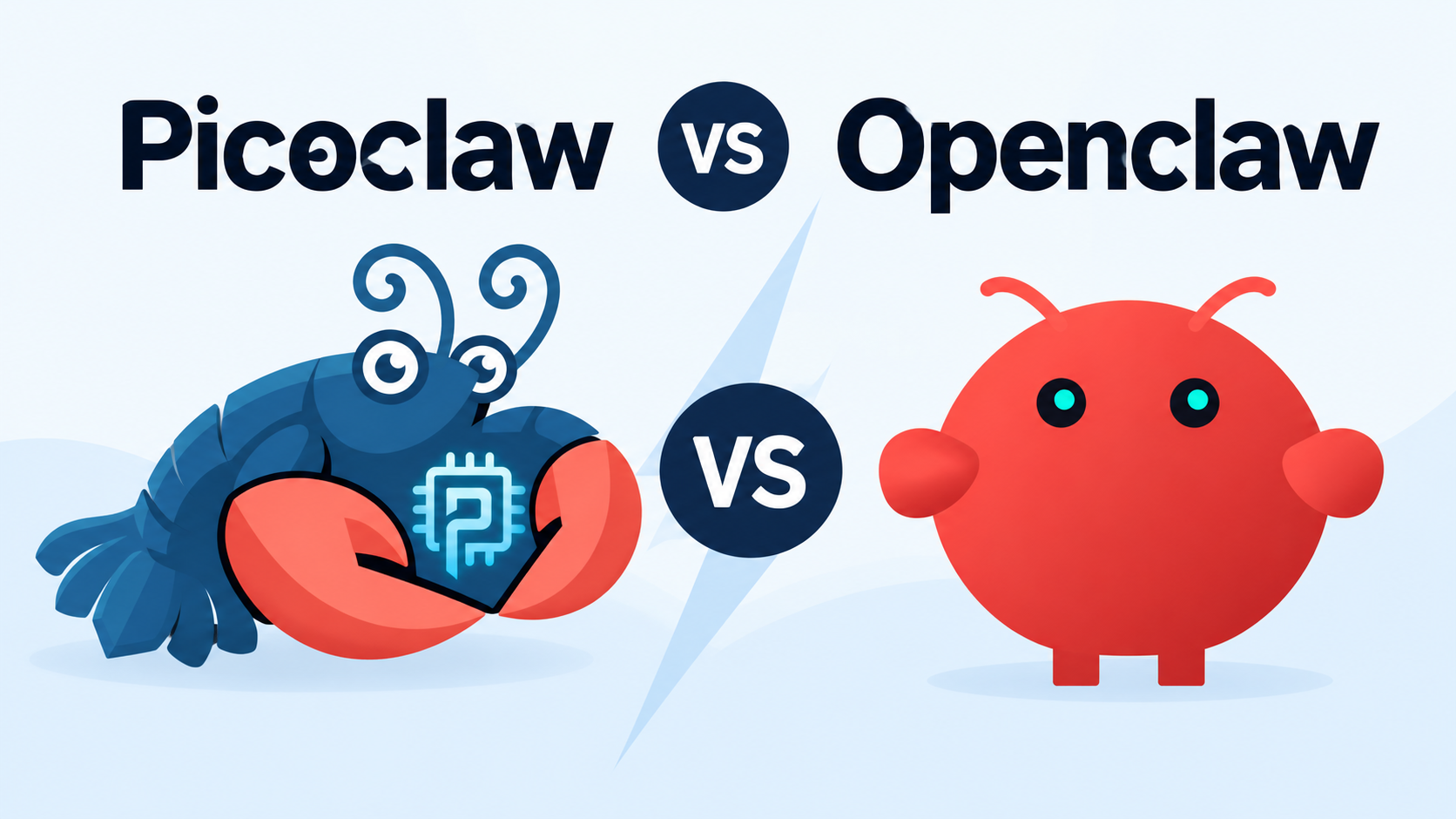
PicoClaw vs OpenClaw: Which AI Agent Should You Choose in 2026?

By Emma Reed
MyClaw Editorial
MyClaw
Run Best-in-Class AI Agents Now
Run OpenClaw or Hermes Agent on managed MyClaw hosting, so your AI agent stays online, updated, and ready for real work.
AI Takeaway
- What is the main difference? PicoClaw is a compact Go runtime made for low-cost and constrained hardware. OpenClaw is a broader agent platform for browser work, files, code, messaging, memory, and long-running automation.
- Is PicoClaw faster? It starts faster and uses far less memory. A complete task may not finish faster because model inference, network calls, browser actions, and retries usually take longer than runtime startup.
- Does PicoClaw support MCP, skills, and WhatsApp? Yes. Current versions support MCP, skills, scheduled jobs, persistent memory, model fallbacks, and a much wider channel list than early comparisons suggest.
- Which one should you choose? Choose PicoClaw when the agent must fit the device. Choose OpenClaw when the workflow must cross tools and keep running reliably.
- What if OpenClaw is right but self-hosting is not? A managed OpenClaw environment keeps the agent online without turning server maintenance into another job.
PicoClaw vs OpenClaw at a Glance
PicoClaw is an independent Sipeed project, not a stripped-down OpenClaw fork. It prioritizes Go portability; OpenClaw uses a heavier TypeScript and Node.js stack to provide a broader operating surface.
| Category | PicoClaw | OpenClaw |
|---|---|---|
| Best for | Edge devices, low-cost hardware, focused assistants | Browser, files, coding, integrations, and complex workflows |
| Runtime | Portable Go binary | TypeScript and Node.js platform |
| Memory | Targets under 10MB at the core; newer builds may use 10–20MB | Higher usage that varies with enabled tools and services |
| MCP and skills | Supported | Supported with a larger, more mature ecosystem |
| Browser automation | Still on the roadmap | Built-in browser control |
| Channels | Telegram, Discord, Slack, WhatsApp, Matrix, WeCom, and more | Broader official and plugin ecosystem |
| Production fit | Fast-moving and still pre-v1.0 | More established, but still needs careful configuration |
The short answer is simple: PicoClaw minimizes the runtime; OpenClaw maximizes what the agent can do around it.
PicoClaw Is Built for the Edge; OpenClaw Is Built for Broader Workflows
PicoClaw Optimizes for Small, Portable Deployments
PicoClaw’s single binary runs across RISC-V, ARM, MIPS, and x86 hardware. It fits a Raspberry Pi, old router, monitoring device, or focused Telegram assistant.
The small runtime is not limited to a tiny local model. A low-powered board can run the agent loop while a cloud provider handles inference.
That distinction matters for offline use. Running PicoClaw itself on a $10 board is realistic; running a capable local model on the same board is a different challenge. Local inference still needs enough memory and compute for the model. OpenClaw can also connect to local model endpoints, so privacy and offline operation depend on the whole hardware-and-model setup, not the runtime name alone.
The same trade-off appears between OpenClaw and ZeroClaw: a lean runtime is valuable when hardware constraints are part of the problem.
OpenClaw Optimizes for Work That Spreads Across Tools
OpenClaw makes more sense when a job begins in one place and finishes somewhere else. It can research a competitor, use a browser, update a spreadsheet, save files, run code, and send the result through Slack or WhatsApp.
That wider scope uses more resources, but it also brings sessions, logs, approvals, plugins, memory, scheduling, and better recovery. A recurring competitor-monitoring workflow shows the difference: checking a page is easy; preserving history, ignoring noise, and delivering a useful alert every week is the real job.
Performance: What “Faster” Actually Means
PicoClaw Wins on RAM and Startup Time
PicoClaw’s core targets less than 10MB of memory and sub-second startup on modest hardware. Feature-rich recent builds may use 10–20MB, which is still exceptionally small.
That matters for cold starts, edge fleets, tiny hosts, and machines running many mostly idle assistants. It matters much less for one always-on agent waiting most of the day for model APIs and external tools.
A Fast Runtime Does Not Guarantee a Fast Result
With the same cloud model, inference and network time can dominate. Browser pages take seconds, code may need several test runs, and research can take minutes. Faster startup barely changes those workflows.
Keep the machine, model, prompt, permissions, and pass criteria the same. Measure:
- Peak memory
- Time to a completed result
- Tool failures and retries
- Tokens used
- Human cleanup required
The useful metric is cost per accepted task. A cheap, instant runtime that needs repeated correction may cost more than a heavier system that completes the job once.
Features That Change the Daily Experience
Browser, MCP, Skills, and Model Choice
PicoClaw is no longer a basic chat loop. Current releases support MCP, skills, scheduled jobs, persistent workspace files, multiple providers, and fallbacks.
OpenClaw still provides the more complete environment. Its browser tools, plugins, approvals, sessions, and skills combine more easily in long workflows. Browser automation is built into OpenClaw but remains on PicoClaw’s roadmap.
For clicking, typing, screenshots, and dynamic pages, the Agent Browser skill gives OpenClaw a repeatable interaction workflow instead of stopping at downloaded HTML.
Channels, Memory, and Long-Running Work
PicoClaw supports Telegram, Discord, Slack, WhatsApp, Matrix, QQ, DingTalk, WeCom, Feishu, LINE, and more. What matters after setup is support depth: media, groups, access controls, reconnection, debugging, and sessions.
OpenClaw’s maturity matters when context crosses tools or a task fails. A coding agent workflow needs repository access, terminal tools, tests, logs, permissions, and a way to continue after a failed attempt.
Setup, Security, and the Cost of Keeping It Running
Getting Online Is Only the First Step
PicoClaw offers binaries, source builds, Docker, and a Web UI. OpenClaw has guided onboarding and richer controls, but self-hosting still needs keys, channel configuration, permissions, updates, backups, and an always-on machine.
PicoClaw warns against production use before v1.0. Its current controls include channel allowlists, separate secret storage, and filtering that keeps sensitive values out of model-visible tool results. OpenClaw has more operating history and offers pairing, allowlists, tool policies, and optional sandboxing. Neither system is automatically safe. Use dedicated keys, private gateways, reviewed skills, and approval for destructive actions.
Compare Total Cost, Not Just Hardware
PicoClaw usually wins the raw infrastructure comparison. That is only one part of the bill:
Total cost = infrastructure + model usage + setup + maintenance + failed-task cleanup
OpenClaw may cost more to host while saving integration and recovery time. For DIY hosting, the OpenClaw VPS guide explains why memory, backups, networking, and maintenance beat the cheapest headline price.
PicoClaw or OpenClaw: Make the Choice in 30 Seconds
Choose PicoClaw If…
- The agent must run directly on constrained or low-cost hardware.
- Fast boot, low memory use, portability, or hardware I/O is a requirement.
- The job is focused and you are comfortable using a fast-moving pre-v1.0 project.
Choose OpenClaw If…
- The agent needs browsers, files, code, SaaS tools, or human approvals.
- Mature channel behavior, logs, sessions, and troubleshooting matter.
- The workflow needs to grow beyond a single device-side task.
Choose based on the hardest job that must succeed, not the smallest benchmark number.
Can PicoClaw and OpenClaw Work Together?
They can when the work separates cleanly. PicoClaw can filter events near a sensor or constrained device; OpenClaw can add context, update records, request approval, and follow up. Most personal setups will still be simpler with one runtime.
Run OpenClaw 24/7 Without Managing a Server
 Choosing OpenClaw does not require keeping a laptop awake or maintaining a VPS. MyClaw provides a private, always-on instance with deployment, supported updates, daily backups, and recovery handled. You still control models, channels, tools, and permissions.
Step 1: Launch Your OpenClaw
Choose the capacity and start a dedicated instance without assembling Node.js, a process manager, ports, or a public Gateway. Once it is online, confirm the workspace and basic health before connecting valuable accounts.
Step 2: Connect One Model and One Channel
Bring an API key or select a model, then connect the channel you already check every day. Resist the urge to connect everything at once. One model, one channel, and minimum permissions make the first workflow easier to understand and trust.
Step 3: Give It a Job Worth Keeping Online
Try a verifiable result: “Every weekday at 8 AM, review my inbox and calendar, flag conflicts, and send a five-line brief to Telegram.” A good first job has a schedule, a visible output, and an obvious success condition. Review early runs, tighten permissions where needed, then let the agent keep the schedule.
Conclusion: PicoClaw for Edge Efficiency, OpenClaw for Full Workflows
The PicoClaw vs OpenClaw decision comes down to what needs optimizing. PicoClaw is the better fit when hardware, portability, and runtime efficiency define the project. OpenClaw is the stronger choice when browsers, integrations, operational visibility, and long-running work matter more. List the three jobs the agent must complete, test the hardest one, and choose the setup you can realistically maintain.
Skip the Setup, Run Best-in-Class AI Agents Now
Launch a managed OpenClaw or Hermes Agent workspace in minutes, with always-on hosting, updates, and support handled by MyClaw.