YouMind AI Review 2026: Is It Worth $20/Month?

By Olivia Hart
MyClaw Editorial
MyClaw
Run Best-in-Class AI Agents Now
Run OpenClaw or Hermes Agent on managed MyClaw hosting, so your AI agent stays online, updated, and ready for real work.
AI Takeaway
- What is YouMind AI? YouMind is a visual AI workspace that keeps sources, notes, conversations, and creative output together in project-based Boards.
- What does it do best? It turns mixed material—articles, PDFs, videos, podcasts, highlights, and your own notes—into editable writing, images, slides, webpages, audio, and video.
- Is YouMind worth $20 per month? Yes, if research regularly becomes published content. If you only need occasional summaries or chat, stay on the free plan.
- What are the main drawbacks? Credit costs are difficult to predict before using the product, large Boards need careful testing, and export options may not preserve an entire project exactly as expected.
- How does it compare with NotebookLM and ChatGPT? YouMind is more creation-focused than NotebookLM and more structured around source collections than ChatGPT. Choose by the result you need: deeper understanding, flexible conversation, or a finished creative asset.
What Is YouMind AI?
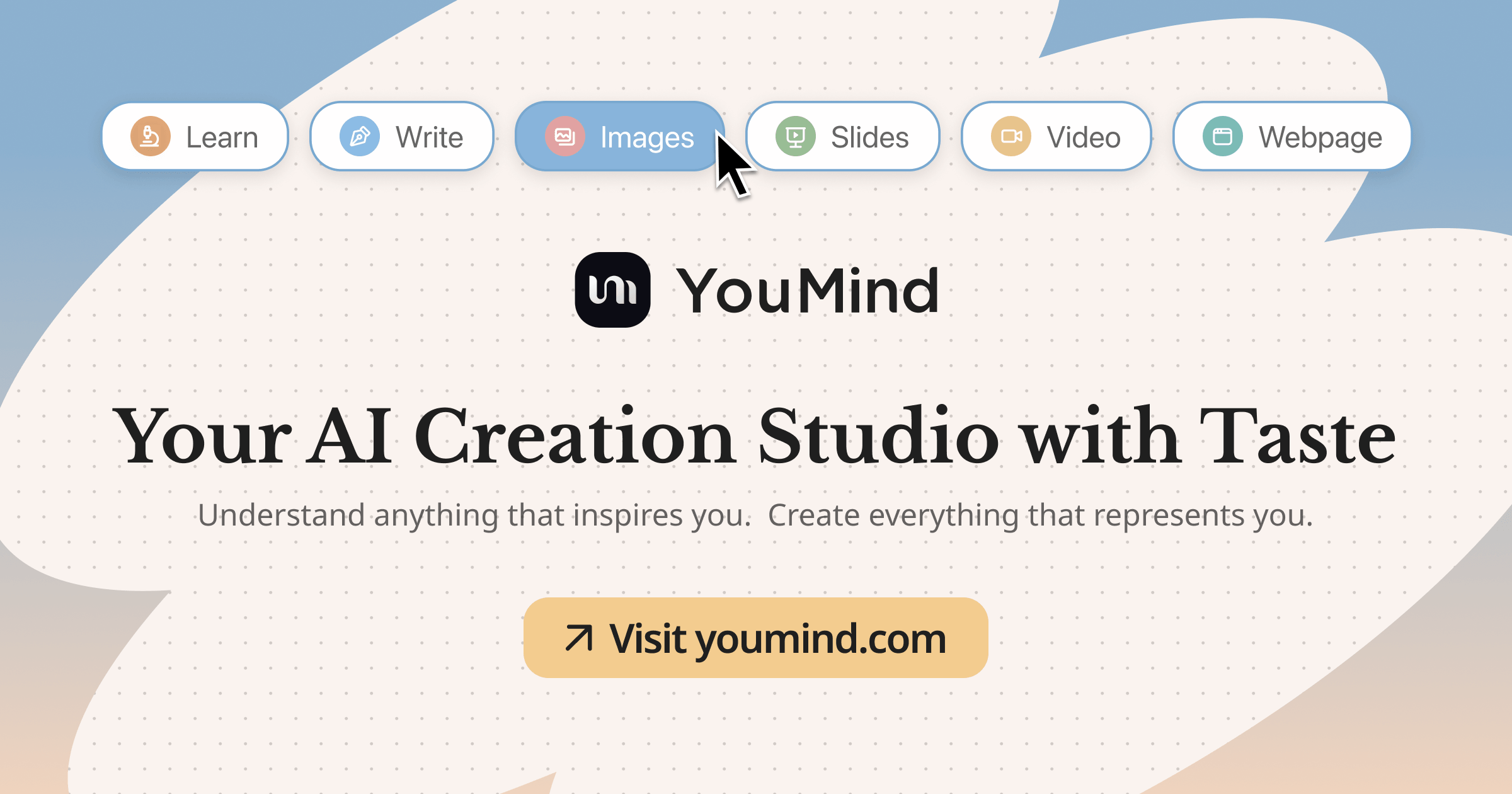
YouMind is easiest to understand as an AI creation studio rather than another note-taking app. A Board can hold source material, annotations, AI conversations, drafts, and media, so the project does not have to be rebuilt in every new chat.
You collect material, organize it around a topic, ask questions across it, then create an article, presentation, image, webpage, audio track, or video. Mobile apps and a browser extension help capture material before it disappears into bookmarks.
This puts YouMind somewhere between a research assistant, a visual second brain, and a creative production tool. If the main goal is storing notes, there are simpler options in this guide to the best AI note-taking apps. YouMind becomes more interesting when the notes need to turn into something publishable.
YouMind Pros and Cons at a Glance
| Pros | Cons |
|---|---|
| Boards keep sources, notes, chats, and drafts together | Credit costs are hard to translate into finished projects |
| Strong browser capture and mobile collection | Large, media-heavy Boards may need performance testing |
| Creates writing, images, slides, webpages, audio, and video | Important claims and generated visuals still need checking |
| Multiple models, Skills, MCPs, and browser use on Pro | Full-project export and portability should be tested early |
YouMind AI Review: What It Does Well
Boards Keep the Whole Project in View
Boards are the strongest part of YouMind. A newsletter Board, for example, could contain five articles, a podcast transcript, highlights, rough ideas, an AI-generated outline, and the final draft.
That continuity avoids repeatedly explaining the project, its important sources, and the desired output. The visual layout also makes collected material easier to scan. Source quality still matters: ten weak articles do not become strong research simply because they share a Board.
The Browser Extension Makes Capture Useful
YouMind’s browser extension can clip pages, save selected text and annotations, and collect YouTube information and transcripts. Batch reading helps bring several results into one project instead of leaving them across dozens of tabs.
For quick answers, one of these Perplexity alternatives may feel faster. YouMind earns its structure when sources will be reused. Test the extension on your normal pages: a clean article, long PDF, JavaScript-heavy product page, and paywalled site can behave very differently.
Research Can Become More Than a Draft
Pro includes images, slides, webpages, audio, and video, along with browser use, MCPs, a personal creative agent, and Skills. A teacher might create a lesson deck and audio explanation; a marketer might turn a report into social visuals and a landing page draft.
Judge quality by the work remaining, not generation speed. Check tone, slide structure, citations, and visual details. A fast first draft is useful, but it is still a first draft.
Where YouMind Still Falls Short

Credits Make the Real Cost Hard to Predict
Pro includes 20,000 monthly credits, while Max includes 200,000, but those numbers do not show how many finished projects they cover.
Measure cost per usable result. Import an article and video, run a multi-source synthesis, create a 1,000-word draft, and generate a visual or slide deck. Count revisions and failed generations too. Text-heavy work may fit Pro comfortably; images, audio, video, and retries can shrink the allowance quickly.
Large Boards Need a Stress Test
A five-source Board may feel smooth while a media-heavy project with dozens of sources becomes slower or less precise. Ask the same question with 5, 20, and 50 sources. Watch loading time, ignored material, citation accuracy, and confused claims. A polished response can still rest on incomplete evidence.
Test export too. Check whether you can move documents, source lists, notes, annotations, images, audio, and chat history—not only the final asset. Portability matters most after a Board becomes valuable.
Privacy Depends on What You Put In
YouMind’s privacy policy covers account, device, usage, and location information. When actively used, the extension can process clipped content, YouTube transcripts, highlights, annotations, URLs, and sync data. It says general browsing activity is not collected on pages where capture features are not used.
Submitted content may be shared with AI model providers, including Anthropic and Google. You can request access, correction, deletion, restriction, or data portability, but that does not guarantee a perfect one-click export of every Board.
Avoid uploading confidential client material until storage, retention, deletion, and model-processing rules fit the work. The risk becomes more important when AI can access tools and take actions; this AI agent security guide explains the additional checks for permissions, approvals, and connected accounts.
YouMind Pricing: Free vs Pro vs Max
YouMind offers three plans, with lower effective monthly prices when billed annually.
| Plan | Monthly Price | Annual Price, Shown Monthly | Included Credits | Best Fit |
|---|---|---|---|---|
| Free | $0 | $0 | Limited | Testing Boards and occasional projects |
| Pro | $20 | $17 | 20,000/month | Regular solo research and content creation |
| Max | $100 | $83 | 200,000/month | Heavy daily creation and larger workloads |
The free plan supports up to 100 files but limits AI features, models, memory, and context. Start there to find out whether the Board workflow matches how you think and create.
Pro is the sensible default for regular content production. It adds frontier models, unlimited file uploading and parsing, broader creative tools, browser use, Skills, MCPs, expanded context, and optional credit top-ups. Max is a major price jump. Upgrade only after real usage shows that Pro’s credits or performance are holding back completed work.
Do not buy an annual plan after a polished demo. Complete one normal project first, including the revisions that make it publishable.
YouMind vs NotebookLM and ChatGPT
These products overlap, but they begin from different assumptions.
| Area | YouMind | NotebookLM | ChatGPT |
|---|---|---|---|
| Best use | Research that becomes creative output | Understanding a defined source set | General conversation, reasoning, and file work |
| Project structure | Visual Boards | Source-based notebooks | Chats, projects, and files |
| Grounded research | Good, but verify important claims | Strong emphasis on source grounding | Varies by mode and instructions |
| Finished assets | Writing, images, slides, webpages, audio, video | Study guides, summaries, mind maps, audio and learning formats | Broad creation and analysis tools |
| Model choice | Multiple frontier models on paid plans | Google models | OpenAI models |
| Main tradeoff | Credits and project portability | Less focused on editable creative production | Less opinionated source-to-creation workflow |
Choose YouMind when scattered sources need to become a polished asset in the same workspace. Choose NotebookLM when careful exploration and explanation of a supplied source set matter most. Choose ChatGPT when the work changes constantly and benefits from open-ended conversation, reasoning, and iteration.
A creation tool produces a result; an agent keeps pursuing a goal across tools and steps. This guide to AI agents vs chatbots explains the difference. YouMind includes agent features, but its main experience still revolves around creating inside a Board.
Turn Your Research Into an Always-On Workflow With MyClaw
A finished report can age quickly as prices, papers, and product pages change. The next challenge is keeping the research alive.
YouMind and MyClaw cover different parts of the job. YouMind is a visual space for developing and creating from material. MyClaw runs OpenClaw or Hermes Agent in a managed, always-on environment for recurring research, browser work, monitoring, scheduled reports, and follow-up actions across connected tools.
Step 1: Give the Agent One Decision to Support
Begin with a narrow outcome. Define the question, approved sources, evidence standard, update frequency, and final format.
For example: “Track five AI research tools and compare changes to pricing, credits, export rules, and browser features.” A specific brief makes it easier to judge whether the result is genuinely useful.
Step 2: Connect Only What the Workflow Needs
Add only the browser, files, and accounts required. Choose where the work lands: a Sheet for evidence, a Doc for the report, and Telegram or Slack for alerts.
Keep approval enabled for sending, publishing, deleting, purchasing, or changing important data. A smaller toolset is easier to trust and easier to troubleshoot.
Step 3: Schedule a Brief Worth Opening
Run the workflow once before automating it. Review the sources, remove noise, and tighten the format. Then schedule a result that makes the next decision easier:
Every Monday at 8 AM, send the three changes that matter, why they matter, the supporting links, and one recommended next action.
That turns automated updates into a brief you can actually use.
Should You Use YouMind?
- Choose YouMind when mixed sources regularly become articles, presentations, visuals, webpages, audio, or video—and a visual Board feels better than disconnected chats.
- Stay with a simpler notes app when you mainly need storage, search, and occasional summaries.
- Choose NotebookLM for source-grounded learning and exploration of a defined collection.
- Choose ChatGPT for a flexible general assistant that can move between unrelated tasks.
- Consider an extensible agent when the work must continue across tools or on a schedule. Reviewing the best OpenClaw skills will show what that kind of setup can actually do.
Before committing, complete one normal project. Track time saved, corrections, failed runs, credits consumed, and export quality. A week of real use reveals more than a feature list.
Conclusion: Is YouMind AI Worth It in 2026?
YouMind is worth trying when mixed source material regularly needs to become finished creative work. Boards give it a clearer workflow than a general chat app, while its writing, visual, audio, video, browser, and agent features make Pro useful for ongoing projects.
The tradeoffs are real: credit use needs measuring, large Boards need testing, important claims still need verification, and export should be checked before a project becomes difficult to move.
The verdict from this YouMind AI review is simple: start free and finish one real project. Choose YouMind for a polished asset; choose an always-on agent when the research must keep changing and acting afterward.
Skip the Setup, Run Best-in-Class AI Agents Now
Launch a managed OpenClaw or Hermes Agent workspace in minutes, with always-on hosting, updates, and support handled by MyClaw.