📨 moltbrov1.0.1
Humanizer Skill for Claude
Humanizer skill for Claude that detects AI writing patterns and rewrites drafts into natural text for essays, blogs, docs, and review.
moltbrov1.0.1ProductivityAI PoweredAutomationCLIDeveloper Tool
Connecting to VM...
Connecting to VM...
npx clawhub@latest install humanize-ai-text111Stars
25.7kDownloads
265Current Installs
94All-time Installs
v1.0.1Version
Feb 27, 2026Updated
Humanizer Skill for Claude Skill Overview
Humanizer Skill for Claude is a CLI workflow that scans AI-generated drafts, flags mechanical writing patterns, and rewrites text so it reads more naturally. It is built for essays, blog posts, documentation, and humanities skills workflows where tone, clarity, and reader trust matter. Three included scripts (detect.py, transform.py, compare.py) let you scan, rewrite, and compare results in a repeatable file-based workflow.
How to Use It
Step 1: Run in your terminal or install this skill on MyClaw
npx clawhub@latest install humanize-ai-textor
Click the Install button at the top of this page for one-click setup
Step 2: Scan your text
Run detect.py on a .txt or .md draft to find AI-writing patterns and get an AI probability score.
Step 3: Rewrite and compare
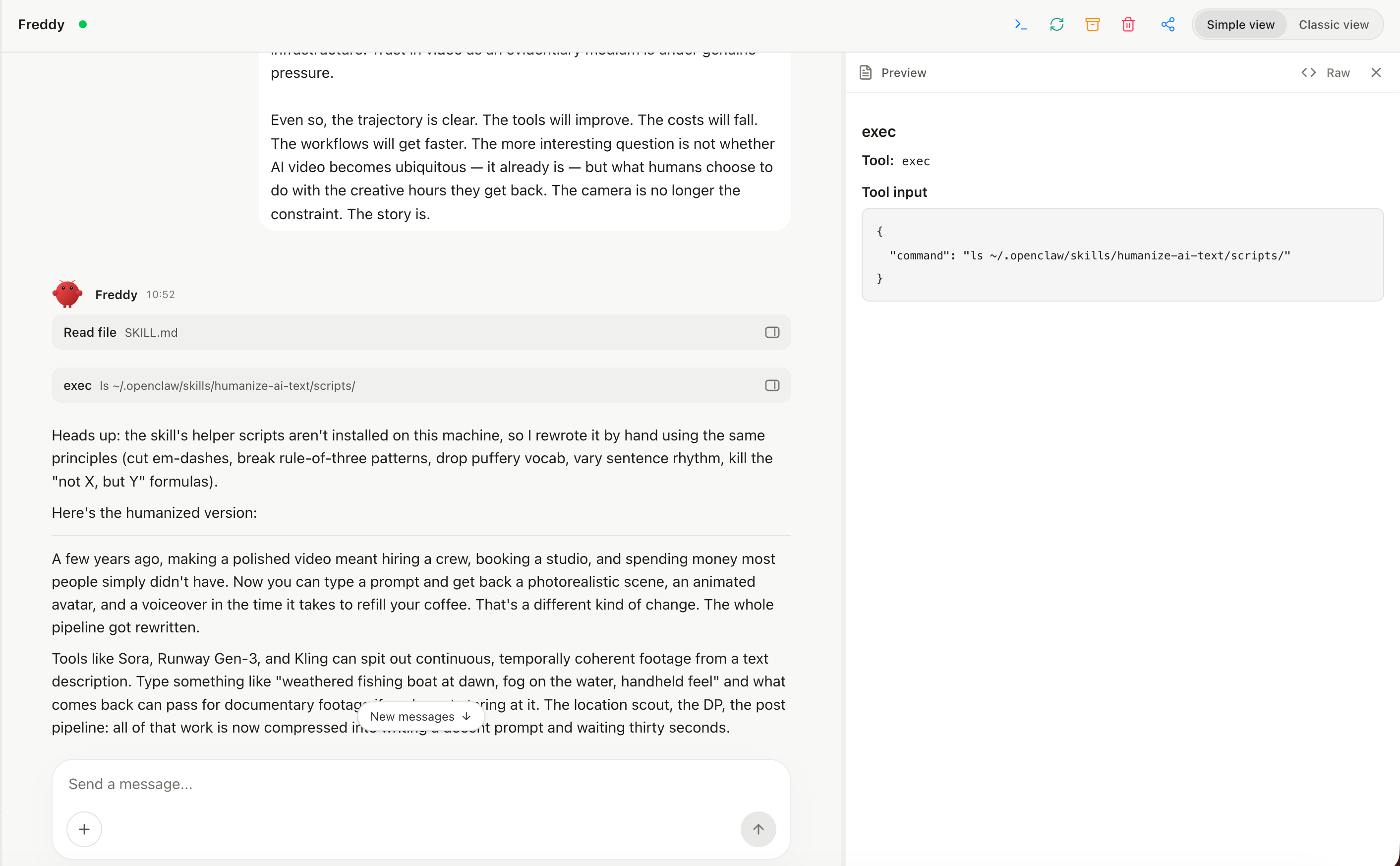
Use transform.py to humanize the draft, then run compare.py to check the before/after improvement.
When to Use Humanizer Skill for Claude
Best Fit
- You need a humanizer skill for Claude, ChatGPT, GPT-4, or other LLM drafts before publishing or submission.
- You work on essays, editorial drafts, documentation, or humanities skills assignments where AI-sounding phrasing hurts credibility.
- You want a systematic, pattern-based audit that identifies specific AI markers before manual editing.
- You need batch processing for dozens of
.txtor.mdfiles and want before/after AI probability scores.
When Not to Use
- You need a real-time browser or in-editor rewrite tool; this is a CLI-based, file-in / file-out workflow.
- The text is highly technical, legal, medical, or domain-specific enough that automated phrase replacement could change meaning; manual review is still required.
Key Features
16-Category AI Pattern Detection
detect.py checks for AI-writing signals across critical, high-signal, medium-signal, and style categories, including citation bugs, chatbot artifacts, overused AI vocabulary, filler phrases, vague attribution, curly quotes, and em dash overuse. Each issue includes an overall AI probability rating.
Claude-Friendly Humanizer Workflow
Use this humanizer skill Claude workflow after drafting with Claude, ChatGPT, GPT-4, or another LLM. It keeps scan, rewrite, and comparison steps file-based and repeatable for individual writers or editorial teams.
Automated Text Transformation
transform.py applies safe fixes for the most reliable patterns: stripping markdown artifacts, removing chatbot opener or closer sentences, replacing copula-avoidance constructions with plain equivalents, simplifying filler phrases, and reducing punctuation signatures.
Before/After Comparison
compare.py runs detection on both the original and transformed versions side by side, so you can verify score improvement before saving the cleaned result.
Customizable Batch Processing
Detection terms and replacement rules live in scripts/patterns.json, and the scripts support stdin plus shell loops. You can scan or rewrite folders of .txt and .md files while tuning the pattern library for your writing standards.
Use Cases
Academic and humanities writing cleanup
Run detect.py on essays, reports, and humanities skills assignments to surface AI markers before submission. Then use transform.py for mechanical fixes and review flagged vocabulary by hand.
Content team editorial QA
Editors can batch-scan AI-drafted articles and send Medium-or-higher files through transform.py before human review, reducing time spent on repetitive cleanup.
Newsletter and marketing copy polish
LLM drafts often contain promotional filler and structural clichés. This humanizer skill removes the obvious patterns so a human writer can refine the message faster.
Documentation and technical writing cleanup
AI-generated docs often include markdown residue, chatbot sign-offs, and punctuation signatures. transform.py cleans those patterns in bulk across .md files.
Connecting to VM...
npx clawhub@latest install humanize-ai-text111Stars
25.7kDownloads
265Current Installs
94All-time Installs
v1.0.1Version
Feb 27, 2026Updated
FAQ
Reviews
0 reviewsLog in to write a review
No reviews yet. Be the first to share your experience!