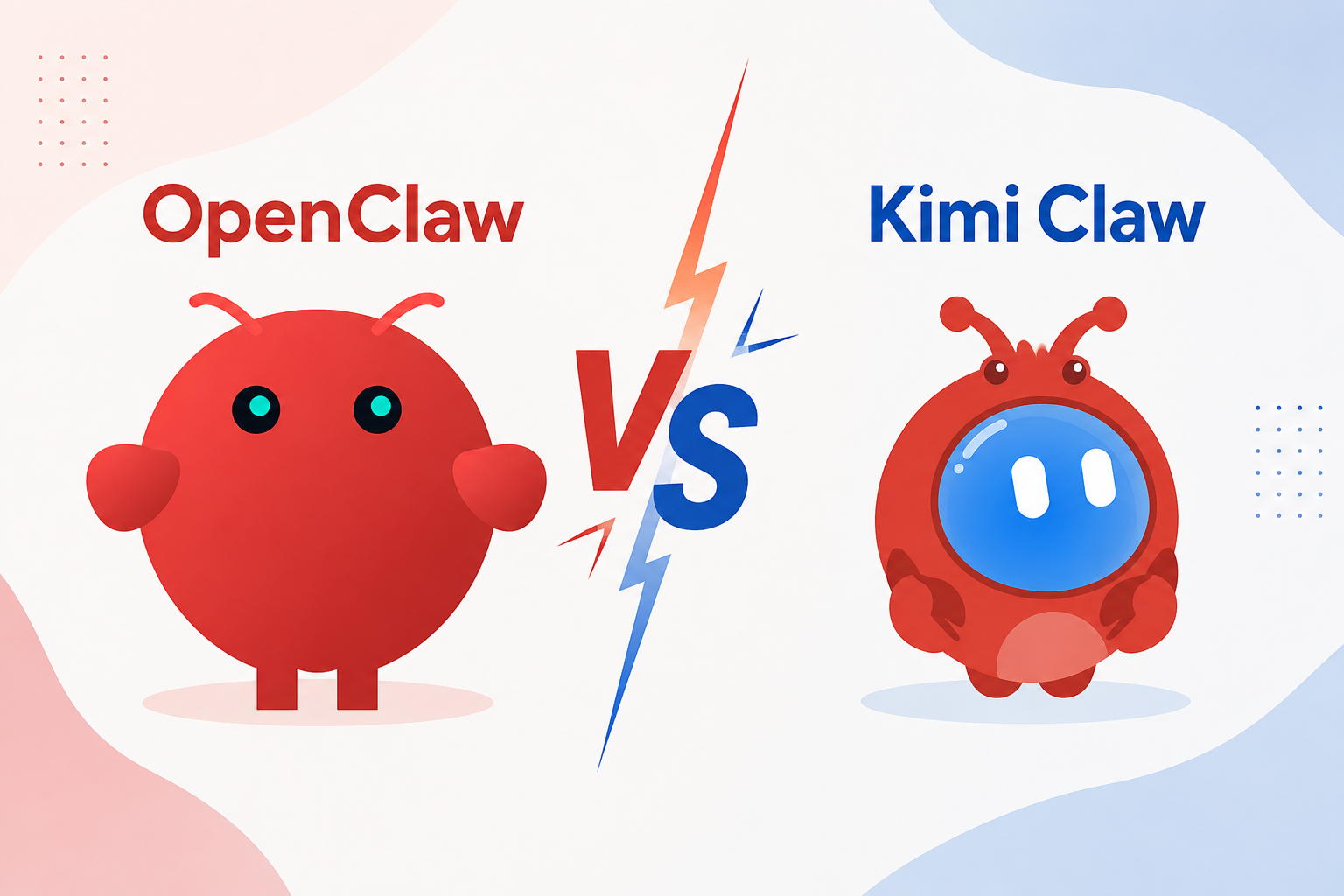
OpenClaw vs Kimi Claw: Which AI Agent Should You Choose in 2026?

By Emma Reed
MyClaw Editorial
MyClaw
Run Best-in-Class AI Agents Now
Run OpenClaw or Hermes Agent on managed MyClaw hosting, so your AI agent stays online, updated, and ready for real work.
AI Takeaway
- What is the main difference? OpenClaw is the open-source runtime you can run on a computer, server, or managed host. Kimi Claw is Kimi's managed deployment of that runtime.
- Which is easier to start? Kimi Claw. It handles deployment, configures a Kimi model, and removes most server work. OpenClaw takes more setup but gives you more control.
- Which offers more model freedom? OpenClaw. Kimi Claw defaults to K2.6 and provides a path to K3, while OpenClaw can use Kimi, Claude, GPT, Gemini, DeepSeek, local models, and many other providers.
- Which costs less? Cloud-hosted Kimi Claw requires the $39/month Allegretto plan and uses shared membership credits. OpenClaw is free software, but hosting, model usage, maintenance, and recovery still cost money.
- Which should you choose? Choose Kimi Claw for the quickest Kimi-based setup. Choose OpenClaw for provider choice, portability, and infrastructure control. Managed OpenClaw sits between the two when you want flexibility without server maintenance.
OpenClaw vs Kimi Claw at a Glance
Both options use OpenClaw to provide a persistent assistant with memory, tools, skills, and scheduled work. The difference is what comes preassembled and what remains under your control.
| Category | OpenClaw | Kimi Claw |
|---|---|---|
| Product type | Open-source agent runtime | Managed OpenClaw product from Kimi |
| Best for | Control, customization, and model choice | Fast setup and Kimi ecosystem users |
| Hosting | User-chosen: computer, VPS, server, or managed host | Kimi-managed cloud, with desktop and Android options |
| Setup | Configure models, channels, access, and security | Guided deployment with Kimi services connected |
| Models | Broad cloud and local model support | Kimi K2.6 by default; K3 available |
| Cost structure | Software is free; hosting and models are separate | Allegretto at $39/month or above; shared credits |
| Data control | Chosen and secured by you | Operated within Kimi's service |
| Main trade-off | More operating work | Less provider and infrastructure freedom |
Choose based on which limits still make sense after the agent becomes part of your daily work.
Kimi Claw Turns OpenClaw Into a Managed Product
OpenClaw Is the Runtime
OpenClaw provides the Gateway, workspace, memory, tools, skills, schedules, models, and messaging channels. You decide where it runs and what it can access.
That freedom creates a longer checklist. Credentials, updates, logs, backups, remote access, and recovery all need an owner. Installing OpenClaw is only the beginning of an assistant that must stay online. The software is free, but the machine, model calls, maintenance, and mistakes are not.
What Kimi Claw Adds
Kimi Claw is not a separate framework. It creates an OpenClaw instance inside Kimi's product. Kimi handles provisioning, membership benefits, web search, and browser access.
That removes infrastructure work while placing the agent inside Kimi's model, credit, and data rules. You can use Kimi's cloud, supported desktop or Android deployment, or link an existing OpenClaw. Linking your own instance is different from letting Kimi host it.
Using Kimi in OpenClaw Is Not the Same as Using Kimi Claw
OpenClaw can use a Moonshot API key and Kimi model without becoming Kimi Claw. You can run Kimi K3 while keeping broader channels, your preferred host, and the option to switch providers. The model supplies intelligence; the runtime and hosting determine how the agent operates.
The Differences That Matter in Daily Use
Setup, Uptime, and Maintenance
Kimi Claw has the cleaner start: no VPS and no separate model key for the default setup. OpenClaw may install quickly, but reliable operation is a different problem. A sleeping laptop cannot run an overnight report or respond consistently through Telegram.
An always-on setup needs a suitable host, private access, monitoring, updates, backups, and recovery. The best OpenClaw hosting options range from an existing computer to a VPS or managed service. A lightweight test can be cheap; daily browser work and multiple channels need more resources and attention.
Models, Channels, and Skills
Older comparisons call Kimi Claw a K2.5-only product. Kimi now documents K2.6 as the default and a path to K3. That simplicity narrows the model decision.
OpenClaw can use a lower-cost model for routine work and a stronger one for planning or coding. Fallbacks can keep schedules moving during an outage. Its channel and skill ecosystem is also wider, but each integration adds credentials, permissions, and another failure point.
Pricing and the Real Cost of an Agent
Cloud-hosted Kimi Claw is not free. It requires Allegretto at $39 per month or above. Kimi lets you link an OpenClaw instance you already operate without buying its cloud host, but that is a separate path. Kimi features share one credit pool, and a deployed cloud host consumes about 0.6% of membership credits each day while retaining its environment and data—even without an active task.
OpenClaw is free, but comparing $39 only with a cheap VPS creates a false bargain. Use:
Total cost = infrastructure + model usage + maintenance time + failed-task recovery
Existing hardware may keep a light assistant inexpensive. Browser-heavy work with premium models can cost more in API usage than hosting, while broken updates and failed backups add human cost. Migration belongs in the calculation too: a service that can restore an OpenClaw backup reduces the cost of moving an established workspace.
Privacy, Memory, and Portability
Self-hosted OpenClaw lets you choose where workspace state lives, but cloud models may still receive task context. Patching, secret storage, permissions, and network exposure remain your responsibility.
Kimi Claw handles the host, while the workspace stays inside its service. Active context resets daily at 4:00 AM; information written to long-term Memory survives. After membership expires, the instance remains for seven days before it may be reclaimed and deleted. A fuller export and backup experience is still developing.
Before committing to either route, confirm that you can export important files and understand what must be rebuilt if you move later. Portability is easy to ignore on day one and painful to discover after months of scheduled work.
Run OpenClaw 24/7 Without Managing the Server
There is a middle route between Kimi's packaged experience and operating a server alone. MyClaw runs OpenClaw in a private, isolated, always-on environment and handles deployment, platform updates, monitoring, and daily backups. You can use Kimi for suitable jobs and choose another supported model when the work changes.
MyClaw is independent managed hosting, not the official OpenClaw project or a local environment. Plans start at $19 per month; model usage is separate through your own key or MyClaw API.
Step 1: Launch Your Private OpenClaw
Choose your capacity and launch an isolated instance instead of configuring Node.js, ports, remote access, process managers, and backup jobs. Bring a supported backup if you already use OpenClaw.
Step 2: Pick a Model and Connect One Channel
Use Kimi for research or choose another model for coding, reasoning, or cost control. Connect Telegram, WhatsApp, email, or the browser with minimum permissions. One model, one channel, and one clear job are enough to start.
Step 3: Give It a Job Worth Keeping Online For
Try something concrete: “Every weekday at 8 AM, check my calendar and unread email, flag conflicts, and send a five-line priority brief to Telegram.”
Review early runs, tighten the instructions, and require approval for sensitive actions. Add another workflow only after the first is dependable. The value is work continuing after your laptop closes, not a long feature list.
Which One Should You Choose?
Choose Kimi Claw for the Fastest Managed Start
Kimi Claw suits an existing Kimi workflow and anyone who wants few infrastructure decisions. It fits personal research, scheduled summaries, and experiments where convenience matters more than provider freedom.
Check the shared credits, channels, retention, and migration path before committing. A deeper Kimi Claw review separates the appeal of quick setup from its long-term cost.
Choose OpenClaw for Control and Long-Term Flexibility
OpenClaw fits multiple providers, local inference, unusual integrations, inspectable files, customization, and portability. Self-host when owning infrastructure is part of the goal; choose managed hosting when it is not.
Define one task that must succeed, where its data may live, which model and channel it needs, and how much maintenance you will accept.
Conclusion: Kimi Claw for Convenience, OpenClaw for Control
The OpenClaw vs Kimi Claw decision is less about feature count and more about who controls the runtime, models, data, maintenance, and exit path. Kimi Claw offers the quickest route inside Kimi's ecosystem. OpenClaw offers more control and asks you to own more decisions.
Test one recurring workflow from start to finish. Count successful runs, human intervention, model spend, and recovery effort—not just setup time. If OpenClaw fits the work but infrastructure does not, an always-on MyClaw instance offers a practical middle path.
Skip the Setup, Run Best-in-Class AI Agents Now
Launch a managed OpenClaw or Hermes Agent workspace in minutes, with always-on hosting, updates, and support handled by MyClaw.