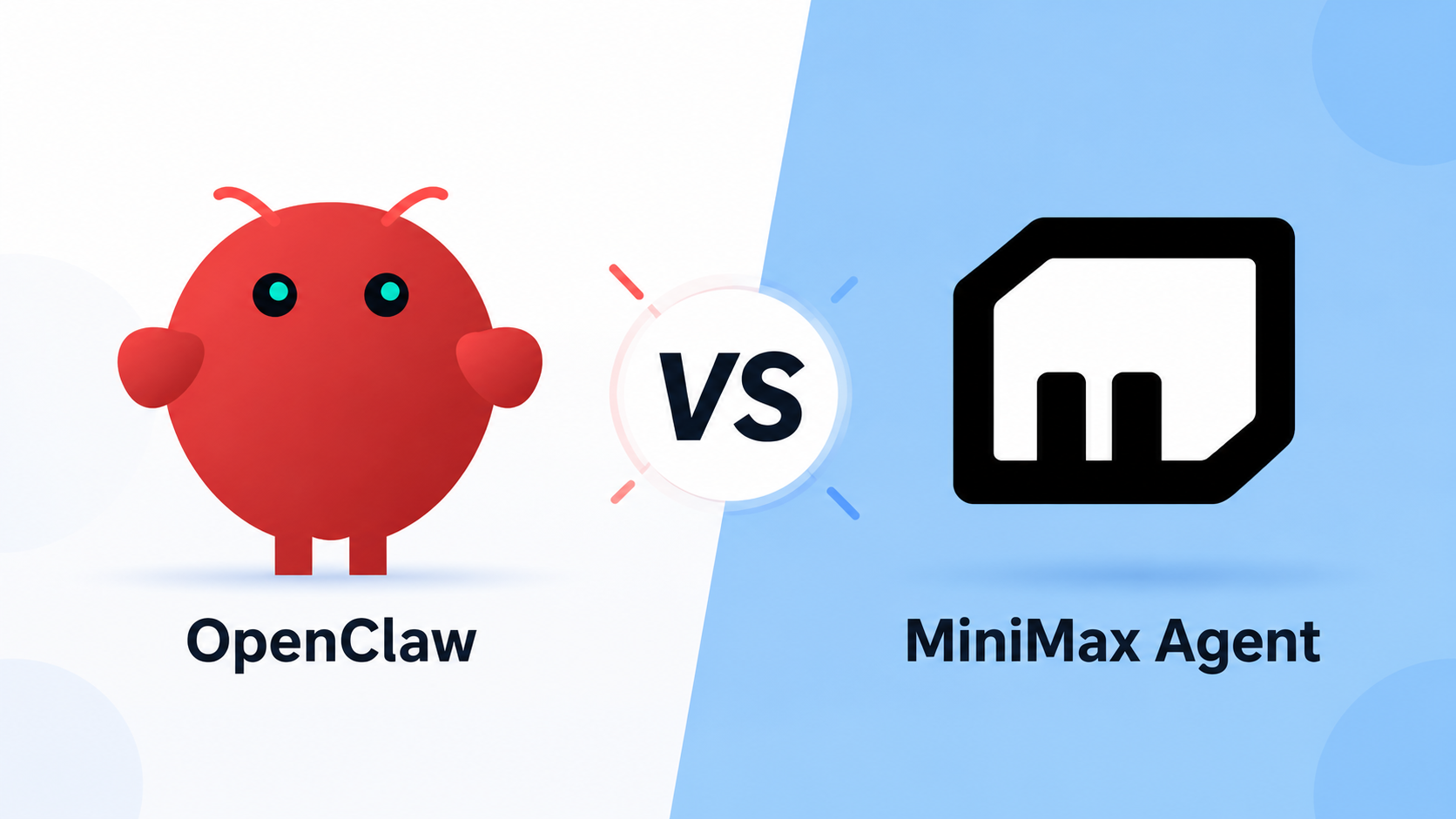
OpenClaw vs MiniMax Agent: Which AI Agent Should You Use in 2026?

By Nathan Cole
MyClaw Editorial
MyClaw
Run Best-in-Class AI Agents Now
Run OpenClaw or Hermes Agent on managed MyClaw hosting, so your AI agent stays online, updated, and ready for real work.
AI Takeaway
- What is the main difference? OpenClaw is an open-source agent runtime that can use models from many providers. MiniMax Agent is a ready-made desktop and web product; MiniMax Code is its desktop app, while Mavis is the name of its upgraded agent.
- Are they direct competitors? Only partly. Both can use tools, memory, and multi-step workflows, but they operate at different layers. MiniMax models can also power OpenClaw.
- Which is easier to start? MiniMax Agent removes more setup. Self-hosted OpenClaw gives you more control but needs a machine, model configuration, permissions, updates, and recovery.
- Which is more flexible? OpenClaw offers broader hosting, model, channel, and customization choices. MiniMax Agent provides a more guided workspace and built-in Agent Teams.
- Which should you choose? Pick OpenClaw for control and an extensible always-on assistant. Pick MiniMax Agent for a polished, ready-to-use workspace. Choose managed OpenClaw when you want flexibility without maintaining the server.
OpenClaw vs MiniMax Agent at a Glance
Both can browse, work with files, call tools, remember context, and complete multi-step tasks. The difference is what you receive on day one: OpenClaw gives you the runtime to configure, while MiniMax Agent gives you an arranged product experience.
| Category | OpenClaw | MiniMax Agent / MiniMax Code |
|---|---|---|
| Product type | Open-source agent runtime | Packaged desktop and web agent |
| Deployment | Computer, server, VPS, or managed host | MiniMax desktop and web experience |
| Model choice | MiniMax, Claude, GPT, Gemini, Kimi, local models, and more | MiniMax-managed models, MiniMax API key, or supported custom providers |
| Always-on work | Yes, if the chosen host stays online | Desktop schedules depend on the app and computer remaining awake |
| Customization | Source-level control, skills, plugins, routing, and failover | Skills, memory, custom agents, modes, and Agent Teams |
| Maintenance | You or your hosting provider owns it | MiniMax maintains the product; you manage local permissions and access |
| Cost structure | Free software plus hosting, model use, and maintenance | Subscription or Token Plan credits with usage limits |
Choose MiniMax Agent when speed and a guided setup matter most. Choose OpenClaw when the environment needs to follow your own rules.
OpenClaw and MiniMax Agent Solve Different Layers
OpenClaw Is the Runtime
At its core, OpenClaw supplies the gateway, workspace, memory, tools, schedules, model routing, and messaging connections. It can run on a laptop, server, VPS, or managed host and switch models as the job changes. Its skills ecosystem can extend one assistant into research, documents, browser work, development, and operations.
The appeal is ownership: you decide where it runs, what it can see, and which providers it calls. The trade-off is responsibility for credentials, updates, backups, logs, network access, and recovery.
MiniMax Agent Is the Finished Workspace
MiniMax Agent is the broader product. Mavis is the name MiniMax uses for its upgraded agent, while MiniMax Code refers to the current desktop app. Behind the naming, the idea is consistent: a guided workspace with files, terminal sessions, browser previews, memory, scheduled work, custom agents, and Agent Teams.
It works well when you want to begin without designing an agent stack first. Attach a local project, review changes, or split a larger task across planning, execution, and verification. The product makes more decisions for you, which means fewer choices during setup.

MaxClaw Is a Separate Product
MaxClaw is MiniMax's hosted OpenClaw offering, not another name for MiniMax Agent or MiniMax Code. In short: OpenClaw is the framework, MiniMax Agent is the broader product, MiniMax models supply the intelligence, and MaxClaw packages the framework inside MiniMax's cloud.
The Differences You Notice After the First Day
Setup, Uptime, and Maintenance
MiniMax Agent has the cleaner beginning: open the product, choose a mode, and give it a task. A self-hosted OpenClaw setup needs a host, model provider, permissions, and at least one channel. The OpenClaw installation guide covers the first launch, but reliable operation goes further.
A local instance stops when its machine sleeps, making it a poor fit for overnight monitoring or time-sensitive messages. MiniMax Code's desktop schedules also depend on the app and computer staying awake. “Scheduled” and “always on” are not the same promise.
Models, Tools, and Multimodal Work
MiniMax is not limited to text inside OpenClaw. The current integration supports MiniMax M3 and M2.7 alongside image understanding, image generation, video, music, speech, and web search.
MiniMax M3 is the newer option for long-context reasoning, coding, tool use, and multimodal input. M2.7 remains useful for established and speed-sensitive workflows. MiniMax Agent puts more of this stack behind one interface; OpenClaw makes the pieces easier to combine with other providers.
Skills, Channels, Memory, and Agent Teams
OpenClaw is strong when an assistant needs to live inside messaging channels and connect many tools. Skills adapt it to specific jobs, while model routing and fallbacks help recurring work continue when one provider is unavailable.
MiniMax Agent emphasizes the desktop workspace and coordinated Agent Teams. OpenClaw can also coordinate specialists; an OpenClaw multi-agent setup can give each role separate instructions, tools, and memory. Start with one measurable job, then add another agent only when the handoff improves the result.
Cost, Privacy, and Exit Options
Neither option has one all-inclusive price. A more honest comparison is:
Total cost = subscription or model usage + hosting + maintenance time + failed-task recovery
Self-hosted OpenClaw gives you control over the machine, while cloud models may still receive task context. You also own patches, secrets, network exposure, backups, and access policies. MiniMax Agent reduces infrastructure work, but subscriptions, credits, permissions, and product rules still matter.
Check what can be exported and what must be rebuilt after moving. A tested OpenClaw backup and restore process is more useful than assuming migration will be easy later.
You Can Run OpenClaw With MiniMax
Choosing OpenClaw does not mean giving up MiniMax. It supports MiniMax through OAuth with a Token Plan or an API key. M3 can handle primary reasoning, while M2.7 variants remain available for established or speed-sensitive work.
It helps to separate three decisions:
- Runtime: OpenClaw or MiniMax Agent.
- Model: MiniMax M3, Claude, GPT, Kimi, or another provider.
- Host: A laptop, private server, VPS, or managed platform.
For example, run the assistant on a private host, use MiniMax for daily research, and route a difficult coding review elsewhere. Memory, tools, channels, and schedules stay together even when the model changes.
Keep OpenClaw Online Without Running the Server Yourself
If OpenClaw fits the work but server maintenance does not, MyClaw provides a private, isolated environment while handling deployment, platform updates, monitoring, and daily backups. MiniMax can power suitable tasks, with other supported models available when the work changes.
MyClaw is managed hosting, not a new foundation model or the official OpenClaw project. The practical benefit is simple: the agent stays available without turning server maintenance into a second project.
Step 1: Launch Your Private OpenClaw
Choose your capacity and start an isolated instance without configuring ports, process managers, remote access, or backup jobs. If you already use OpenClaw, decide which files, memory, and skills should move.
Step 2: Pick MiniMax and Connect One Channel
Use MiniMax for fast, cost-aware work, or select another model for a different balance of reasoning, coding, context, or price. Connect one channel and grant only the permissions the job needs.
Step 3: Give It a Job Worth Keeping Online For
Start with something concrete: “Every weekday at 8 AM, review my calendar and unread email, flag conflicts, and send a five-line brief to Telegram.” Review early runs and require approval for sensitive actions before adding another workflow.
Which AI Agent Should You Choose?
Choose OpenClaw for Control and Portability
OpenClaw is the stronger choice when you want broad model support, unusual integrations, messaging-first access, private infrastructure, inspectable configuration, or the freedom to move hosts later. It rewards technical ownership and becomes more valuable as your workflows become specific.
Choose MiniMax Agent for a Guided Workspace
MiniMax Agent is the more direct choice when you want a polished desktop environment, project context, visible terminal and browser activity, MiniMax's multimodal tools, and built-in Agent Teams. It removes setup decisions and keeps the experience inside one product.
Choose Managed OpenClaw for Flexibility Without Maintenance
A managed setup makes sense when the framework fits the work but running a server does not. You keep the broader model and skills ecosystem while someone else handles uptime, updates, monitoring, and recovery.
Conclusion: Choose the Runtime First, Then the Model
The OpenClaw vs MiniMax Agent decision is mainly about runtime ownership and product experience. One offers control, portability, and a broad ecosystem; the other offers a guided workspace with MiniMax's models and Agent Teams close at hand. Because MiniMax can also run inside OpenClaw, the choice does not have to be exclusive.
Test one recurring job from start to finish. Count successful runs, human intervention, total spend, and recovery effort. The best setup is the one that keeps completing useful work after the first-day excitement wears off.
Skip the Setup, Run Best-in-Class AI Agents Now
Launch a managed OpenClaw or Hermes Agent workspace in minutes, with always-on hosting, updates, and support handled by MyClaw.