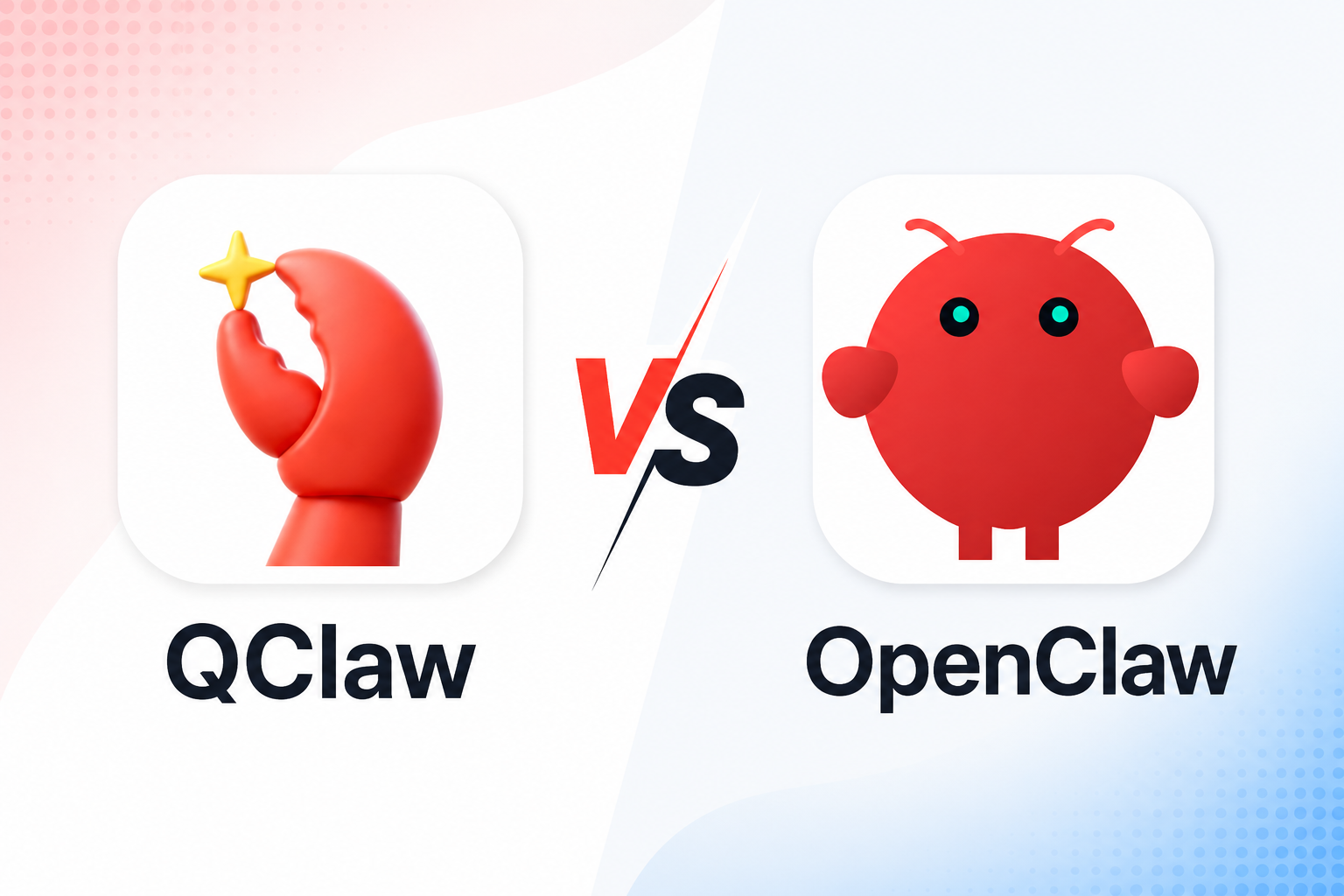
QClaw vs OpenClaw: Which AI Agent Should You Choose in 2026?

By Julian Brooks
MyClaw Editorial
MyClaw
Run Best-in-Class AI Agents Now
Run OpenClaw or Hermes Agent on managed MyClaw hosting, so your AI agent stays online, updated, and ready for real work.
AI Takeaway
- Are QClaw and OpenClaw the same product? No. OpenClaw is the open-source framework underneath; Tencent QClaw is a packaged desktop product built on its ecosystem.
- Which is easier to start? QClaw. It packages installation, model access, messaging connections, and safety controls into a guided Windows or macOS app.
- Which gives you more control? OpenClaw. You choose where it runs, which models and channels it uses, and how its workspace is maintained.
- Does the computer need to stay on? QClaw works through the local computer, so that machine must remain powered and online. OpenClaw has the same limitation when installed locally, but it can also run on an always-on server.
- Which should you choose? Pick QClaw for a fast local assistant. Pick OpenClaw for customization and portability. Managed OpenClaw offers that flexibility without making you maintain the server.
QClaw vs OpenClaw at a Glance
The biggest difference is who packages and operates the system. QClaw turns OpenClaw into a guided Tencent desktop experience. OpenClaw gives you the runtime and leaves the deployment decisions to you.
| Category | QClaw | OpenClaw |
|---|---|---|
| Product type | Tencent desktop product built on OpenClaw | Open-source agent framework and Gateway |
| Best for | Quick local setup and familiar messaging workflows | Customization, portability, and infrastructure choice |
| Platforms | Windows and macOS | Computer, server, VPS, or managed host |
| Uptime | Depends on the local computer | Depends on the host you choose |
| Channels | China edition emphasizes Tencent channels; international edition supports WhatsApp and Telegram | Broad official and plugin channel support |
| Models | Pre-integrated models plus custom API keys | Cloud, compatible, and local models |
| Data boundary | Primarily the local computer | Chosen by whoever deploys it |
| Ongoing maintenance | Packaged by Tencent | Handled by you or a hosting provider |
QClaw Packages OpenClaw for the Desktop
OpenClaw Is the Runtime
OpenClaw provides the Gateway, memory, tools, schedules, Skills, models, and messaging channels. It can run on a computer or an always-on server. An OpenClaw installation guide covers the first setup, but installation is only one part of a dependable agent.
Because it is open source, you can customize the agent, choose where its files live, and change providers. You also decide who owns credentials, updates, backups, and recovery.
QClaw Adds a Guided Tencent Experience
QClaw removes much of that configuration. Download the app, sign in, and connect a messaging channel. Built-in models, SkillHub, and the Claw Gateway security layer shorten the path to a useful task.
Its strongest use case is remote desktop work. A phone message can tell the computer to find a file, edit a document, use the browser, or repeat a process.
QClaw is no longer simply China-only and WeChat-only. The China edition centers on domestic workflows, while QClaw International has added WhatsApp, Telegram, international models, and custom API keys.
OpenClaw itself is open source. QClaw uses that ecosystem, but the complete Tencent product is not identical to the upstream project. Its client, bundled services, updates, and export options follow Tencent's rules. Here, QClaw means Tencent QClaw, not the unrelated QuantumClaw project.
The Differences That Matter in Daily Use
Setup, Uptime, and Maintenance
QClaw has the cleaner first day. Downloading an app and scanning a code is easier than configuring a runtime, remote access, channel credentials, and crash recovery.
QClaw works on the local machine, so the computer must remain awake and connected. A local OpenClaw installation has the same limit: close the laptop and scheduled work stops.
Moving OpenClaw to a server solves that problem but adds operational work. These OpenClaw hosting options help compare existing hardware, a VPS, and a managed environment.
Channels, Models, and Skills
QClaw offers a curated path. Its domestic edition fits Tencent-centered communication, while the international edition covers common global channels. Pre-integrated models simplify the start, while custom API keys add choice.
OpenClaw supports many cloud providers, compatible endpoints, and local model services. You can use a low-cost model for summaries, a stronger one for planning, and another for coding. The AI model directory compares options by capability and agent workflow.
QClaw gives Skills a more guided installation experience. OpenClaw offers a broader community ecosystem and more freedom to modify or create them. Quality varies, so a tested list of OpenClaw Skills for real workflows is more useful than installing everything available.
Each model, Skill, and channel also adds credentials, permissions, and another place where a task can fail.
Customization and Portability
QClaw works best when its defaults match your computer, messaging app, and daily tasks. In return for that convenience, more of the experience depends on Tencent's product decisions.
OpenClaw better suits unusual integrations, multiple agents, custom memory, provider switching, and workflows that may move between machines. A tested OpenClaw backup and restore process protects accumulated instructions and scheduled work.
Ask whether the setup could survive a change of model provider, messaging app, or host next year. If the answer matters, portability deserves as much attention as setup speed.
Price, Privacy, and Security Need More Than a Yes or No
Free Software and Free Beta Are Different
OpenClaw is free software, but running it can involve a host, model usage, electricity, backups, maintenance, and recovery.
QClaw has included model usage during public testing, but allowances have changed and future pricing may differ by market. Check the current app instead of relying on an older token figure.
A more honest comparison is:
Total cost = product or infrastructure + model usage + maintenance time + recovery
QClaw may be inexpensive for light desktop work. For an hourly workflow, keeping a computer online can outweigh the initial saving.
Local Data Does Not Mean Zero Risk
QClaw's local execution is useful for desktop files and applications, but it gives the agent meaningful access to a personal computer. A mistaken instruction, unsafe Skill, or malicious content can affect files and accounts.
Self-hosted OpenClaw lets you choose data location and permissions, but patching, secrets, network exposure, and Skill review become your responsibility. A cloud model may still receive relevant task context.

Neither option is universally safer. Compare the trust boundary: your everyday computer, your server, or an isolated managed environment. Use narrow credentials and approval steps before sending, publishing, deleting, or purchasing.
Which One Should You Choose?
Choose QClaw for a Fast Local Start
QClaw is a strong fit if you use Windows or macOS, want desktop automation without a technical installation, and already work through its supported messaging channels. It is especially attractive for finding local files, processing office documents, and triggering computer tasks from a phone.
Choose it because the local product fits your routine, not only because a public-beta allowance is currently generous.
Choose OpenClaw for Control and Flexibility
OpenClaw is the stronger choice when you want multiple model providers, wider channel support, custom Skills, inspectable configuration, or the option to move the workspace later. It also makes more sense when the agent must run on a server rather than depend on one desktop computer.
Full control includes operating responsibility. If maintaining the host is not part of the project, OpenClaw can still be the right runtime with a different deployment choice.
Run OpenClaw 24/7 Without Keeping a Computer On
There is a middle path between QClaw's packaged desktop experience and maintaining an OpenClaw server alone. MyClaw runs OpenClaw in a private, isolated cloud environment and handles deployment, supported updates, uptime, and daily backups. You keep OpenClaw's model, Skill, and channel flexibility without leaving a computer awake or turning server maintenance into a second job.
You still choose the model, accounts, and permissions. The difference is that the runtime already has a dependable place to work.
Step 1: Launch Your Private OpenClaw
Choose your capacity and start an isolated instance without configuring Node.js, Docker, public ports, process managers, or backup jobs. Your OpenClaw is already awake.
Step 2: Connect One Model and One Channel
Choose a supported model, then connect Telegram, WhatsApp, email, or the web dashboard. Start with minimum permissions so the first workflow is easy to verify.
Step 3: Give It a Job Worth Staying Online For
Try a task with a visible result: “Every weekday at 8 AM, check these five competitors, cite what changed, and send me a five-line brief in Telegram.”
Review the first runs, tighten the instructions, and require approval for sensitive actions. Once reliable, it can continue after your laptop closes.
Conclusion: Choose the Runtime You Can Keep Running
The QClaw vs OpenClaw decision comes down to convenience versus control. QClaw is the easier local package; OpenClaw offers a broader ecosystem and more portability. Compare the task, uptime, data boundary, channels, model choice, and maintenance owner. If OpenClaw fits the work but running the host does not, managed hosting gives it a dependable place to stay online.
Skip the Setup, Run Best-in-Class AI Agents Now
Launch a managed OpenClaw or Hermes Agent workspace in minutes, with always-on hosting, updates, and support handled by MyClaw.